2013-10-13

iOS7 Parallax True 3D Depth v1.0.2 APK


iOS7 Parallax True 3D (Multi-Depth edition) to its popular depth enhancing 3D live wallpapers!


iOS7 Parallax True 3D Depth play.google.com.ios7parallaxmulti
Our latest one is truly 3 dimensional (hence the name). This brand new LWP has an enhanced multi-depth engine that creates an amazingly magical and immersive experience on your device. You don't need those crazy 3D goggles to enjoy this, trust me!

Packed with catchy theme based wallpapers, iOS7 Parallax True 3D will keep the 3D experience fresh on your phone for a long time. Choose from a variety pack of wallpapers with an easy to use settings page. Each week we will try and add new themes to this unique and engaging True 3D experience. The current pack features 6 gripping wallpapers and each of these have a character and a story to tell.
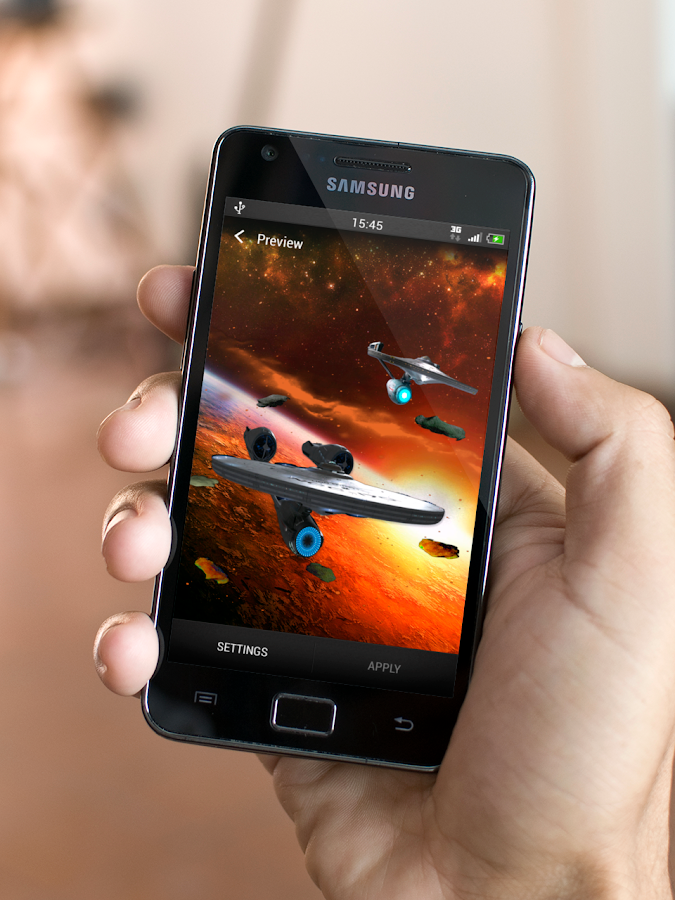
  • USS Enterprise (for all you trekies)
  • Fall (an amazing LWP with multi-depth falling autumn leaves)
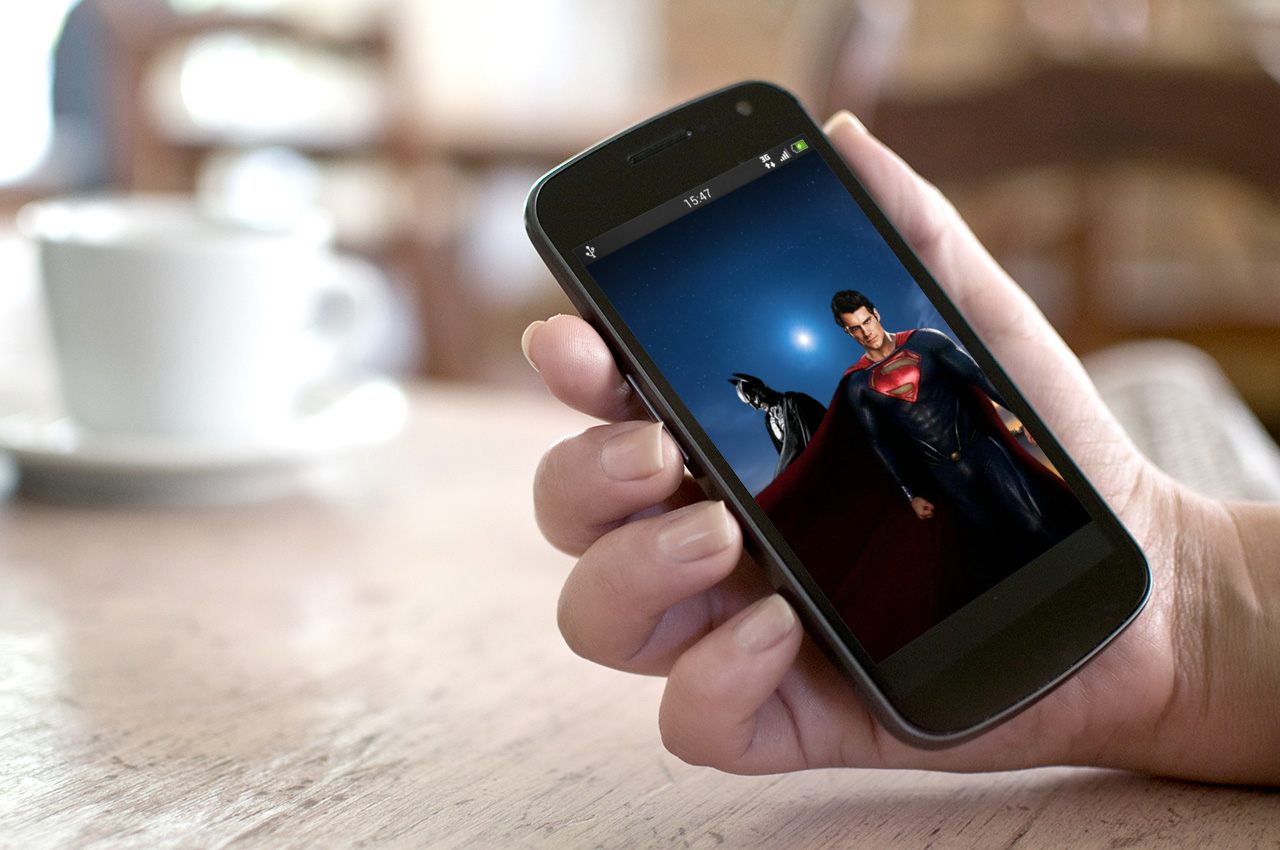
  • Superman vs Batman (in anticipation of the next blockbuster)
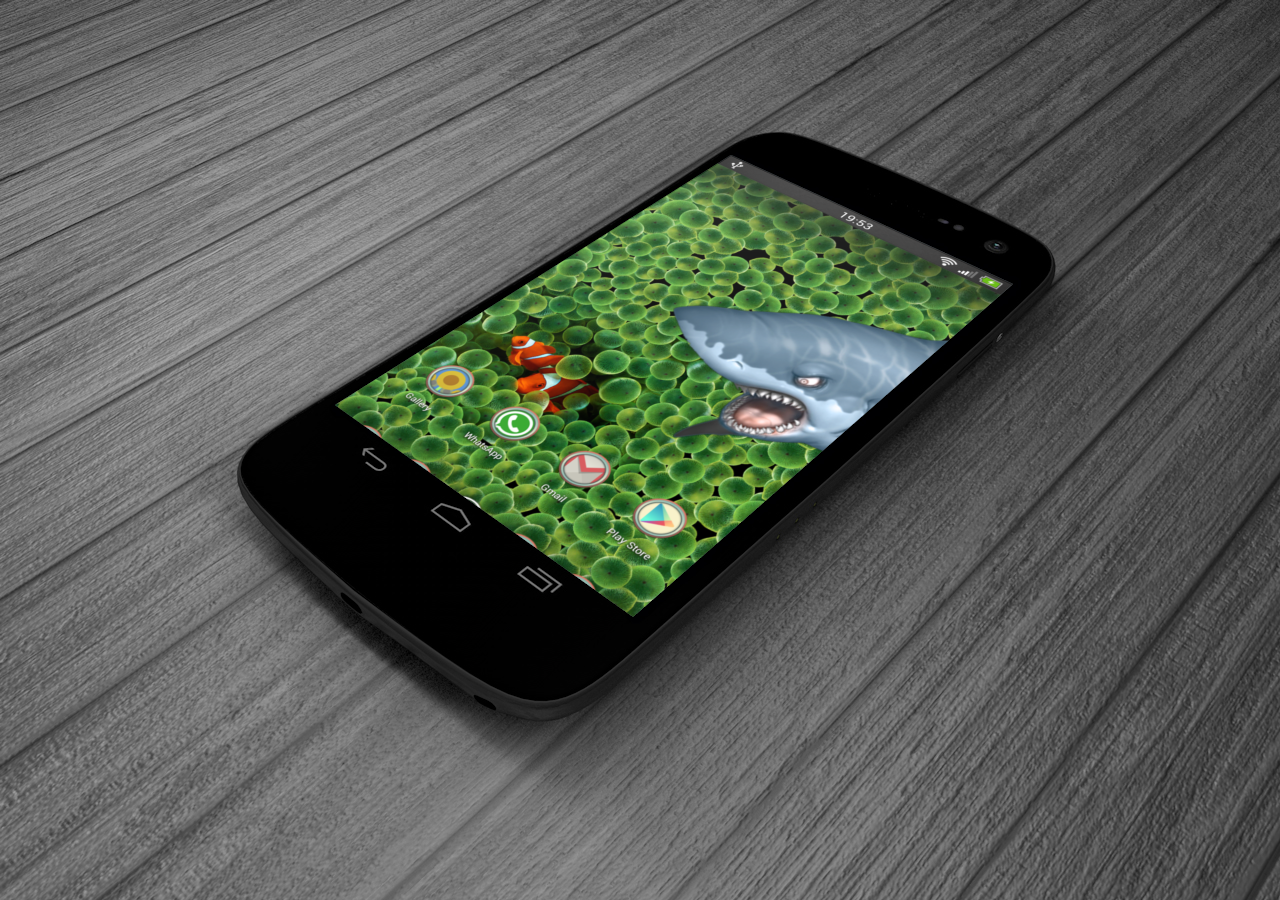
  • Parallax Anomaly (a spoofy shark trying to bite the iOS clown fish)
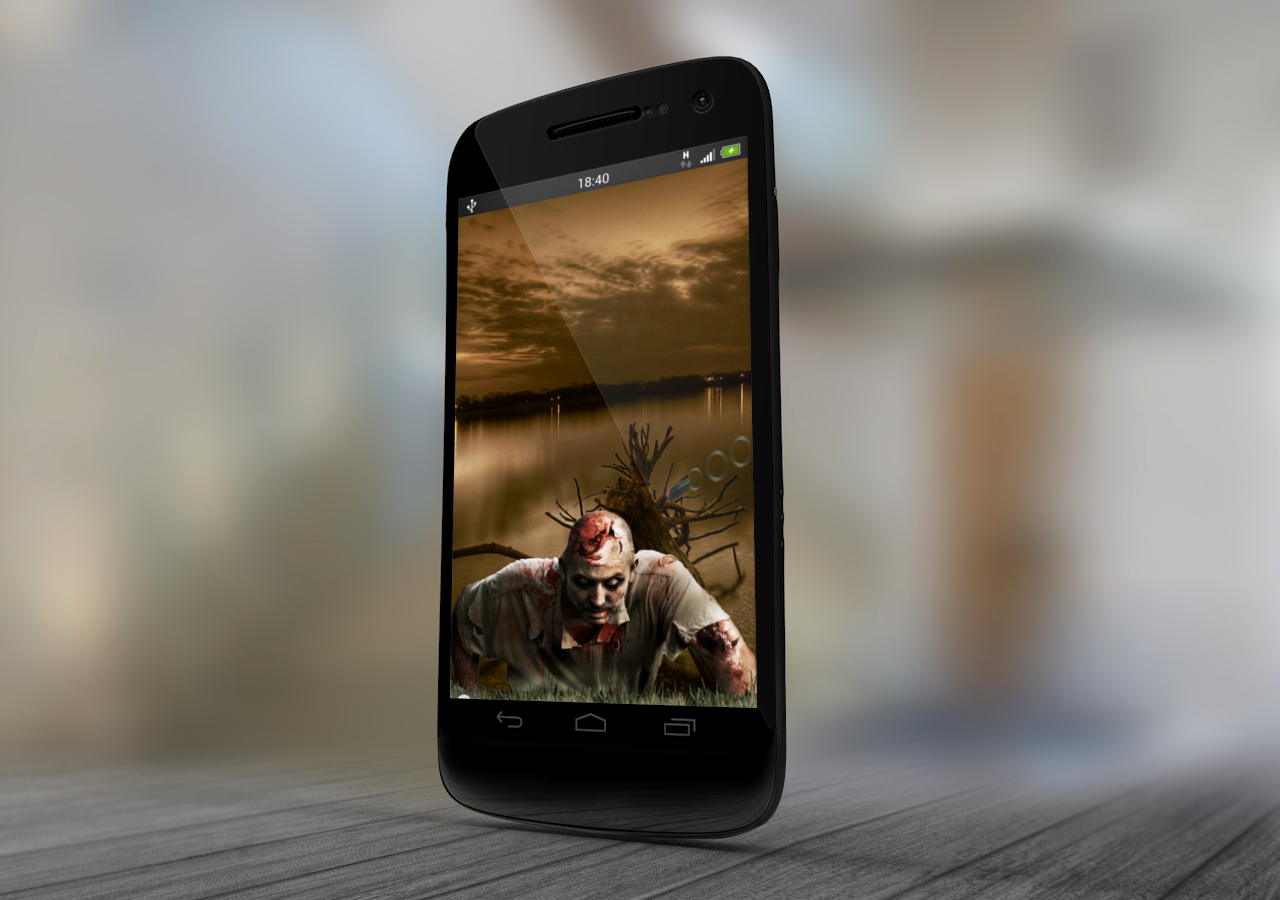
  • Zombie Crawl (for those waiting for the zombie apocalypse)
  • **NEW** NFL (Football season is here)
  • **NEW** Halloween Kitty
iOS7 Parallax True 3D is not a standalone app, but is a Live Wallpaper for your Android home screen. The realistic multiple objects and props and their 3D effect against a moving backdrop + object combo will bring alive your home page, enjoy the best of iOS 7's Parallax-feel with our live wallpaper right on your mobile and tablet device. As always, a lot of care has been taken to ensure optimal performance without draining your battery and avoiding unnecessary memory leaks.

Features:
  • Enhanced True 3D (multi-object + multi-depth) 3D experience on your LWP
  • Floating props that have their own physics on the gyro/accelerometer
  • Realistic iOS 7 like immersive parallax experience
  • Ability to adjust and configure the parallax tilt effect
  • Save battery by switching to low performance mode
  • Easily switch X & Y axes (for devices that have them reversed)
  •  Enhance performance by switching to low image buffer mode
  • No 3D glasses required (bah!)
What's in this version : (Updated : Oct 13, 2013)
  • New 3D Wallpaper: Halloween Kitty
  • Optimizations
Required Android O/S : 2.3+

Screenshots :
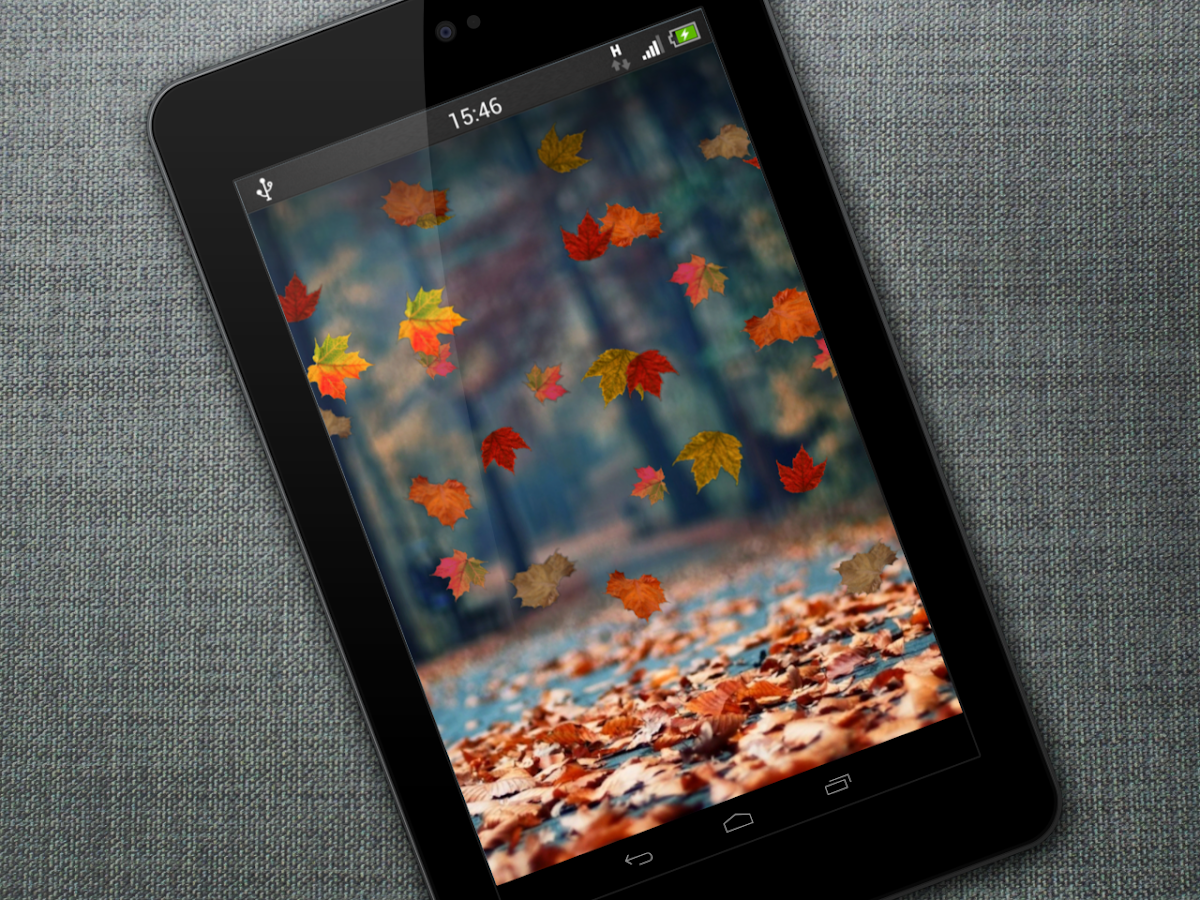
iOS7 Parallax True 3D Depth - screenshot

Download : 11Mb APK

Next Launcher 3D v2.05 APK


Next Launcher, designed by GO Dev Team, is officially released now!


Next Launcher 3D play.google.com.nextlauncher
Next Launcher is a new launcher application which is full of glorious 3D elements and dynamic effects. Fancy 3D visual elements, gorgeous transition effects and humanized gestures bring you a unique and splendid operation experience and visual enjoyment.

Features:
  • Various operation for icons: icons support rotation, reset, select, align and so on. Operation is easy and fantastic.
  • Unlimited screen layout: placing icons or widgets randomly which forms your own home screen.
  • Stereoscopic screen preview: lots of screen display effects, dazzling animation of screen switching about adding or deleting screen.
  • Quick screen management: adding different kinds of elements in screen edit including application icons, folders and widgets. It’ll support changing wallpapers and themes soon.
  • Rotatable dock: inverting upward or downward the Dock can quickly switch among home screen, screen edit and screen preview.
  • Powerful app drawer: icons can be arranged by names or by time, and folders can be created by overlaying icons. Batch mode and operation of adding apps to screen are also available. 
  • Beautiful scrolling effects: a variety of app drawer scrolling effects that provide a distinctive screen switching experience.
  • Fancy 3D widgets: 3D widgets that are based on Next Launcher are coming soon!
Tips:
  • Please make sure your device has installed Google Play.
  • Phone performance:Android 2.3.3 and up; Dual-core models is better.
  • Suggestion:Watch the video of Next Launcher first, to know about the cool operation of the product.
  • Notice: We suggest users which use Galaxy Nexus don't remove the Menu icon.
What's in this version: (Updated : Oct 12, 2013)
  • (New) 3D mode themes (3D mode -> Menu-> Theme)
  • (Improved) More fluid and more smooth for the operation
  • (Fixed) Some FC bugs
Required Android O/S : 2.2+

Screenshots :


Download : 10.5Mb APK

M&M Clash of Heroes v1.2 APK


The award-winning Puzzle-RPG is now remastered and optimized for Android devices!


Might & Magic Clash of Heroes play.google.com.clashofheroes
The award-winning Puzzle-RPG is now remastered and optimized for Android devices!
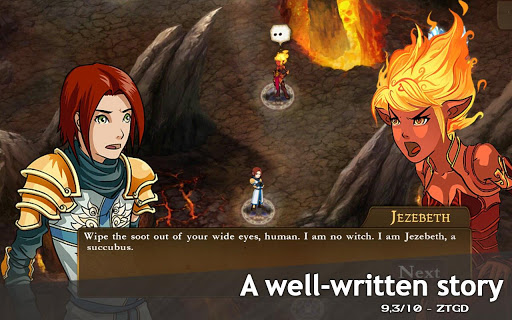
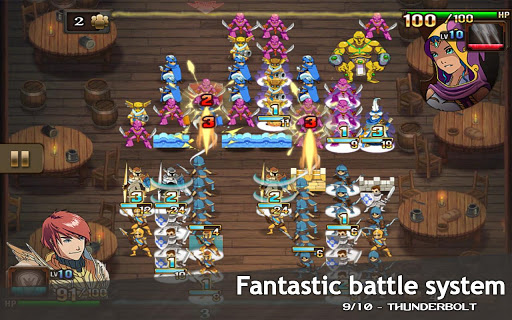
Live the epic adventure of 5 young Heroes leading their armies to save the world of Might & Magic.
DISCOVER A UNIQUE MIX OF RPG AND PUZZLE BATTLE MECHANICS
  • Create offensive or defensive unit formations, master advanced combos and build up the right strategy to beat your enemies.
  • Master, earn and hire more than 10 heroes, 40 units and 50 artifacts to create the ultimate army combination. 
  • Overcome various challenges: enemy heroes, special challenges, Boss fights or riddle battles.
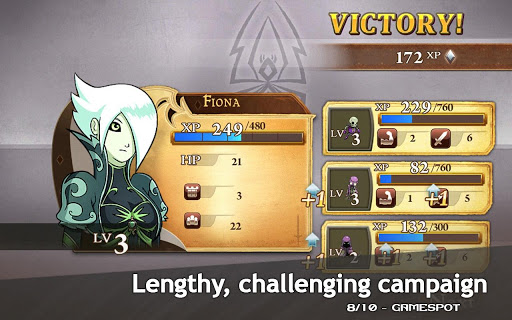
  • After each battle, earn XP and level up your hero and units to become more powerful.
  • Experience smooth touch-based controls.
LIVE AN EPIC ADVENTURE
  • Play through a 20+ hours campaign in 5 different settings.
  • Explore vibrant and highly detailed maps full of knights, elves, wizards, necromancers and demons and interact with a unique manga-inspired environment.
  • Enjoy the rich Might & Magic graphics and music on your Android device, all in HD!
  • Challenge one of your friends to continue the adventure in the Face-to-Face and Pass & Play modes.
Required Android O/S : 2.3+

Screenshots :

Download : 353Mb (APK+OBB)
 

SquareHome beyond Windows 8 [Full] v1.2.8 APK


Enjoy the usability and beauty beyond Windows 8!


SquareHome beyond Windows 8 play.google.com.squarehome
'SquareHome' is a new launcher application with Windows 8 styles.
Enjoy the usability and beauty beyond Windows 8.

You can use the following features very intuitively with 'SquareHome'.
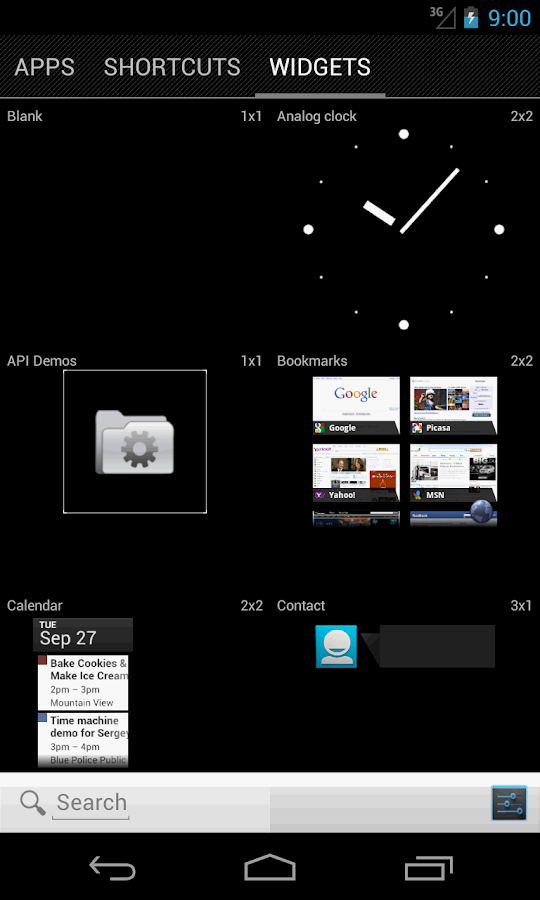
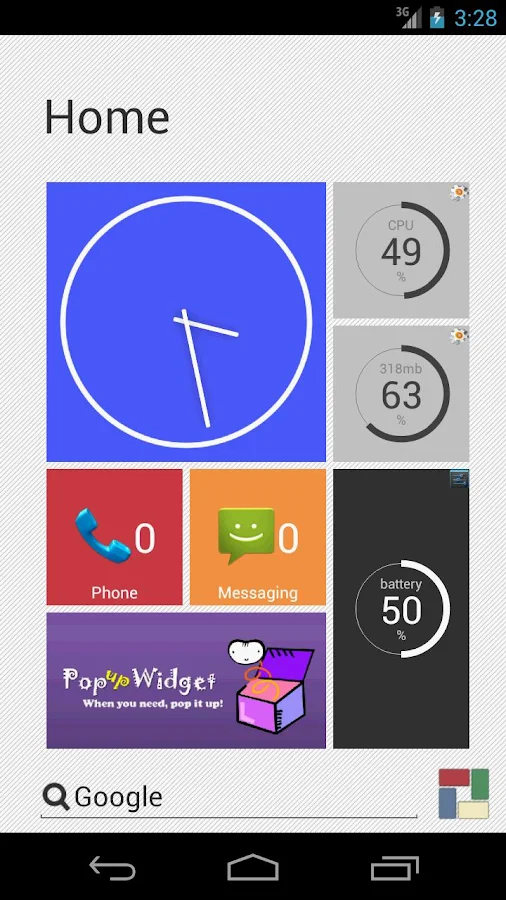
  • create a tile by dragging an application, shortcut or widget.
  • resize the tile by dragging right-bottom corner.
  • control the size of widget in a tile by clicking the centeral button when resizing it.
  • change the style and form of a tile.
  • so many forms are supported: auto image, custom image, CPU load, available memory, battery level, missed calls, unread messages, unread Gmails, date/time...
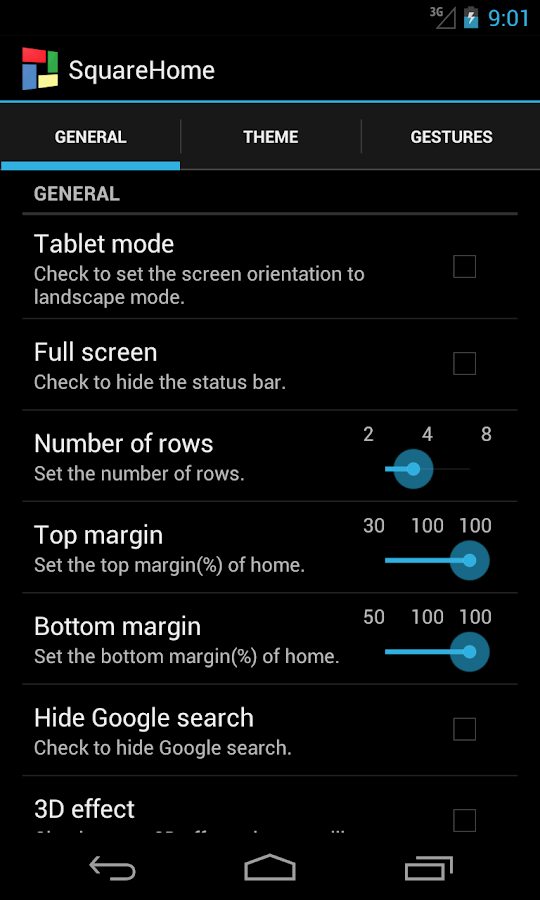
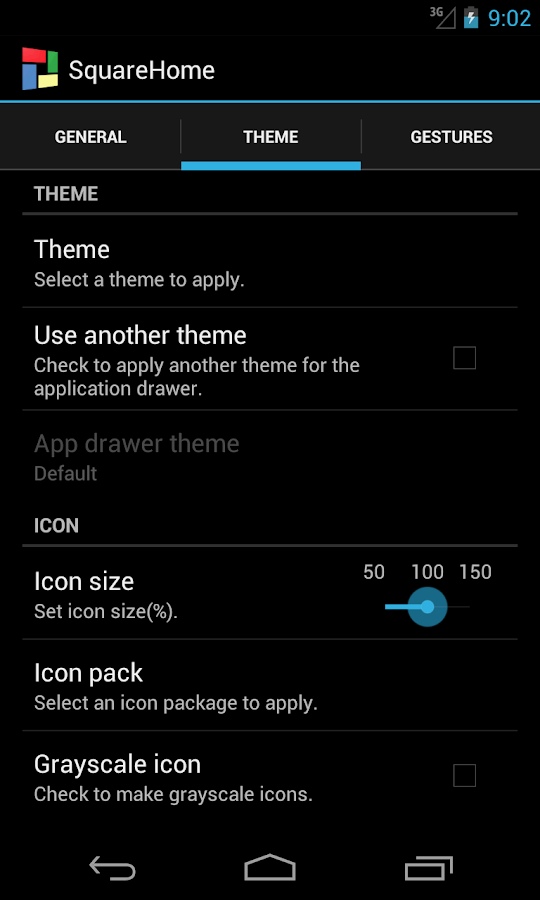
  • apply a theme or icon pack easily.
  • make group of tiles and set the group label by tapping the header of it.
  • create a folder by dragging the group header.
  • easy search for applications, shortcuts and widgets.
  • hide useless applications.
  • assign behaviors to many gestures.
  • other many intuitive features.
What's in this version : (Updated : Oct 12, 2013)
  • changed app launching animation (when 'tile animation' is on in preferences)
  • a new tile form: current time
  • varying text size by tile size for some forms
  • removed from the recent apps list
  • extended 15 styles for tiles
  • fixed some bugs
Required Android O/S : 2.2+

Screenshots :
SquareHome beyond Windows 8 - screenshot SquareHome beyond Windows 8 - screenshot

Download : 480Kb APK

Scan - QR and Barcode Reader v2.0 APK


Scan is the fastest and most user-friendly QR reader and barcode scanner available!


Scan - QR and Barcode Reader play.google.com.scan
HOW THE APP WORKS
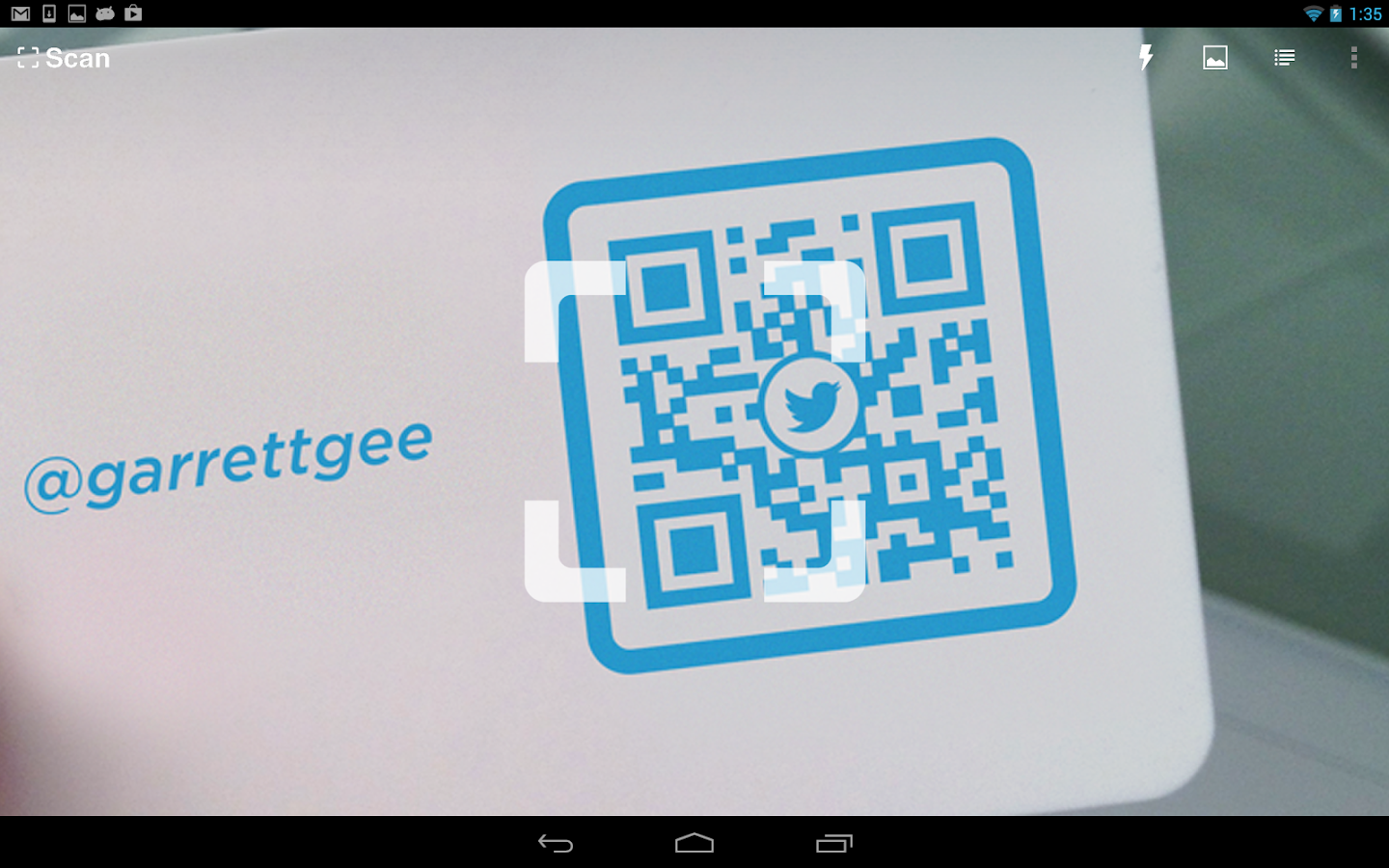
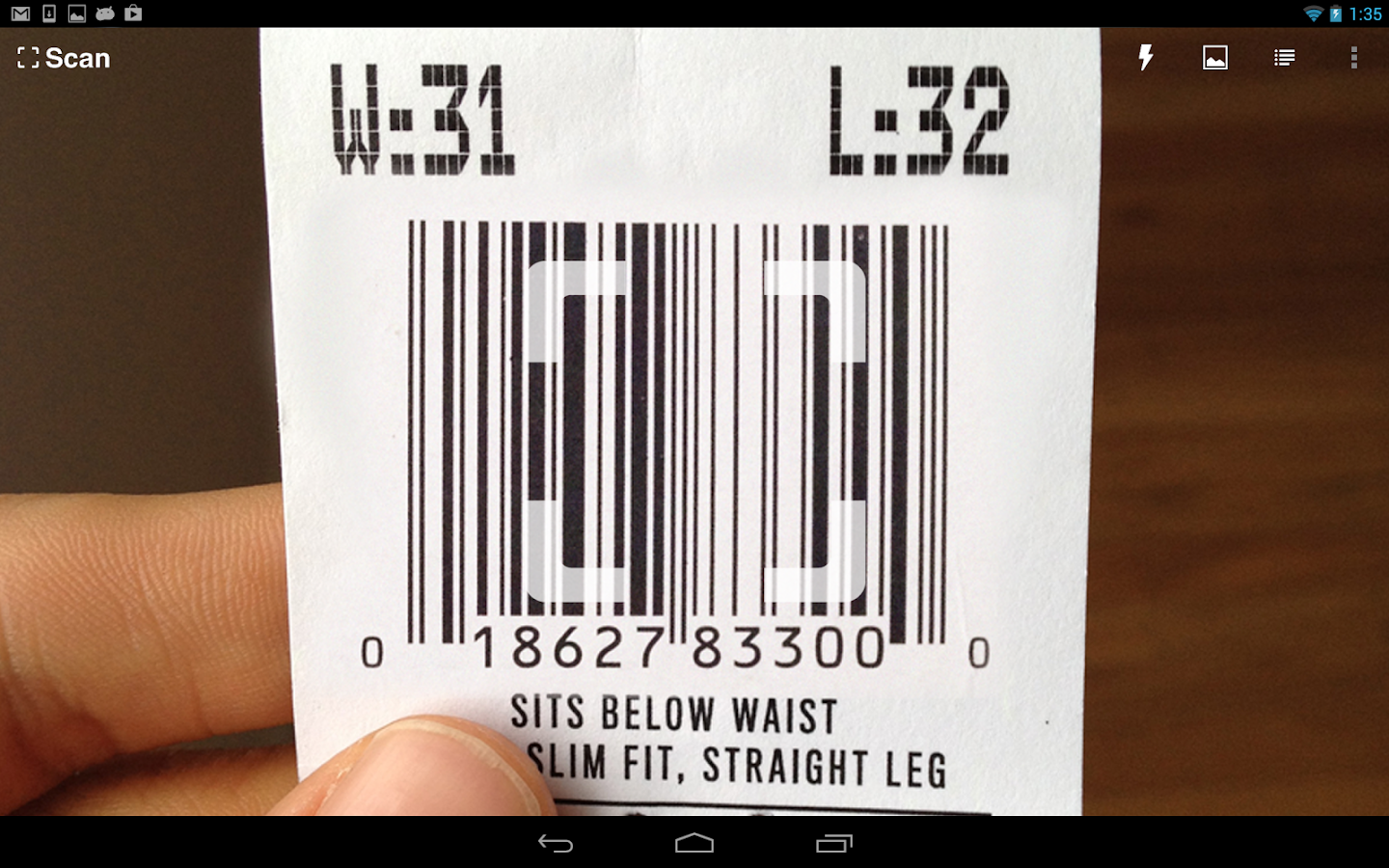
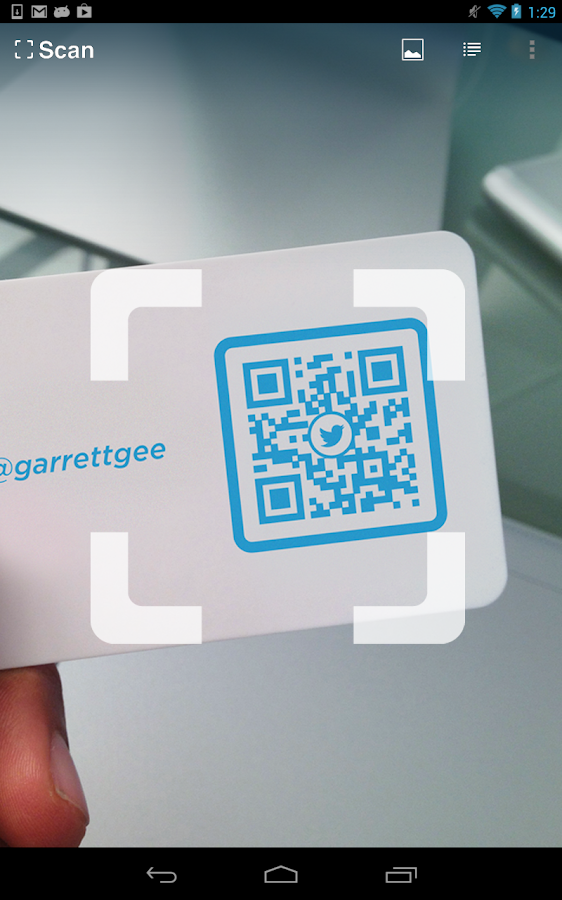
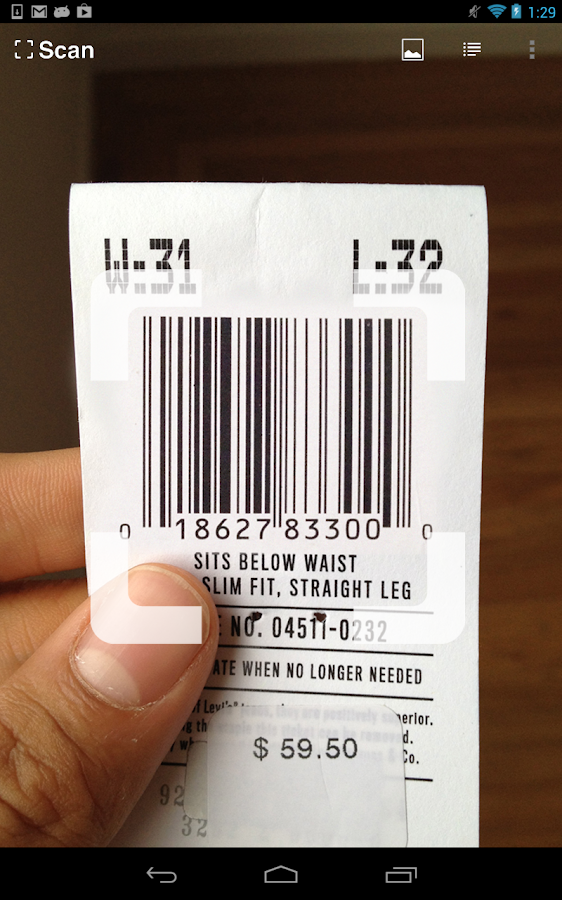
To scan a QR code or barcode simply open the app, point the camera at the code, and you’re done! There is no need to take a photo or press a button. Scan will automatically recognize any code your camera is pointing at.

When scanning a QR code, if the code contains a website URL, you will automatically be taken to the site. If the code just contains text, you'll immediately see it. For other formats such as phone numbers, email addresses, or contact info, you will be prompted to take the appropriate action.

PRODUCT BARCODES
Scan recognizes all of the popular barcode types (UPC, EAN, and ISBN) and shows you pricing, reviews, and more about any products you scan. Barcode scanning requires a newer device in order to work reliably. Cameras on older devices do not provide the resolution or focus required for barcode scanning.

Features:
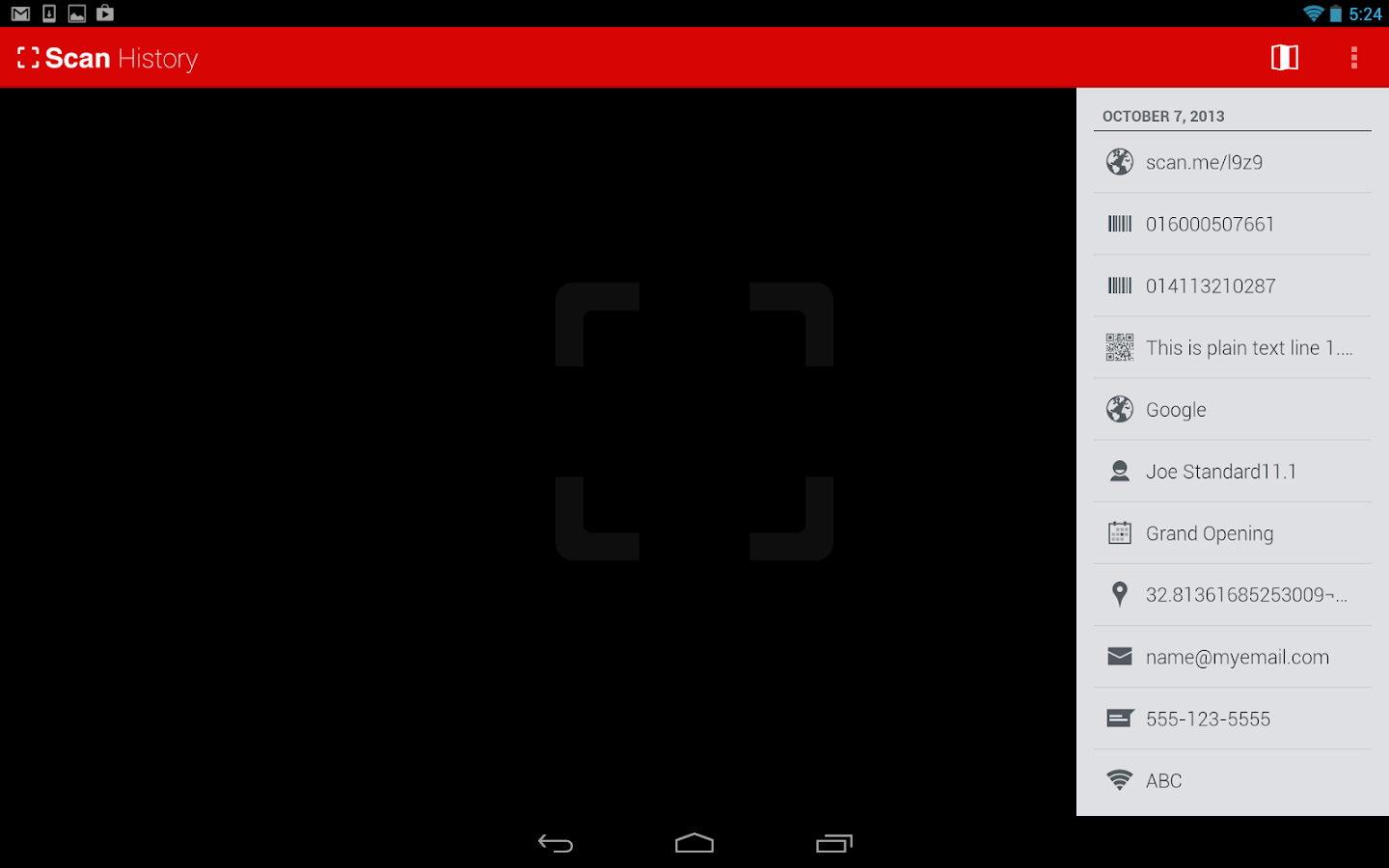
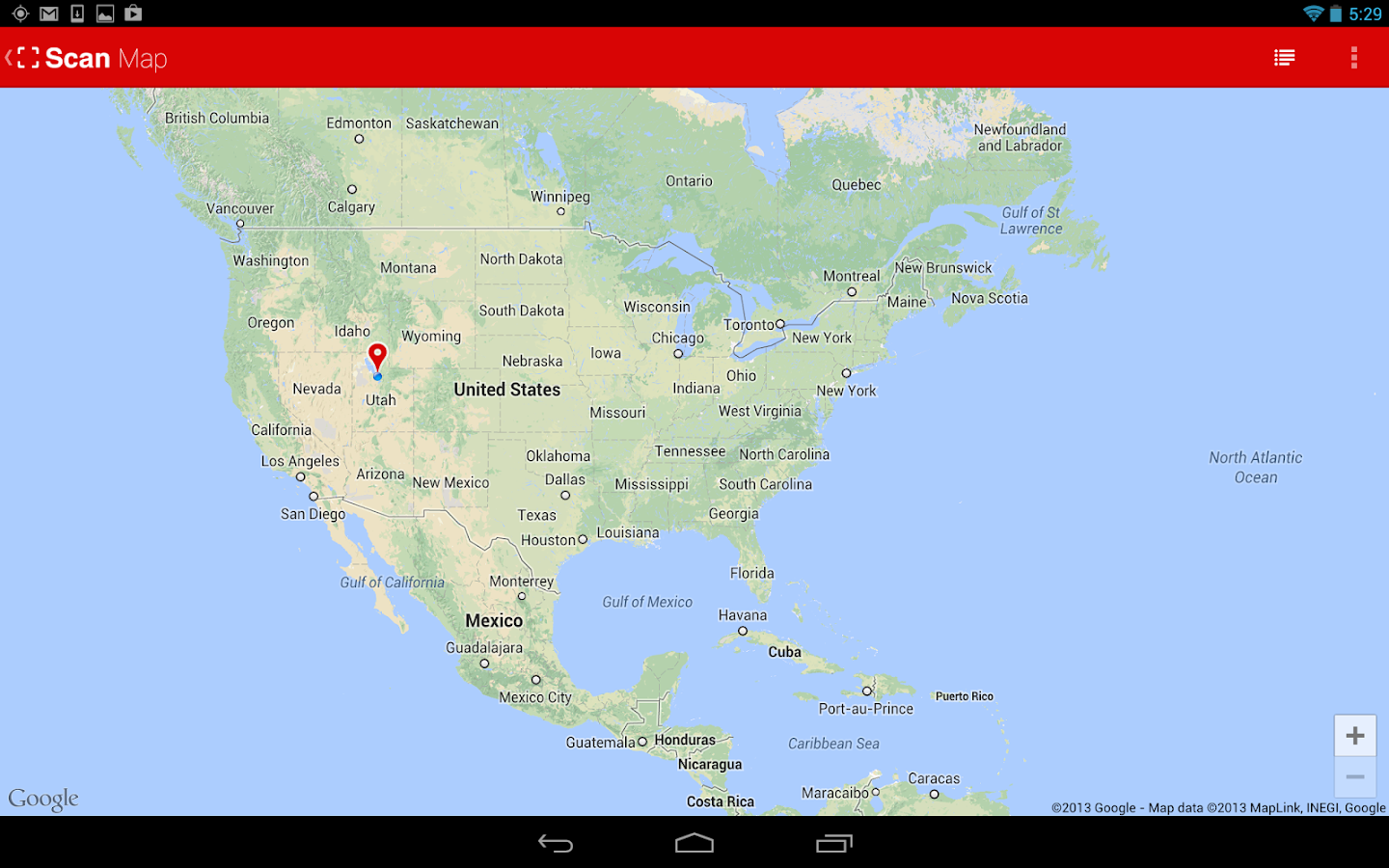
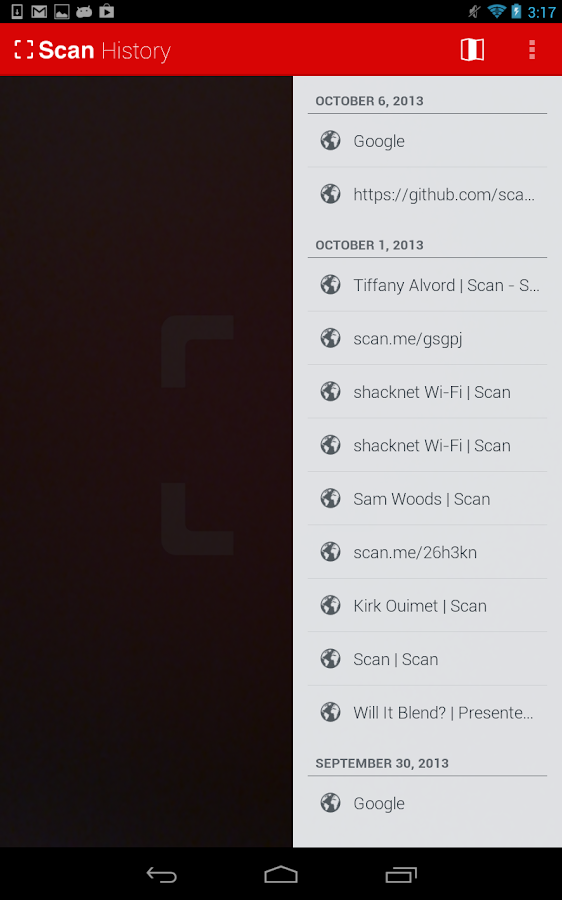
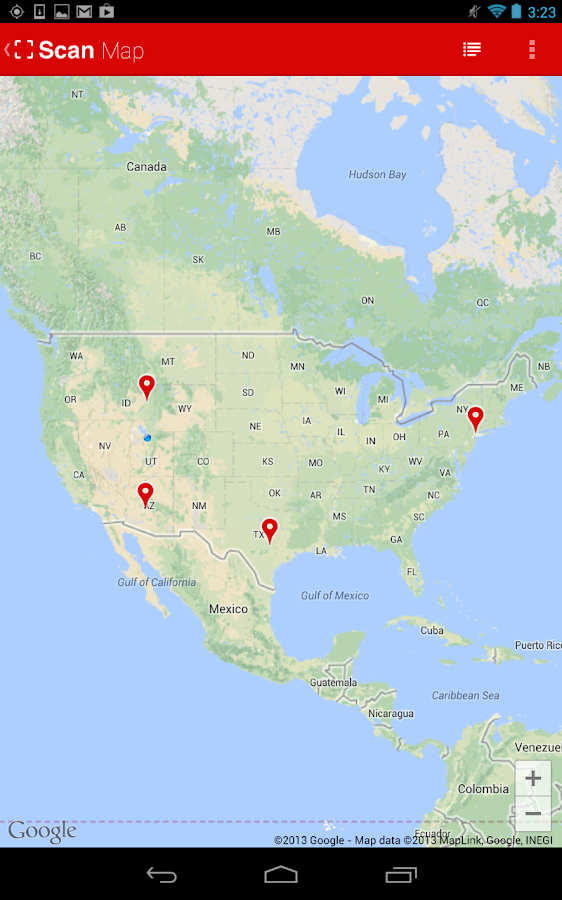
  • View a history list and map of all of your past scans
  • Sync your scan history across the web and all of your devices
  • Toggle your front or rear camera for scanning
  • Set a default browser to open websites in
  • Scan pictures of QR codes and barcodes from your camera roll
  • A switch to turn on your device’s light (if it has one) for scanning in low-light circumstances
DEDICATED TO PERFECTION
Our goal is to make our app the best scanning app in the store. We can’t do this without you. We are dedicated to your satisfaction and need to hear feedback from you. If you have an issue with Scan, please do not write a review of the app saying "it didn't work." This does not help us make things better for you. Instead, please contact us atsupport@scan.me or on Twitter @scan and we'll do our best to help.

REQUIREMENTS
In order to use Scan, your device must have a built-in camera. When scanning codes that redirect to online content, such as websites, you will need Internet connectivity.

MAKE YOUR OWN QR CODES ON SCAN.ME

What's in this version : (Updated : Oct 9, 2013)
  • Now on sale for $1.99 down from $4.99! (over 50% off!)
  • An updated, modern design
  • The ability to set a default browser to open websites in
  • Toggle your front or rear camera for scanning
  • Scan pictures of QR codes and barcodes from your camera roll
  • Even more enhancements and bug fixes
  • Create and scan your own QR codes on our site at http://scan.me
Required Android O/S : 4.0+

Screenshots :
Scan - QR and Barcode Reader - screenshot
Scan - QR and Barcode Reader - screenshotScan - QR and Barcode Reader - screenshot

Download : 3.3Mb APK

Memory Booster (Full Version) v5.8 APK


Memory Booster - Android RAM Optimizer to Speed Up Your Smartphone!


Memory Booster (Full Version) play.google.com.memorybooster.full
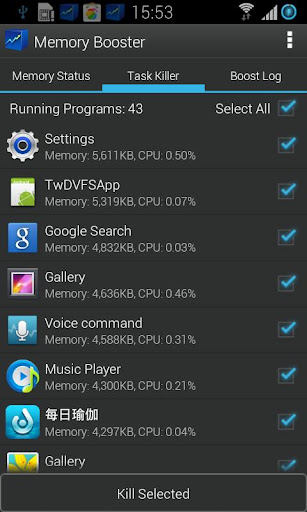
Memory Booster is a powerful mobile memory & RAM boosting tool specially designed for Android smartphone users. It is designed to tackle the difficult yet crucial problem of memory management for all Android devices.

Memory Booster reclaims lost memory for your programs by defragmenting your smartphone's memory and recovering memory leaks from poorly behaved applications.

Features:
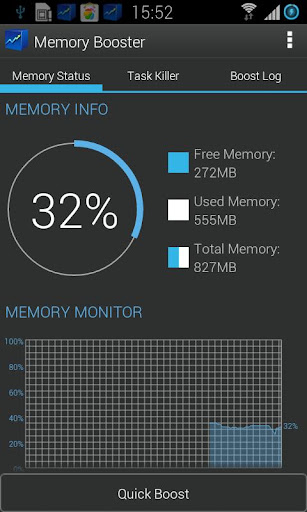
  • Real-time Memory Status Report & Monitor - Memory Booster provides a live chart to demonstrate your device's total/free memory and current memory usage.
  • Setting Your Performance Target - With Auto Boost Threshold set, Memory Booster keeps your memory higher than desired level, and act immediately if memory drops down.
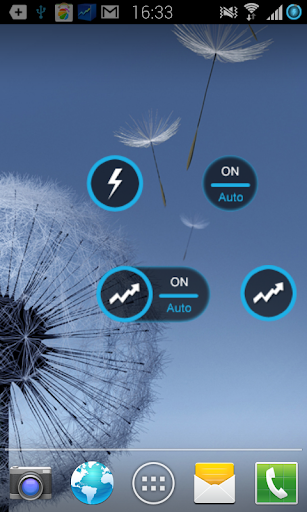
  • One-click Quick Memory Boosting - Besides automatic memory boosting, Memory Booster also allows you to manually boost your memory by Quick Boost.
  • Auto-boosting in the Background - With Auto Boost Interval, Memory Booster runs in the background and automatically reclaims memory for your Android at interval.
  • Android system crash protection - Memory Booster always watches your system resources and cleans up system memory once it reaches a critical point.
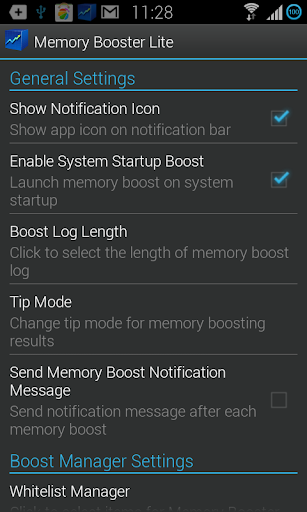
Other features include embedded Task Killer, Whitelist Manager, Boost Level Manager & Memory Boost Log, which assist Memory Booster to perform more efficiently and friendly.

What's in this version : (Updated : Oct 11, 2013)
  • Optimize Quick Boost performance
  • Fix issues reported by users
  • Optimize the animation
  • Add Share feature:users can share the app via Email, SMS etc)
  • Other improvement
Required Android O/S : 1.6+

Screenshots :
 
 
Download : 815Kb APK