2013-11-14

LockerPro Lockscreen v5.1 APK


A simple and clean lock screen with notifications for your Android device!


LockerPro Lockscreen play.google.com.lockerpro
Try the smartest lock screen for Android !

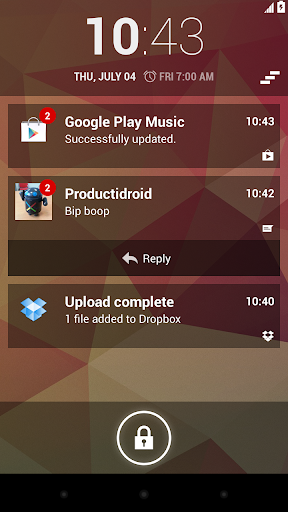
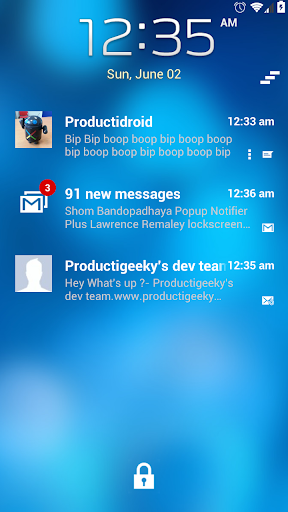
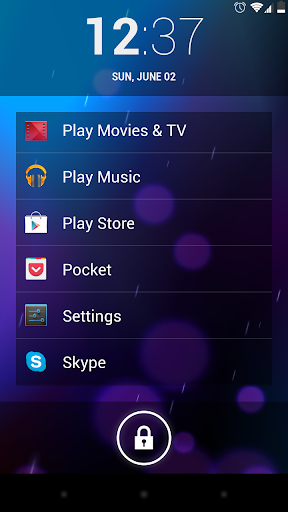
LockerPro allows you to check your notifications without unlocking your device.

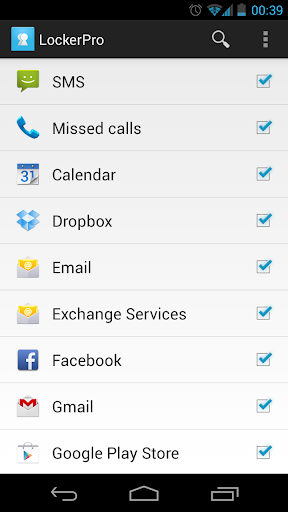
LockerPro monitors notifications coming from any app on your device, and displays them as banners on your lock screen. You can easily swipe them away by swiping them to the left, or launch the notification by swiping to the right.

When your device is unlocked LockerPro provides banner notifications in the top of your screen even when running fullscreen apps so that you don't miss them.

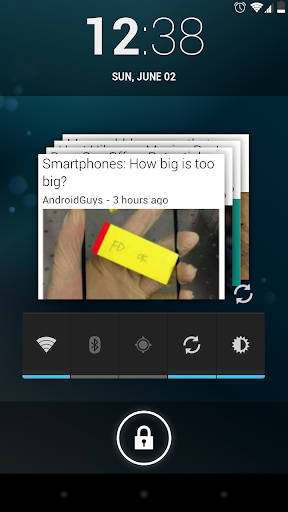
LockerPro also provides a shortcut panel and music playback control. Simply swipe the clock to the right to access the shortcut panel, and to the left to access music playback control.

Contact picture, custom ringtone, quick reply for SMS, direct callback for missed calls, various clock styles, and many other features are available.

What's in this version : (Updated : Nov 14, 2013)
  • New "Dim background" setting
  • Fixes issues with pre Android 4.2 devices
Required Android O/S : 4.0+

Screenshots :


Download : 4.5Mb APK

Talking Tom 2 v4.1 APK


Tom is back with an all new adventure!


Talking Tom Cat 2 play.google.com.talkingtom2
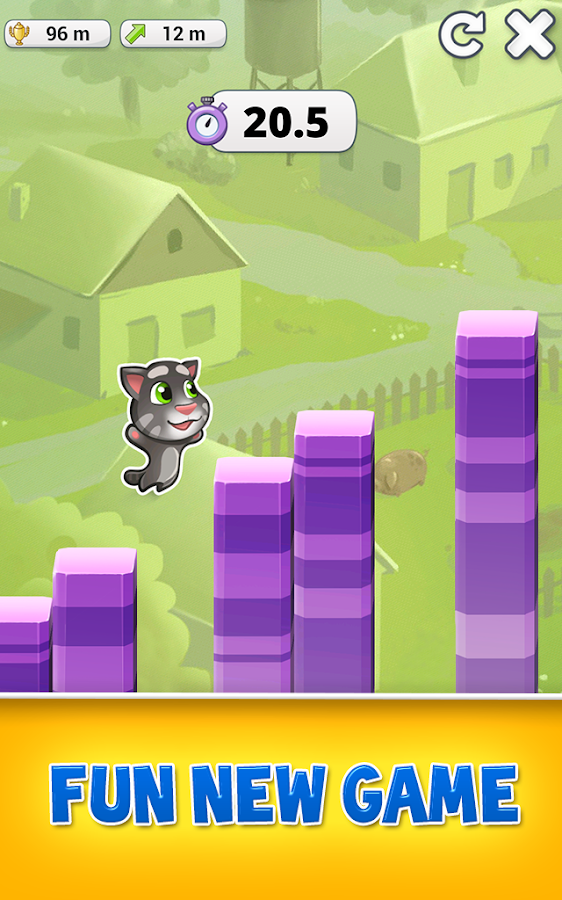
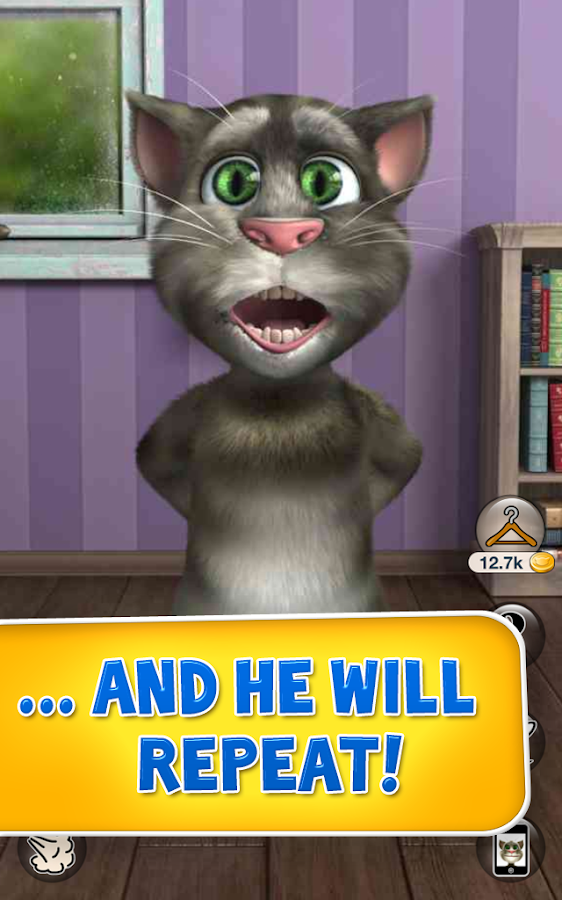
Tom is back with an all new adventure! Tom is your cat that responds to your touch and repeats everything you say in a funny voice.
Since Tom is now an international celebrity, he's moved out of the alley and into a cool apartment.

But everything is not perfect for Tom, his neighbour Ben teases and pesters him constantly.

EPIC NEW FEATURES:
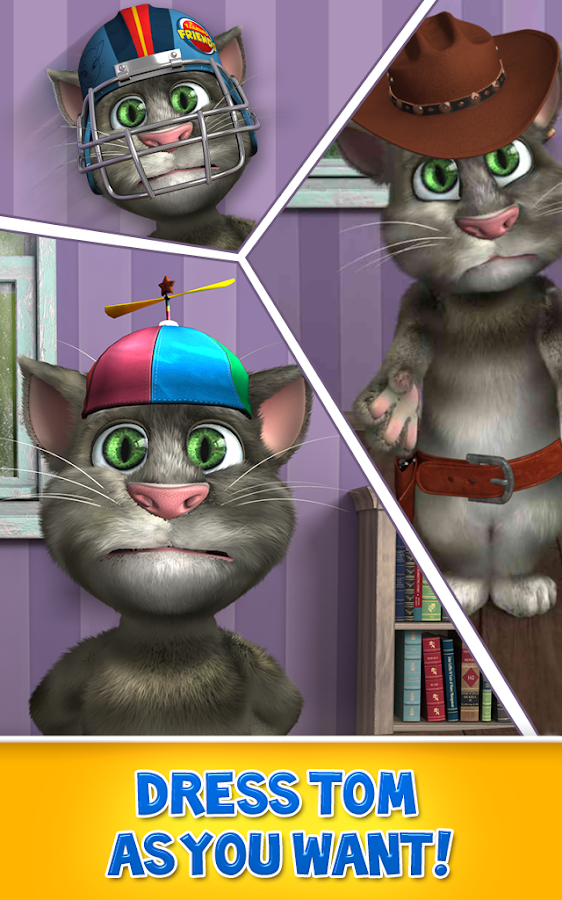
  • You can now customize Tom's appearance by buying him accessories like soccer uniforms, hats, sunglasses and lots more.
  • Make Tom look like a police officer, pirate, construction worker or a cowboy.
  • You can shop for accessories with gold coins. You can buy gold coins or get them for free.
  • You get 25 gold coins if you open the app every day.
  • You get 200 gold coins for every push notification you receive. Make sure you subscribe to push notifications!
HOW TO PLAY:
  • Talk to Tom and he will repeat everything you say with a funny voice.
  • Pet Tom's belly or head and make him purr.
  • Poke his head, belly or feet.
  • Slap Tom's face left and right.
  • Pull or touch his tail.
  • Press the fart button to see Ben fart and Tom grab his nose in disgust. After that Tom repeats what you say with his nose closed for a while.
  • Press the bag button to make Ben pop a paper bag and scare Tom. It's hilarious.
  • Press the phone button to make Tom play with the original Talking Tom app and repeat after himself in a funny loop.
  • Press the feathers button to see Ben hit Tom with a pillow.
  • Press the ? button to make Tom pull random items from behind his back.
  • Shop & equip Tom with awesome accessories by pressing the coat hanger button.
  • Record and share videos on YouTube, Facebook or send them by email or MMS.
PLEASE NOTE: 
When running the app for the first time you will be required to download additional 5-39 MB to get the best graphics quality for your device.

What's in this version : (Updated : Nov 14, 2013)
  • IMPROVED VIDEO GALLERY: We've always known watching videos could be enjoyable and now it certainly is!
  • NEW ANIMATION: There's a baby Talking Tom repeating after a grown up version of him now - meet My Talking Tom!
Required Android O/S : 2.1+

Screenshots :
Talking Tom Cat 2 - screenshot Talking Tom Cat 2 - screenshot

Download : 36Mb APK

Smart IR Remote - Samsung/HTC v1.6.4 APK


You can now use your phone as an Infrared Remote (IR Remote)!


Smart IR Remote for Galaxy S4 play.google.com.remotefairy
Why should you need to use more than one remote for all the devices you own ?

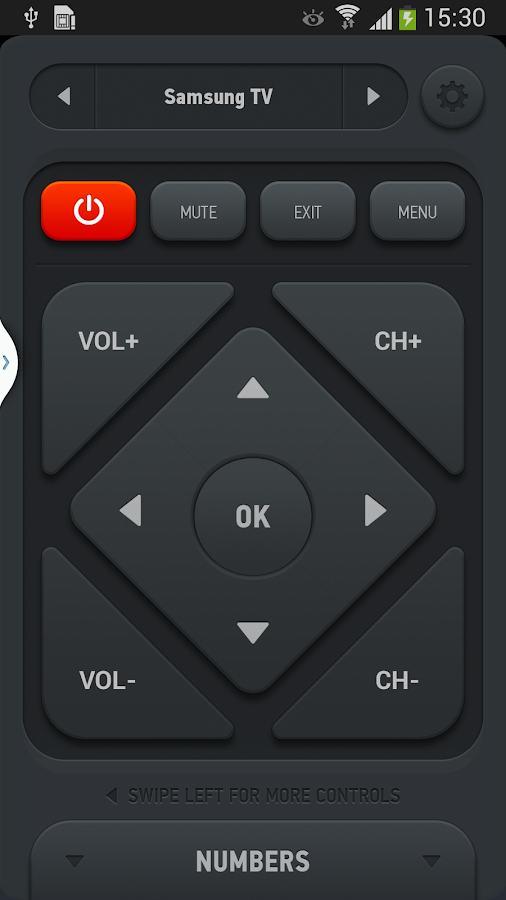
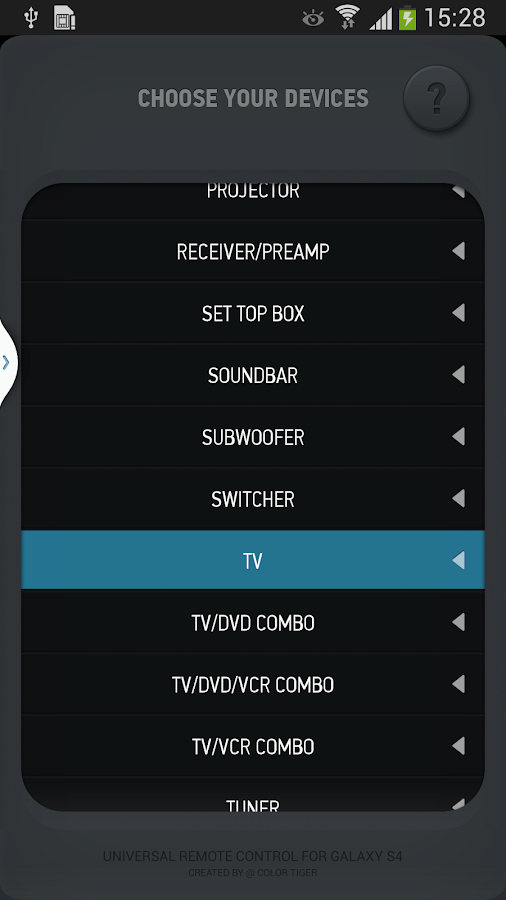
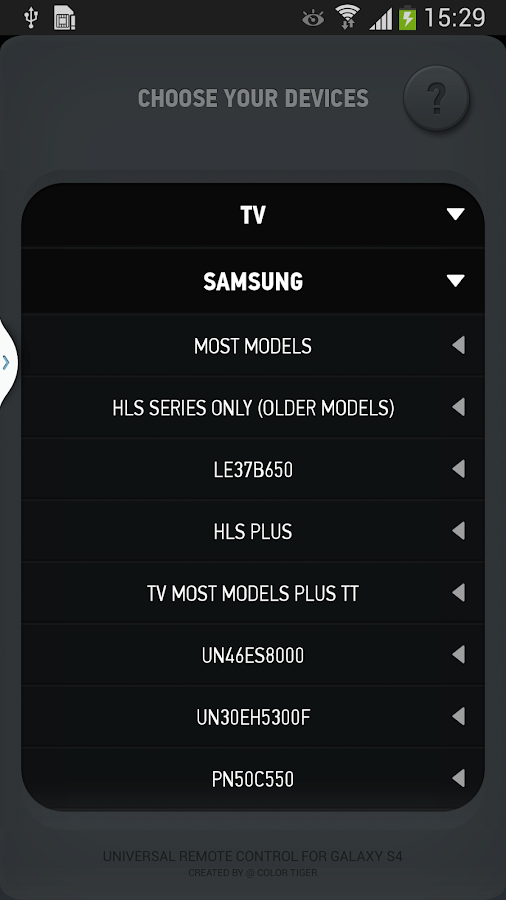
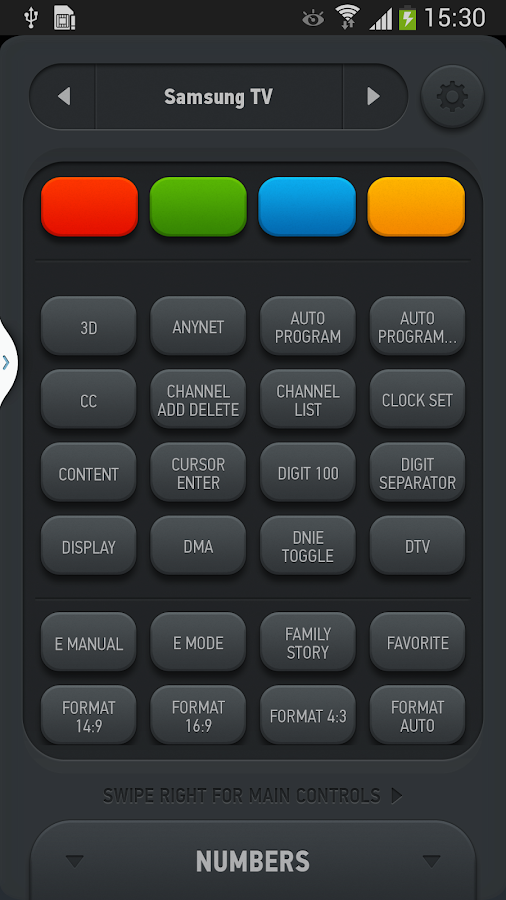
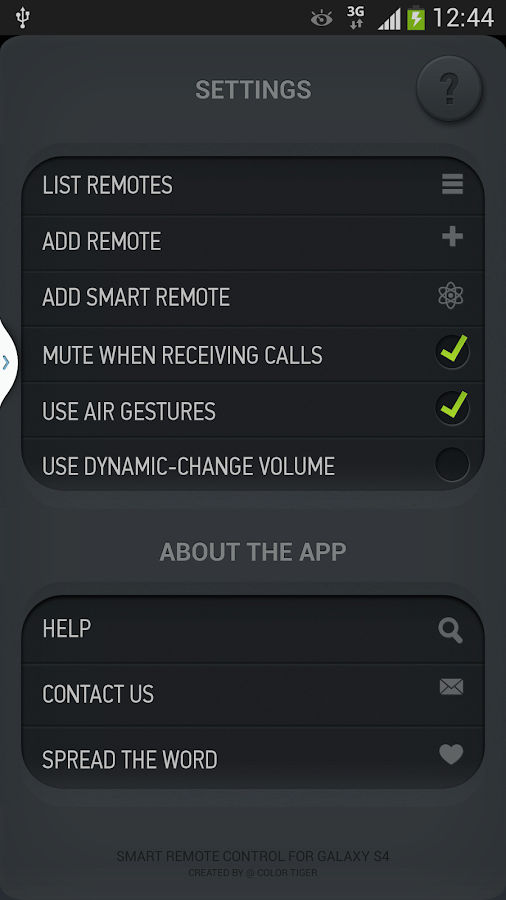
With Smart Remote for your Samsung Galaxy S4 (also works on some CyanogenMod devices now, as well as other custom ROMs!), you can add, create and customize any number of remotes, combining controls from any of your existing remotes. Imagine a single remote on which the CHANNEL UP button controls your Set Top Box from your TV provider, the VOLUME keys control your home theater system and the arrow keys control your TV's menu.

On top of all that, since you're holding a phone, why not use some of it's unique features?

AIR GESTURES - exclusive to your phone!
Simply leave the app open, and wave your hand above your phone to change channels (left to right) or volume (up and down)

AUTOMATIC MUTE WHEN YOU GET CALLED
Don't you hate it when you receive a call but can't hear the other person because the TV is too loud? Now, Smart Remote can automatically mute your current device when someone calls you.

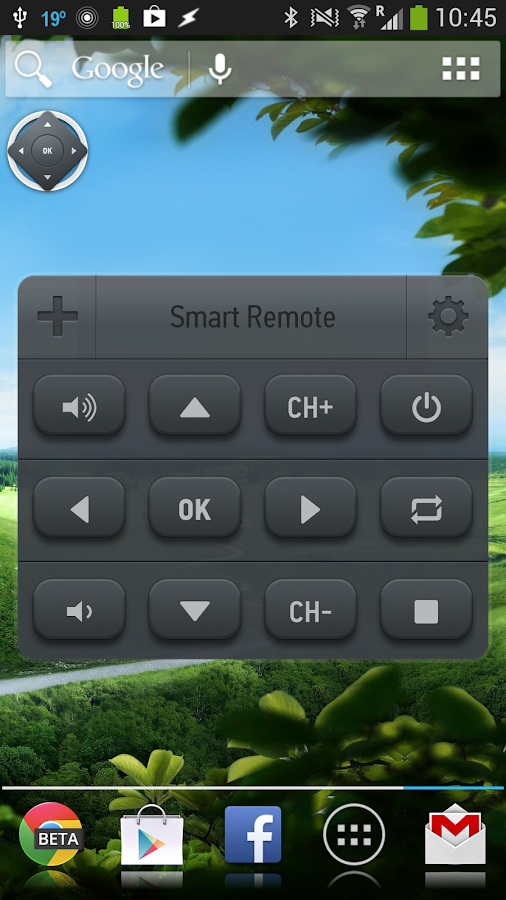
FLOATING REMOTE (CHATHEAD)
Why should you need to switch apps just to send a command ? Activate Floating Remote in settings, and have a chathead-style remote available just one touch away!

BACKUP / RESTORE
Do you switch ROMs often ? Or maybe reinstall apps daily? The backup/restore feature will help you save your remotes, so you can get them back when you install again, without going through the setup process again!

MACROS
With our new advanced macro system, you can execute a series of commands one after the other (like turning on TV, then switching to HDMI 1), add customizable delays between commands, and reorder the commands as you wish.

With infrared - IR Blaster - already included in your phone, why shouldn't you make the most of it? Smart Remote can control your TV, Set Top Box, Lights, Projectors, etc.. Virtually anything that has an Infrared Receiver can be controlled by Smart Remote with the correct remote codes. And we're working 24/7 on adding more!

Why not get rid of your TV remote, set top box remote, and home center remote, all at once ?
  • Please note that due to the large queue, it normally takes 1-2 weeks to add new devices to our database after you report them
  • Please note that due to Galaxy S4 hardware limitation, automatic learning isn't possible
What's in this version : (Updated : Nov 14, 2013)
  • Apps2SD support
  • fixed widget being cut off on some launchers
  • fixed Macro issues on tablets
Required Android O/S : 4.2+

Screenshots :
Smart IR Remote for Galaxy S4 - screenshot Smart IR Remote for Galaxy S4 - screenshot

Download : 8.5Mb APK

PixelPhone Pro v3.0 APK


Incredibly easy to manage your Contacts and Phone!


PixelPhone PRO play.google.comt.pixelrush
Incredibly easy to manage your Contacts and Phone.
xPhone is a fast speed, stylish design, comfort and functionality. Feel the difference!

Features:
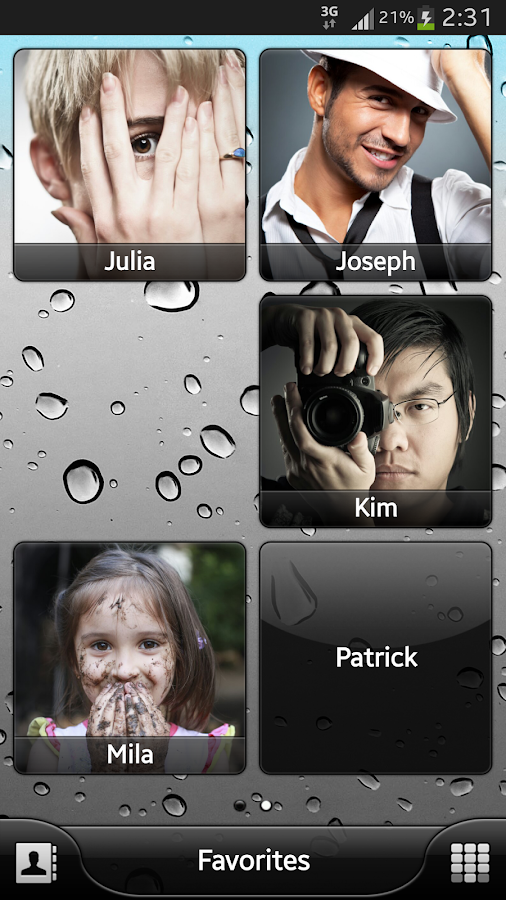
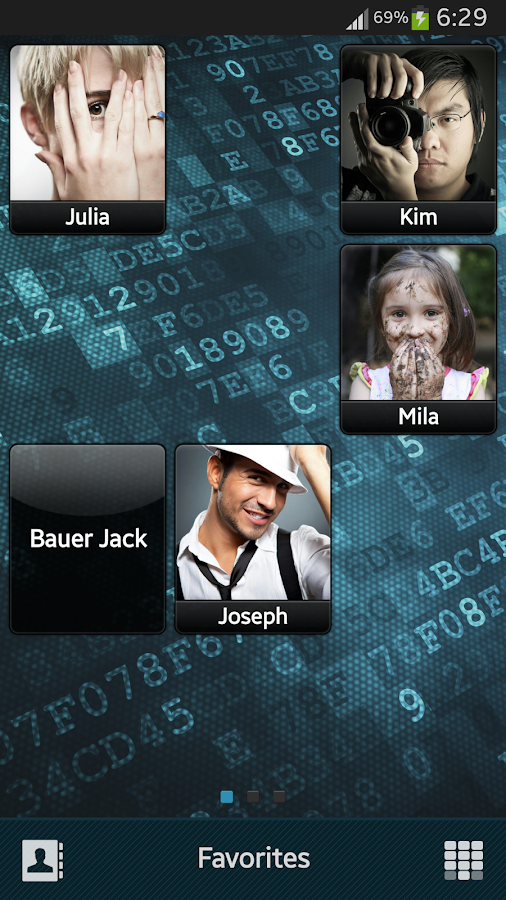
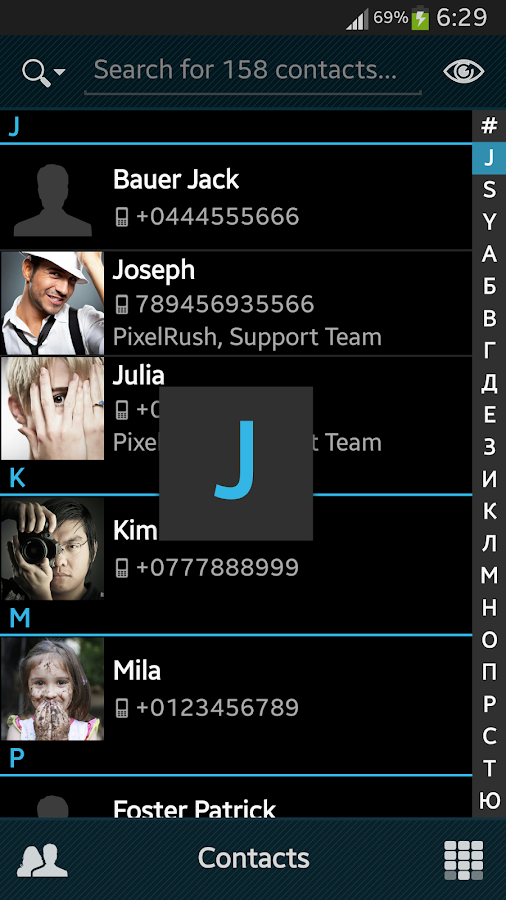
  • Quick and easy organization of favorite contacts into groups
  • Smooth scrolling groups up and down
  • Quickly navigate to a group by swiping your finger
  • Tap on bottom group indicator to hand pick a group
  • Different size of icons and labels to contacts for each group
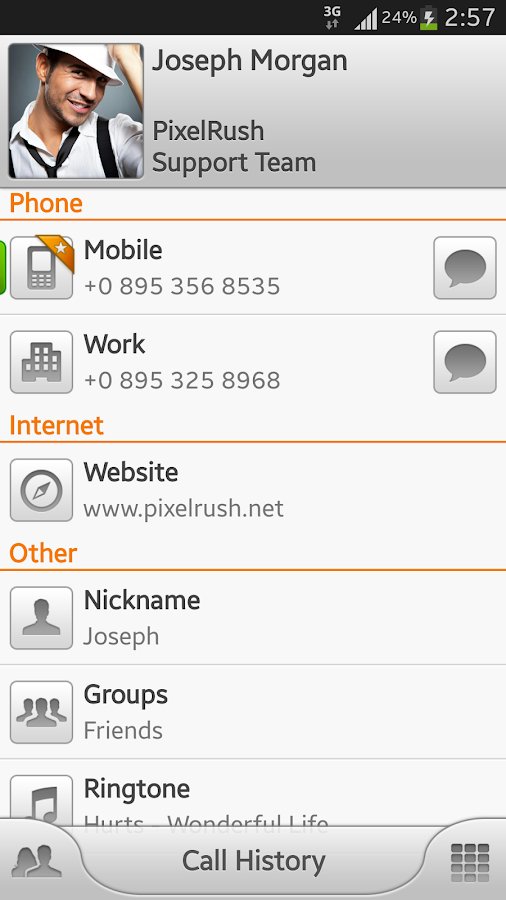
  • Favorite action for contact in one-touch (call, send message, locate address, ...)
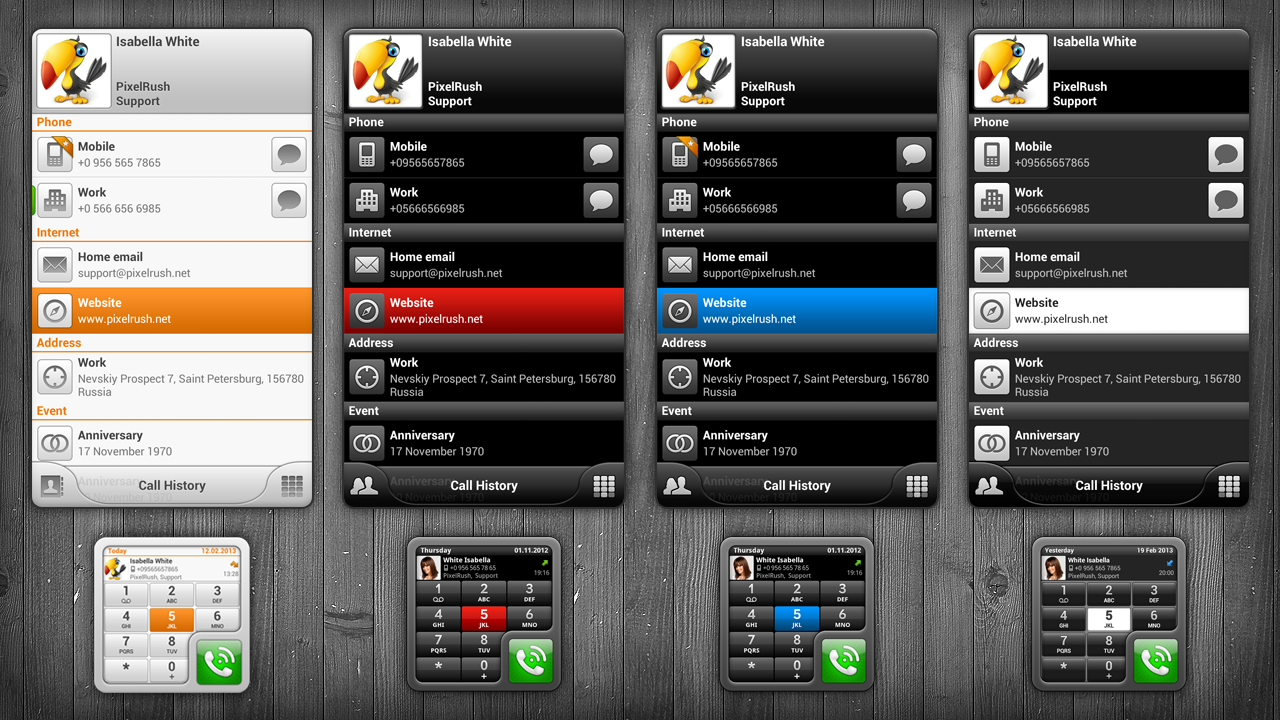
  • The contact card with details and history of calls
  • Classic or widescreen background image for groups
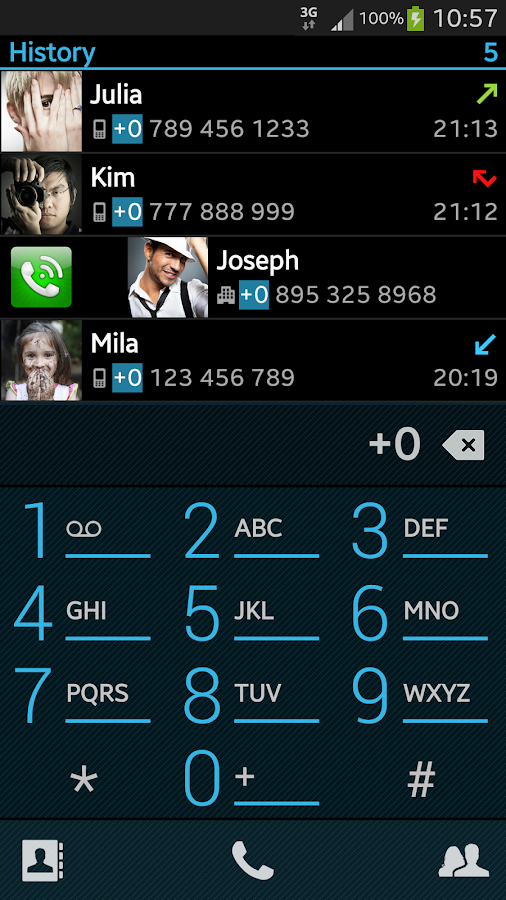
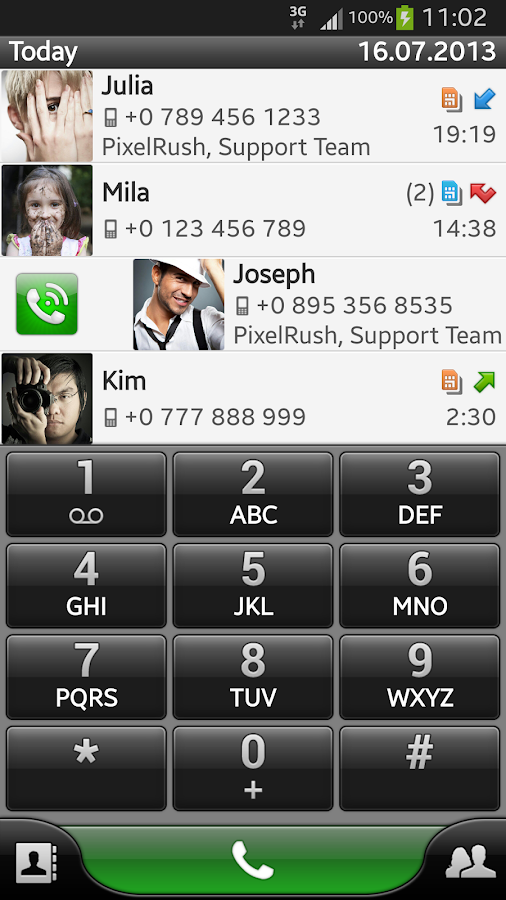
  • Quick T9 search through all fields of contacts and call history
  • Support for multiple languages for T9 search
  • Customizable dialpad size (small, medium and large)
  • Display the call history (the grouping, missed/all calls ...)
  • Support dialpad gestures (hide the keyboard, clean filters or undo input)
  • Customizable contact list (photos, phone number, organization, ...)
  • Speed ​​Dial
  • Clipboard support
What's in this version : (Updated : Nov 14, 2013)
  • NEW! Total Black theme
  • NEW! Default / Holo (dark) theme
  • Added: Phonepad alignment in landscape mode
  • Added: Contacts - Search - Search in hided contacts
  • Optimization and some bug fixes...
Required Android O/S : 2.1+

Screenshots :
PixelPhone PRO - screenshot PixelPhone PRO - screenshot
PixelPhone PRO - screenshot
Download : 3.3Mb APK

Archos Video Player v7.5.21 APK


ARCHOS makes Video Player app available for all Android tablets and phones!


Archos Video Player play.google.com.archos.video
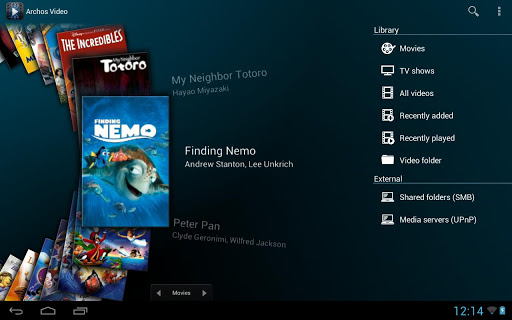
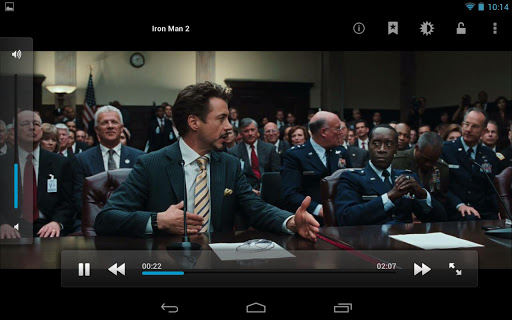
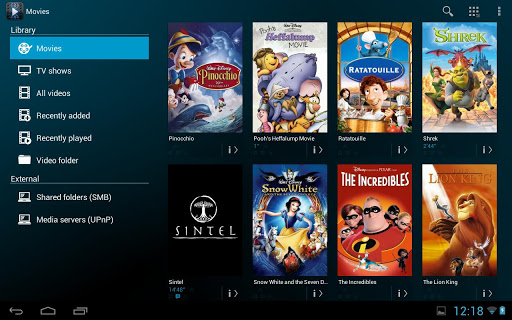
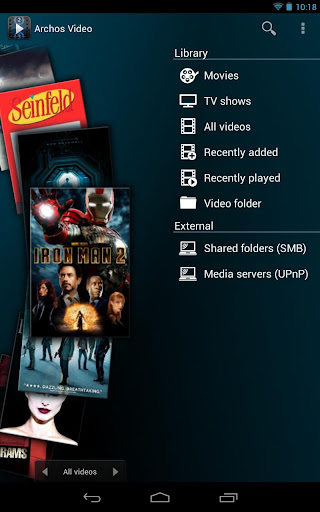
The critically acclaimed Archos video player app offers an uncompromised multimedia experience.
  • Hardware accelerated video decoding support for most devices and video formats;
  • Ability to play content from any computer/network storage in your local network (SMB and UPnP) or from an external USB storage device;
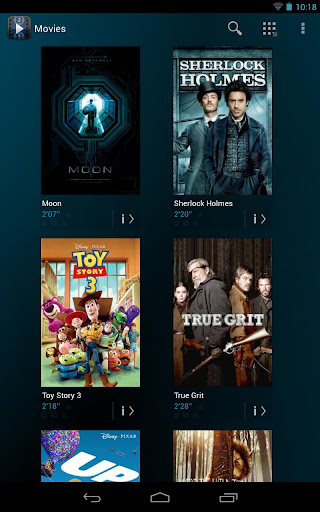
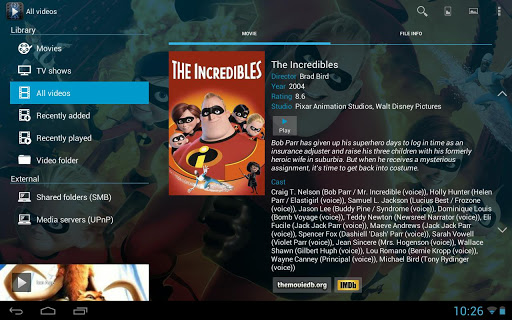
  • Automatic online retrieval of Movie and TV show information with poster and backdrop for both local and network content;
  • Integrated subtitle downloader;
  • Network indexing: import remote shared folders (SMB) in your multimedia library;
  • Video browsing with either folder or library based navigation;
  • Ubiquitous access to TV shows sorted in a series/season/episode hierarchical view;
  • Multi-device network video resume;
  • TV friendly: Keyboard/remote control compatible.
Note:
If you experience any issue with video hardware decoding you can force software decoding in Archos Video Player application settings to watch your video.

What's in this version : (Updated : Nov 14, 2013)
  • Fix video playback regression on some 4.3 based devices (e.g. Samsung Galaxy Note 3, S4 and HTC One)
  • Fix fullscreen support on KitKat
  • Fix video playback regression on some devices introduced by 7.5.18
  • Android kikat (4.4) compatibility
  • Fix MPEG4 Decoder on MTK devices
  • Add support for AAC_LATM
Required Android O/S : 4.0.3+

Screenshots :


Download : 7.5Mb APK

Dead on Arrival 2 v1.0.9 [Mod Money] APK


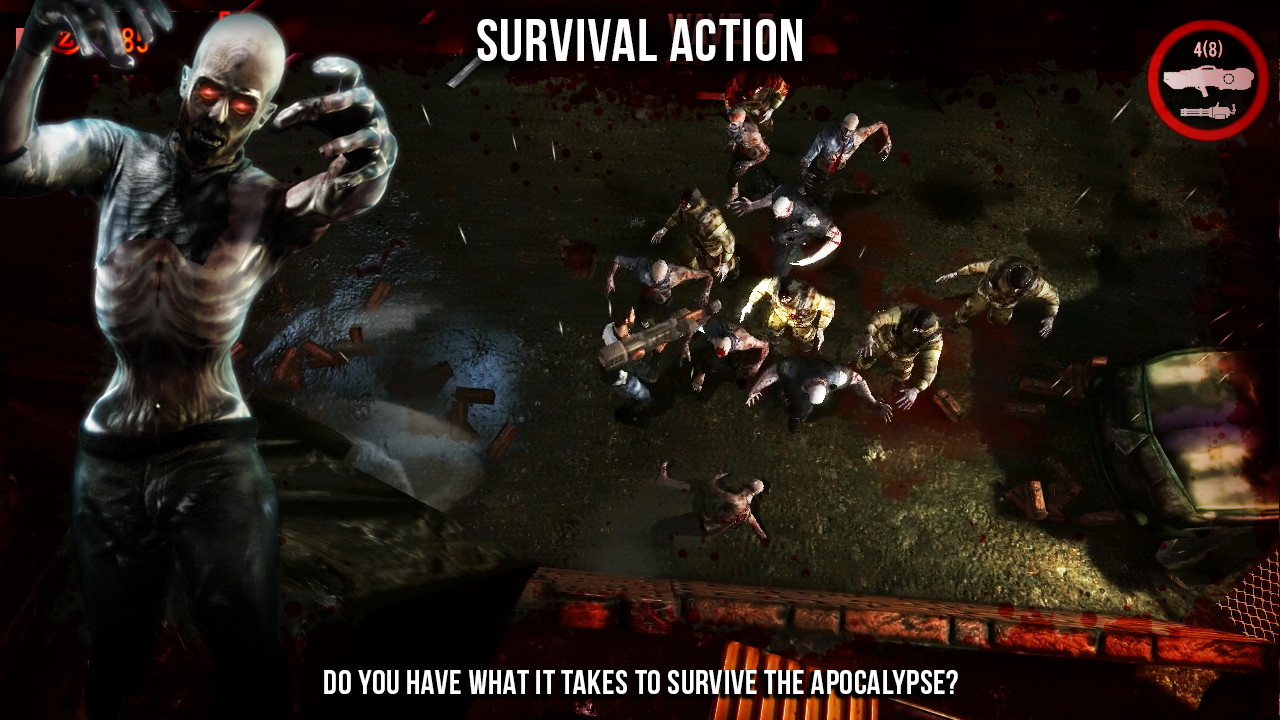
How long can you survive the zombie apocalypse?


Dead on Arrival 2 play.google.com.deadonarrival2
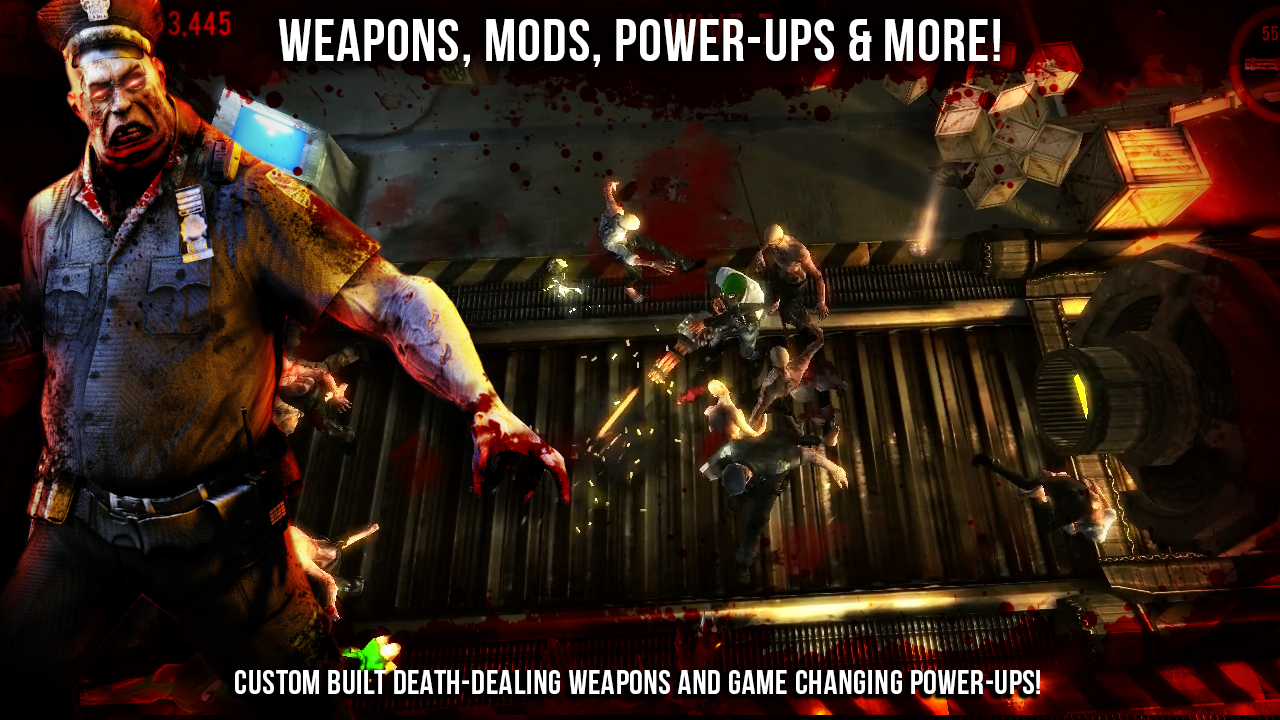
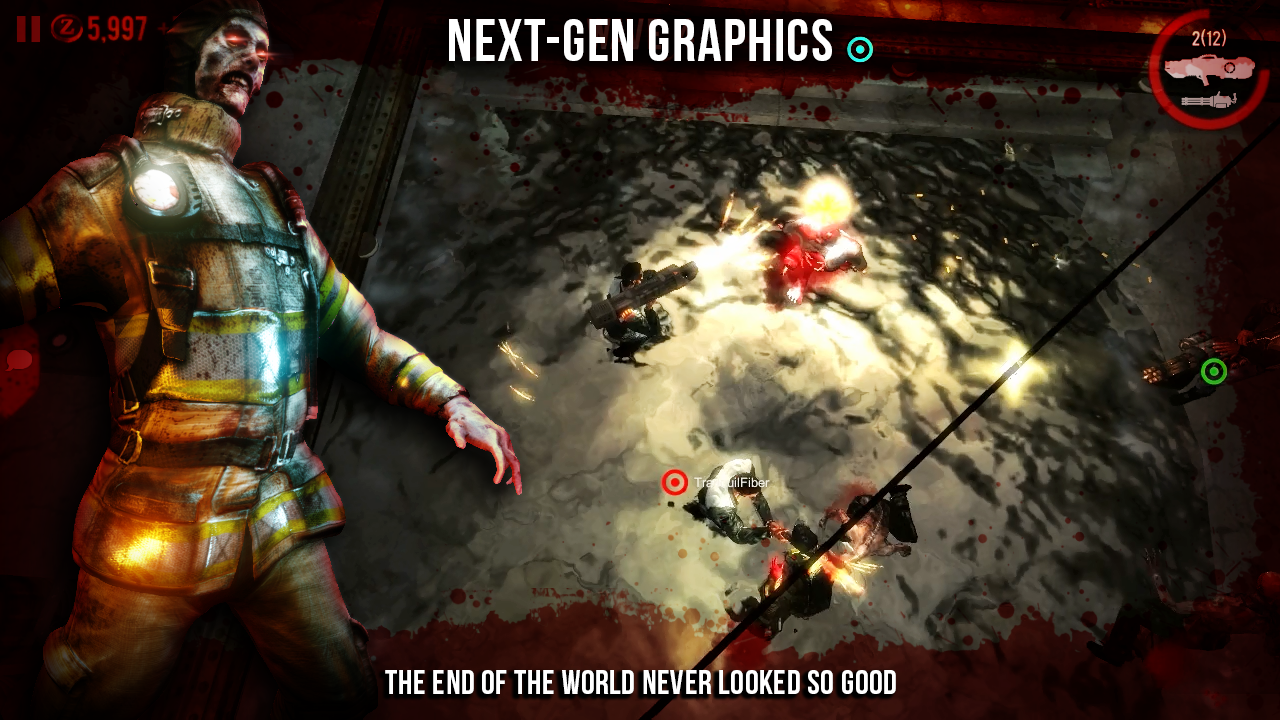
Tear though wave after wave of the walking dead with custom built death-dealing weapons like the fire-spitting Minigun or the room clearing Rocket Launcher? Or perhaps you'll prefer the Freeze Ray or Flame Thrower to stop the hordes in their tracks.

Whatever the weapon, you'll be painting the walls and floors red as you run, shoot, dodge and fight for your life in an industrial playground filled with deadly traps and deadlier enemies.

Cross platform Multiplayer: 
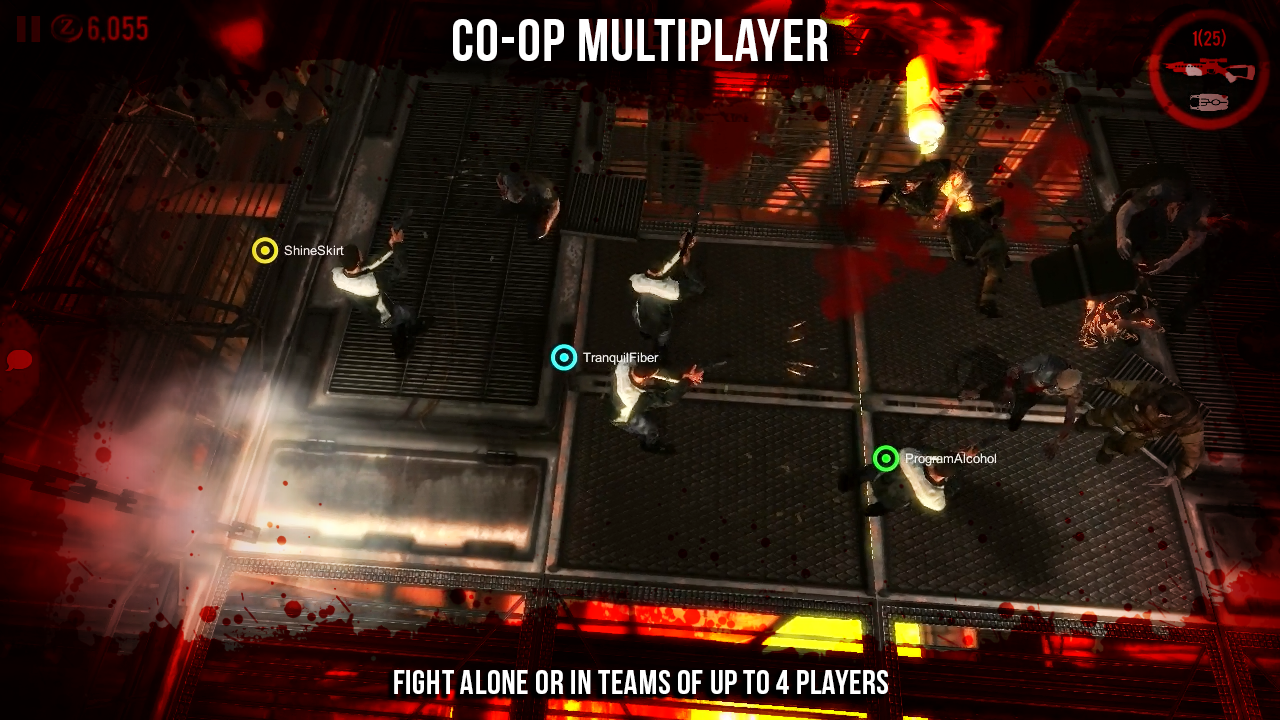
Yes that's right! You can fight the zombie horde alone or join forces and take on the bloodthirsty masses with up to 3 other players in co-op mode.
[Note: lower player numbers during "Early Release" may result in waiting for a match to start]

Nvidia Graphics:
Take it to the next level on Tegra 4 with dynamic shadows, ultra-realistic blood splatter, incredible lighting and the latest post-processing effects. The end of the world never looked so good. Watch those zombie body parts fly - heads, arms and legs raining onto the floor - along with awesome ragdoll and environmental physics.
Features:
  • Fast paced survival action mayhem against massive waves of the undead
  • Fight alone or as a team in 4-man multiplayer mode
  • Intuitive dynamic thumbstick controls for walking, running, aiming and shooting
  • Unlock new areas containing deadlier weapons to help you stay alive
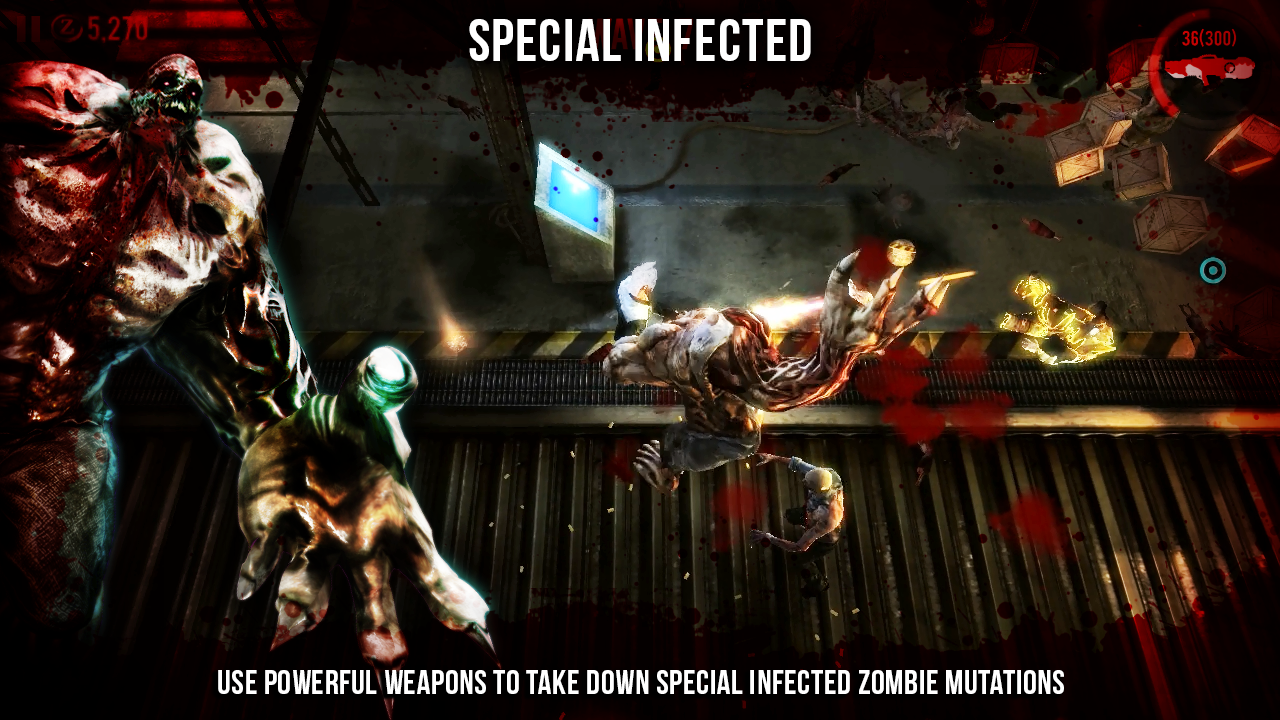
  • Use powerful weapons to take down Special Infected zombie mutations
  • Search for the “random box” and destroy your enemies with the most powerful guns
  • Upgrade weapons, armor and ammo at any time
  • Unlock powerful MODS to increase power and improve your survival chances
  • Full 3D action with the most advanced gory effects
  • All in ultra-high detailed graphics designed for mobile gaming
The sequel to Dead on Arrival brings new graphics, new zombies, new battlegrounds and new upgradeable weapons.
Keep pulling that trigger and see how long you can survive.
What's new in this version : (Updated : Nov 14, 2013)
  • Wave mini-goals
  • 'Beat your highest wave' bonus
Required Android O/S : Varies with device

Screenshots :
Dead on Arrival 2 - screenshot

Download : 137Mb (APK+OBB)