2013-12-01

Super Hexagon v1.0.5 APK


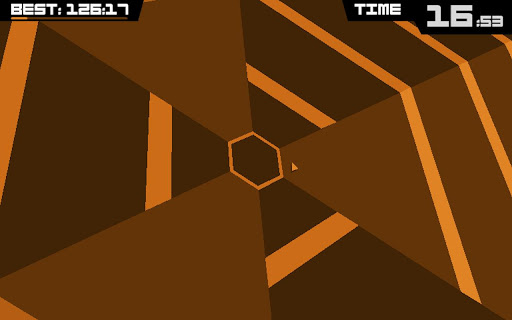
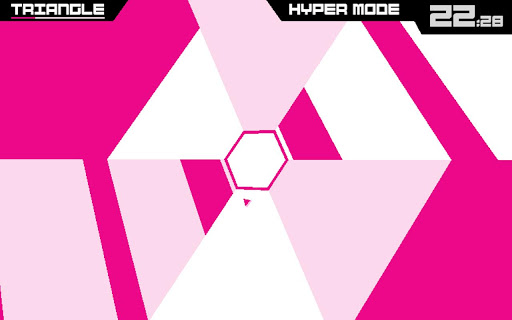
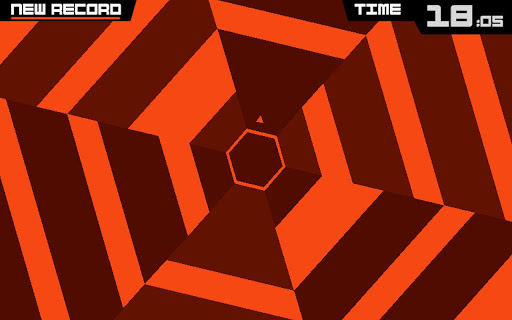
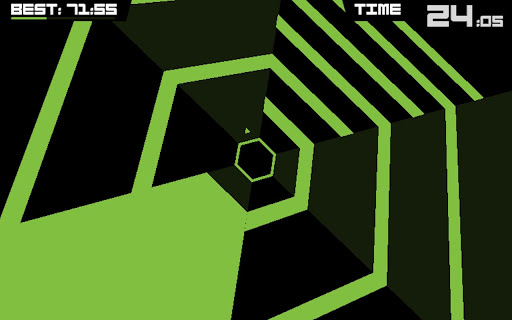
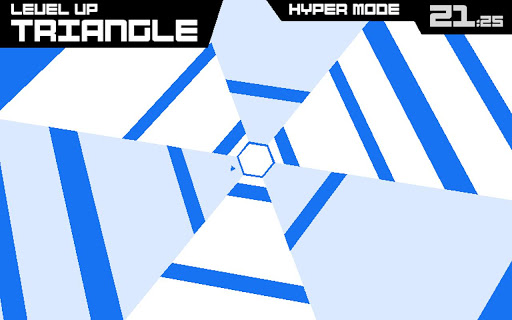
Super Hexagon is a minimal action game by Terry Cavanagh, with music by Chipzel!


Super Hexagon play.google.com.superhexagon
The goal of this game is to control a small triangle around a hexagon avoiding incoming walls, trying to survive at least 60 seconds to unlock the Hyper mode for each level (Hexagon, Hexagoner, Hexagonest). The game is set to music that matches the rhythm of the game. Completion of this game is awarded when 60 seconds are survived on Hyper Hexagonest.

A note to Nexus 7 owners: 
The game suffers some input lag on this device that we have been unable to fix. I originally excluded this device from sale, but after several requests from Nexus 7 owners I decided to make it available. I sincerely hope it doesn't interfere with your enjoyment of the game too greatly. We'll update in future if we're able to find a solution to this problem.

What's in this version: (Updated : Nov 30, 2013)
  • Fixed a bug that could cause Hyper Mode levels to be relocked under certain circumstances. Whoops!
Required Android O/S : 2.2+

Screenshots :


Download : 27Mb APK

SidePlayer Pro v1.00.47 APK


SidePlayer Pro - Music everywhere!


SidePlayer Pro play.google.com.side.player.pro
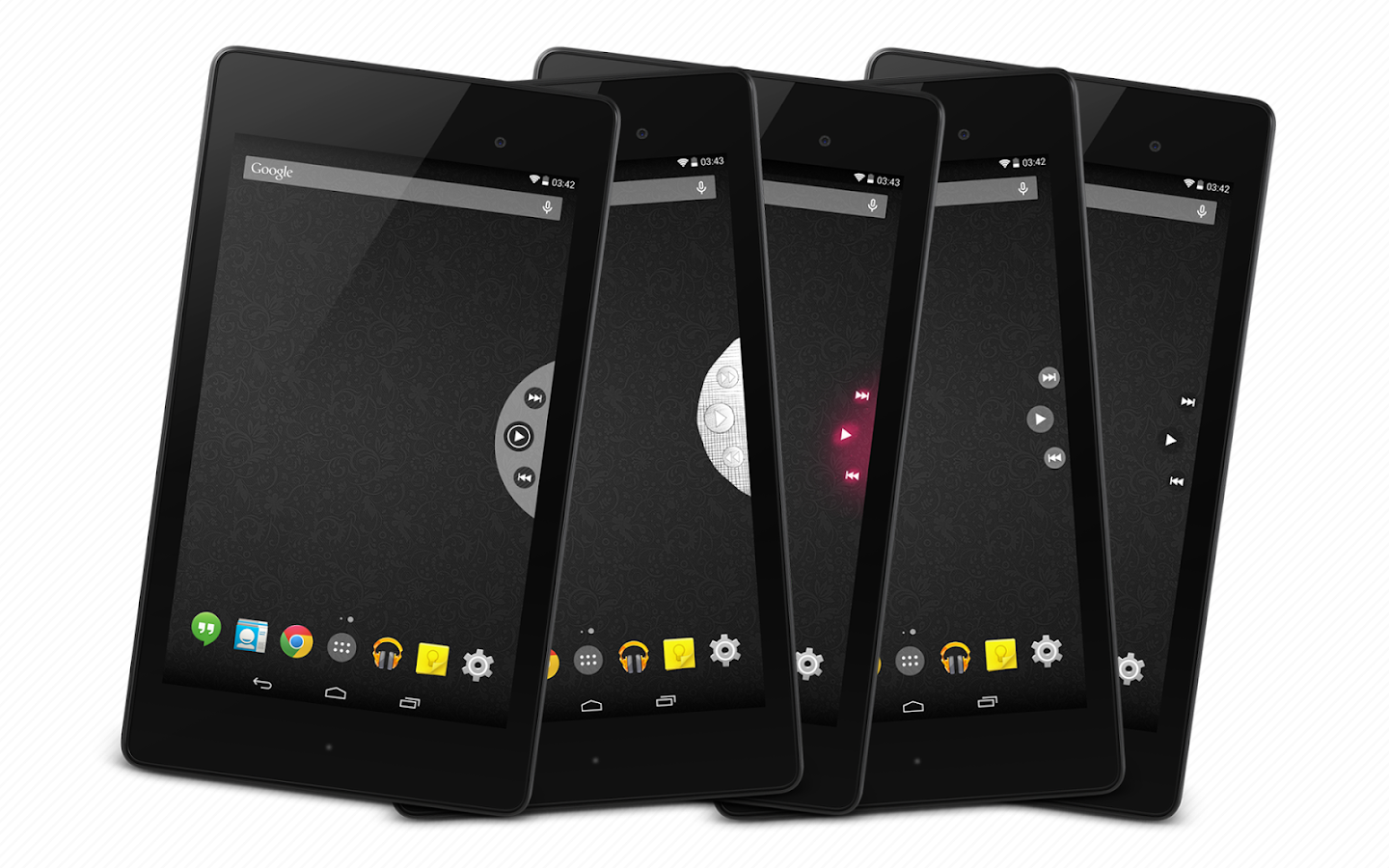
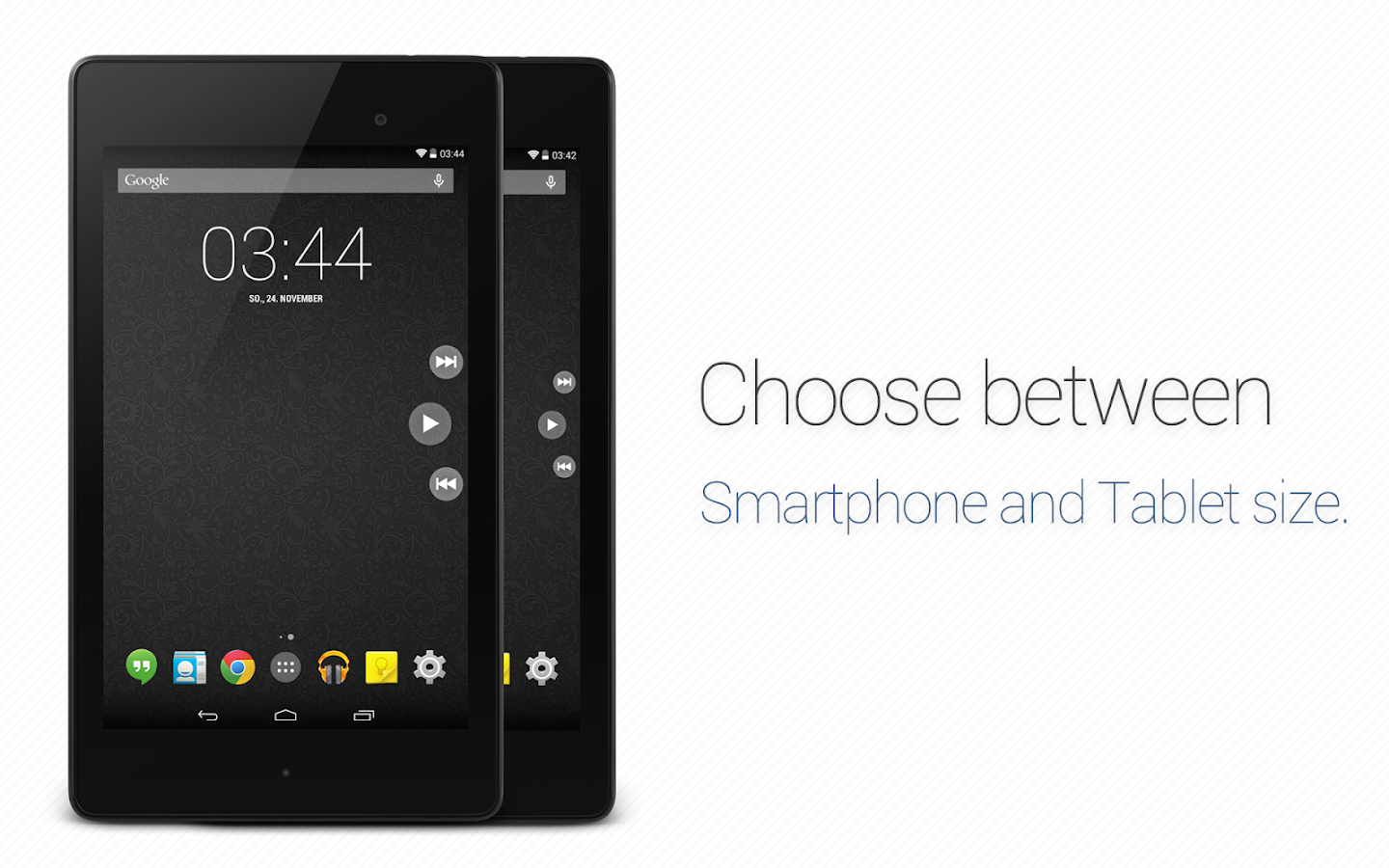
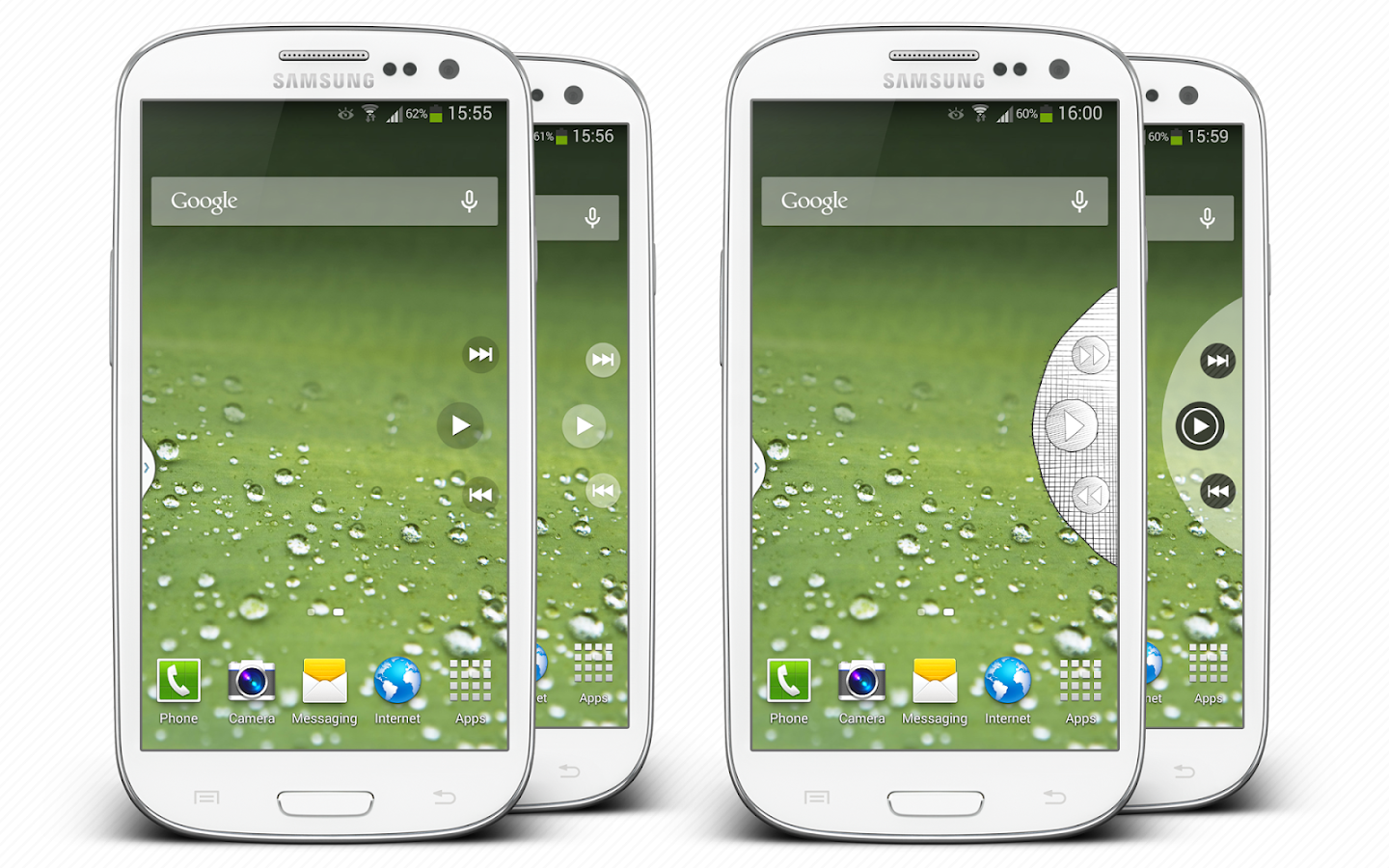
With SidePlayer Pro you can easily switch between songs. Just swipe or shake the music control in and turn on your favorite song. With another services you can activate meta informations or the quick control notification. You also can choose between themes or layout. And sooo much more. Just try it out.

Some of the best functions:
  • Theme selection
  • Layout selection
  • Different animation
  • Services
  • Activation area
  • Gesture
  • Position
Why this player and not via status bar?
  • There are a lot of devices which do not support the statusbar swiping in fullscreen mode
  • It is easier to swipe from left to right / right to left, especially on tablets
  • It is just looking awesome!
  • You can use it nearly easy & everywhere
  • If you are using it in a game you dont need to pause the game
Perfect game experience
This app is made for gaming. It is just awesome and easy to switch between songs ingame without pause the game. With the shake gesture you can let the player show / hide and with one click you can turn on the next song while you are fighting f.e. agains zombies.

Tested with music players:
  • Google Play Music
  • Samsung Stock music player
  • Apollo music player
What's in this version : (Updated :  Dec 1, 2013)
  • Bugfixes:
    • Again Poweramp bugfix (Android 4.4)
    • Left position tablet layout area fix (Pro only)
    • Other fixes
  • New:
    • Added new player to support list
    • Hold to open function added
    • 2 new themes added [Glow Style, SidePlayer 2 Style] (Pro only)
  • Improvements:
    • Swipe Area setting improvement
    • Quickcontrol icon improvement (Pro only)
Required Android O/S : 4.0+

Screenshots :
SidePlayer Pro - screenshot

Download : 2Mb APK

Lux Auto Brightness v1.92 APK


Auto brightness that works!



Lux Auto Brightness play.google.com.vito.lux
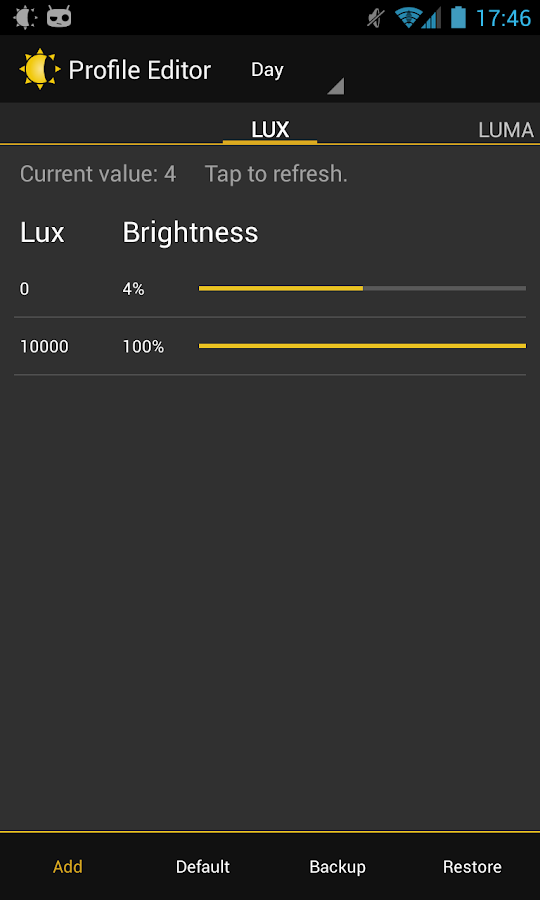
Lux isn't your ordinary brightness app. It intelligently adjusts the brightness of your display based on the environment you're in. If, for example, you step into a dimly lit room, Lux will automatically lower the brightness of your display to make it not only comfortable to read, but to also preserve battery power.

Lux provides the option to automatically adjust the backlight at fixed intervals (periodic mode), when a change in environment is detected (dynamic mode), or when the phone wakes from sleep. It's also possible to adjust the backlight manually. Simply disable automatic mode and you can use it like a traditional brightness tool!

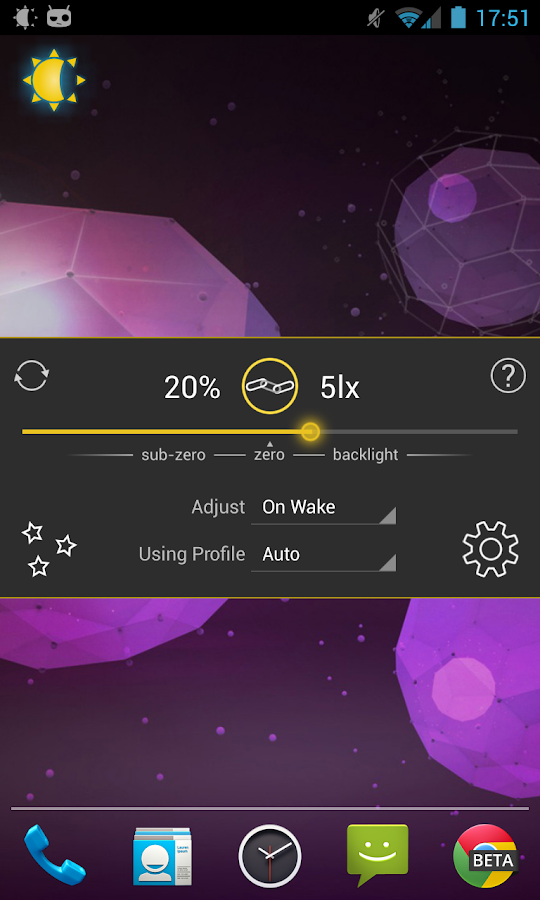
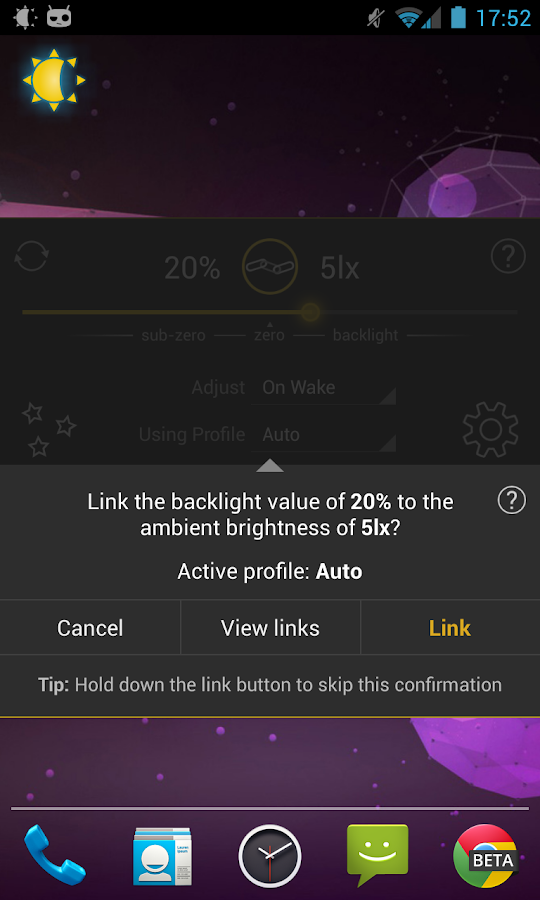
Perhaps the best thing about Lux is that you can teach it how to behave. If the backlight is too bright or dim for your liking, simply open the provided Dashboard, adjust the brightness slider to the level you desire, then hold the link button. Lux will use this new 'link' as a reference in future.

Give it a go! I want you to test Lux for more than the 15 minute refund period offered by Google. I understand that some devices may not have the best quality light sensor, and that you may need more time to play around with settings. If you find that Lux doesn't suit you after the 15 minutes is up, you can request a refund at any time via e-mail - no questions asked.

DO NOT request features, report bugs, or ask for assistance in your review. I can't reply to them! Please e-mail me instead.

Features:
  • Custom auto brightness.
  • Sub-zero brightness to make reading in the dark significantly less irritating.
  • Battery efficient
  • Handy brightness widget
  • Option to use the camera to read in ambient light.
  • Power-user settings such as choice of interpolation, sensor debugging, and linked sample editing.
  • Backup to SD.
  • Customisable data filtering for phones with inaccurate light sensors.
  • Gradual fade effect for backlight adjustments.
  • Astronomer mode adds a red filter to the screen to preserve the eyesight of stargazers.
  • Jitter control to prevent constant small changes to the backlight.
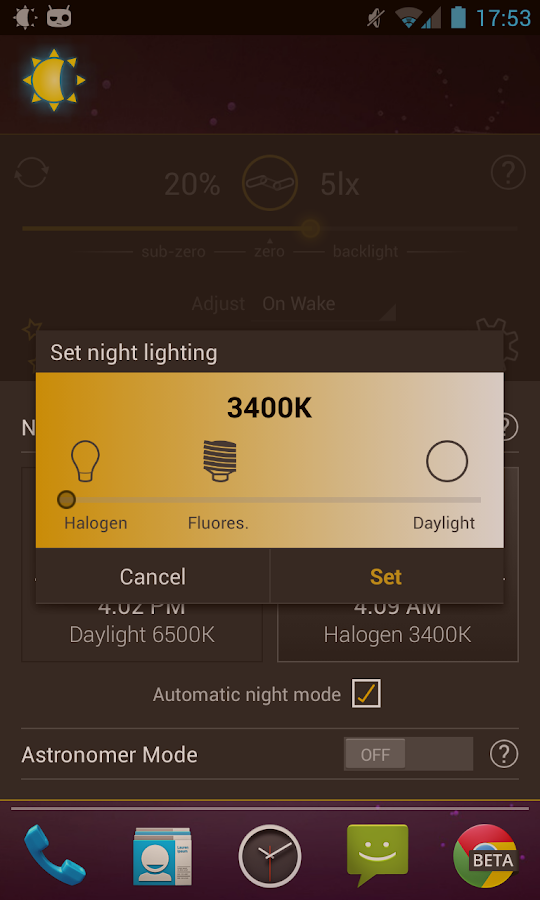
  • Night mode, to change the colour temperature of the display for comfortable night time viewing.
  • Add app specific exceptions via compatibility mode
  • No ads, or other nuisances.
  • [new] Tasker and Locale support!
What's in this version : (Updated : Nov 30, 2013)
  • Kitkat subzero workaround
  • Increased dynamic sensitivity
  • Updated translations
  • Updated default sleep list
  • Misc. fixes
Required Android O/S : 2.1+

Screenshots :
Lux Auto Brightness - screenshot Lux Auto Brightness - screenshot
Download : 1.7Mb APK

Camera FV-5 v1.59 APK


Camera FV-5 is a professional camera application for mobile devices, that puts DSLR-like manual controls in your fingertips !


Camera FV-5 play.google.com.camera.pro
Tailored to enthusiast and professional photographers, with this camera application you can capture the best raw photographs so that you can post-process them later and get stunning results. The only limit is your imagination and creativity!

Features :
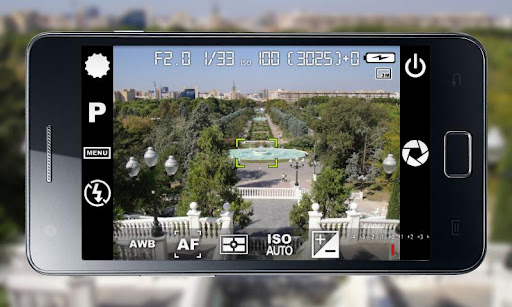
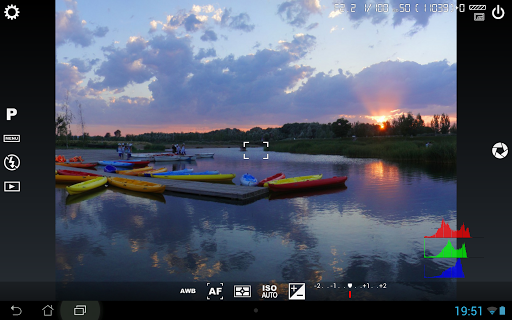
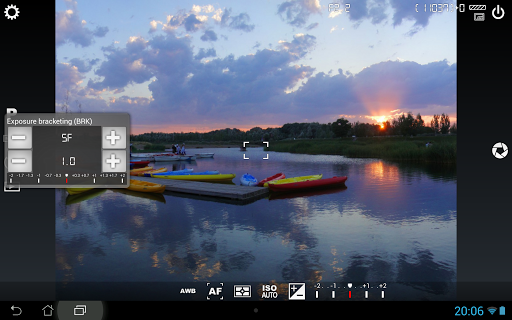
  • All photographic parameters are adjustable and always at hand: exposure compensation, ISO, light metering mode, focus mode, white balance and program mode.
  • DSLR-like viewfinder display: see exposure time, aperture and stops display with EV and bracketing settings.
  • Full fledged exposure bracketing: from 3 to 7 frames, unlimited stops spacing, plus custom EV shifting.
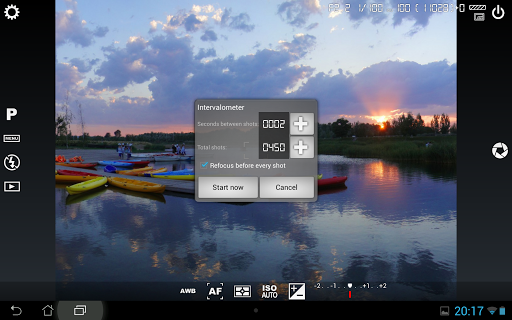
  • Built-in intervalometer: make stunning timelapses (even bracketed/HDR timelapses) and time-controlled picture series.
  • Program and Speed-priority modes.
  • Long exposure support: take beautiful night photos and light trails with long exposure times up to 60 seconds*.
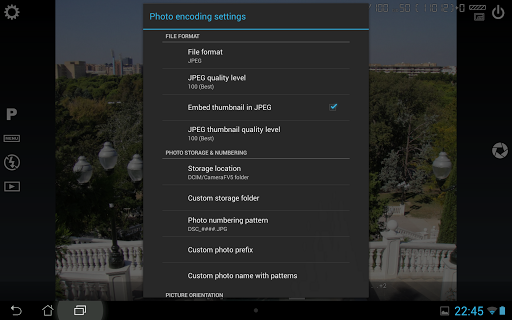
  • JPEG as well as RAW (PNG) image formats for lossless photo capturing, perfect for post-processing.
  • EXIF and XMP sidecar metadata support.
  • Self timer for delayed shooting.
  • Autofocus, macro, touch-to-focus** and infinity focus modes, plus a focus lock switch (AF-L).
  • In background photo developing and processing allows a smooth, uninterrupted camera operation.
This camera application completely avoids scene modes, instead you get full manual control over all photographic parameters, just like you do with a reflex camera, so you can ultimately control every aspect of the picture, and leave the post-processing to the computer. So after your DSLR, you will never miss a photo opportunity again, being able to capture it with the closer sensation to your DSLR as possible.

What's in this version: (Updated : Nov 29, 2013)
  • New: support for Samsung's AirView technology. Now you can hover your finger over ISO and white balance toolbar icons to preview the effects of those changes.
  • Improved: many new models sporting Android 4.2+ support silent shooting. Unfortunately, still this doesn't work with every model (some manufacturers enforce that sound).
  • Fixed: crash on some Samsung Galaxy Note 3 devices.
  • Improved: white balance preset gradient now reflects the real color temperature.
  • Other smaller bug fixes.
    Required Android O/S : 2.2+

    Screenshots :


    Download : 2.8Mb APK

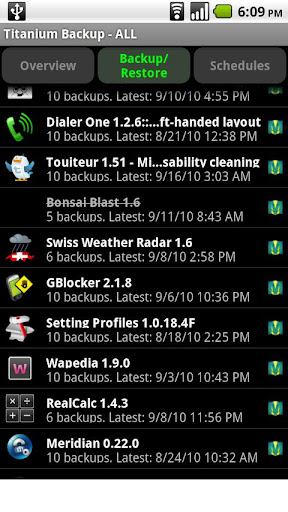
    Titanium Backup Pro v6.1.4.2 APK


    EXTREMELY powerful tool. Backup ALL apps, Market links, remove bloatware & MORE!


    Titanium Backup Pro play.google.com.TitaniumBackupPro
    Titanium Backup is the most powerful backup tool on Android, and then some.
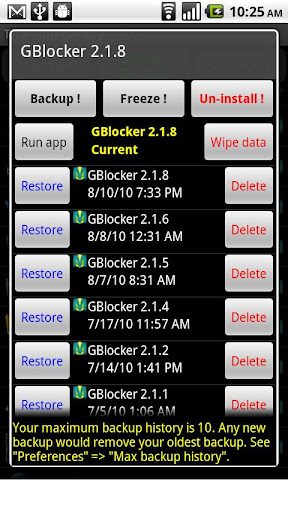
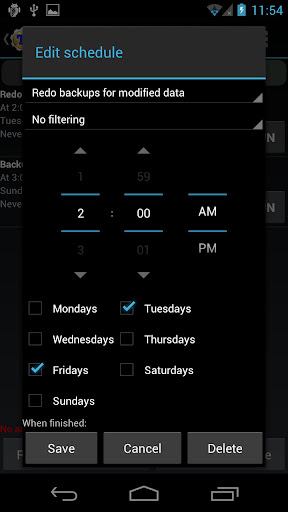
    You can backup, restore, freeze (with Pro) your apps + data + Market links. This includes all protected apps & system apps, plus external data on your SD card. You can do 0-click batch & scheduled backups.

    Backups will operate without closing any apps (with Pro). You can move any app (or app data) to/from the SD card. You can browse any app's data and even query the Market to see detailed information about the app.

    PRO FEATURES ADDED:
    • Multiple backups per app
    • 0-click batch restore
    • Multi-user support for some apps! (eg: games)
    • Batch verification
    • Backup apps without closing them!
    • Restore individual apps+data from CWM backups!
    • Restore individual apps+data from TWRP backups!
    • Hypershell speed
    • Migrate system data across different ROMs
    • Market Doctor (relink apps to Market)
    • "Destroy all Market links" feature
    • Apps freezer (incl. batch support)
    • Market "auto updating" manager
    • Convert user apps <=> system apps
    • Encryption
    • Unlimited schedules
    • Sync to/from Dropbox (manual/scheduled)
    • Sync to/from Box (manual/scheduled)
    • Sync to/from Google Drive (manual/scheduled)
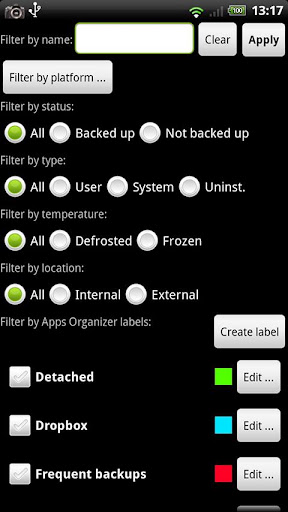
    • Load/Save a Filter and use it in Widgets/Schedules
    • Protect backup against deletion
    • Send backup by e-mail
    • Backup→Verify→Un-install an app in one shot
    • Freeze/defrost/launch apps in a single click
    • CSV export any app DB (e-mail or Google Docs)
    • Brand the app with your name
    • Bloatware Melter (experimental)
    • Convert app data to/from faster WAL DB format
    MORE MEMORY:
    • Dalvik cache cleaner
    • Integrate system app updates into ROM
    • Move apps into ROM
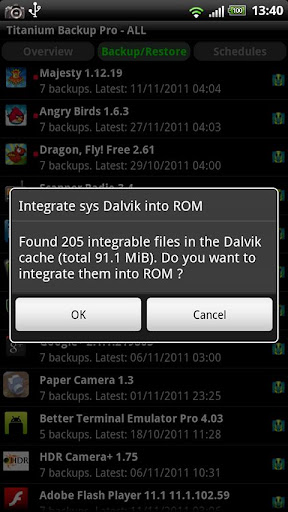
    • Integrate Dalvik cache system elements into ROM
    What's in this version : (Updated : Nov 30, 2013)
    • Added initial support for ART runtime on Android 4.4 (KitKat).
    • Updated translations.
    Required Android O/S : 1.6+

    Screenshots :


    Download : 6.2Mb APK

    - Cracked by coolypf - 

        tinyCam Monitor PRO v5.1.1 APK


        Mobile surveillance from any IP cameras for Android phones, tablets, Google TV !


        tinyCam Monitor PRO play.google.com.dvr.pro
        One of the best app available for Android for remote surveillance, control and video recording for your private/public network or IP cameras, video encoders and DVRs with CCTV cams (#1 rated surveillance app, 4.6 average rating with 10,000+ active users).

        Monitor your baby, pet, home, business, traffic, and weather remotely and securely (no data being sent to 3rd parties). tinyCam Monitor provides best value to customers. Buy now to get more features in future updates for free! More than 25 major updates per year with new features!

        Listed as a featured app on Google TV in Android Market. View your security cams right from the sofa!

        Features:
        1. Very intuitive custom made interface. See the screenshots to appreciate the quality of the app.
        2. Support for M-JPEG based devices of all major vendors (100+)
        3. 1-way audio (listening) for D-Link, Edimax, Gadspot, SONY, Sharx Security, LogiLink, TRENDnet, Y-cam (selective models)
        4. 2-way audio (talking and listening) for Axis, FOSCAM, Loftek, Tenvis, Wansview, INSTAR, and more on the way!
        5. SSL support (https) for secured monitoring and encrypting credentials
        6. 10 different layouts with unlimited number of cameras support
        7. Control pan-tilt-zoom (PTZ) enabled devices, i.e. Panasonic, Pixord, Vivotek
        8. Relay, LED control for some models
        9. Cyclic 24/7 video recording (sequence of JPEG images) on SD card. Video playback is under development.
        10. Easy to use pinch to zoom for digital zooming and swipes for camera selection
        11. Sequence mode for automatic cameras switching
        12. Import/export settings to SD card or Dropbox service
        13. Support for any USB/laptop cams through 3d party software for PC/Mac (see FAQ)
        14. Native interface for Honeycomb tablets and Google TV
        15. Very CPU efficient
        Still not amazed? How about these UNIQUE Features :
        • The only app in the market which supports ON CAMERA MOTION DETECTION (selective models). Make automatic snapshots or play alert sound on motion!
        • LAN SCANNER for automatic cams detection. Have a camera IP address suddenly changed? It takes only couple minutes to fully rescan your home network
        • Audio real-time processing (SQUELCH) for using it as a baby monitor
        What's in this version: (Updated : Nov 29, 2013)
        • Hardware accelerated H.264 video recording for Android 4.3+ devices (MP4 file). Change codec in App Settings -> Recording -> Encoder.
        • H/w accelerated H.264 video decoder for Android 4.3+ devices. At the moment used only by Foscam 2013 cameras. Change codec in App Settings -> Video.
        • Saving last used audio state. No need to switch on audio all the time.
        • Stability improvements for Foscam FI9821W V1/V2, FI9831W.
        • UI improvements for high density screens.
        • More camera drivers.
        Required Android O/S : 1.6+

        Screenshots:


        Download : 5.5Mb APK