2014-01-13

nanoloop v1.9.7 APK


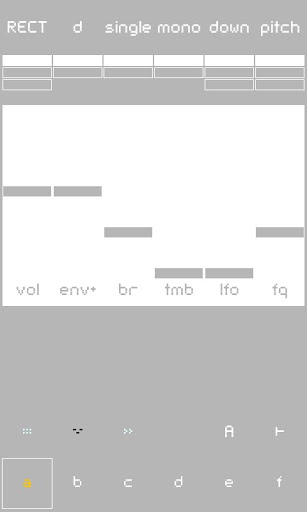
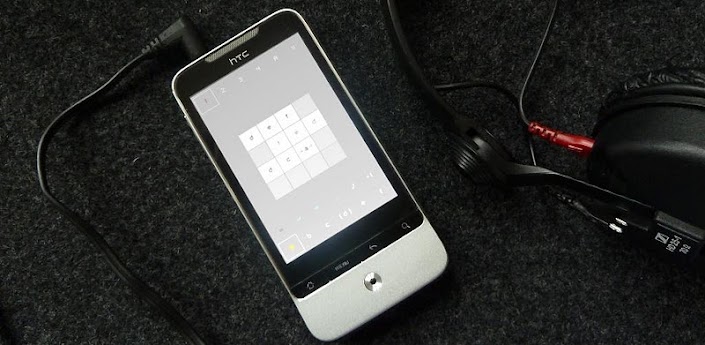
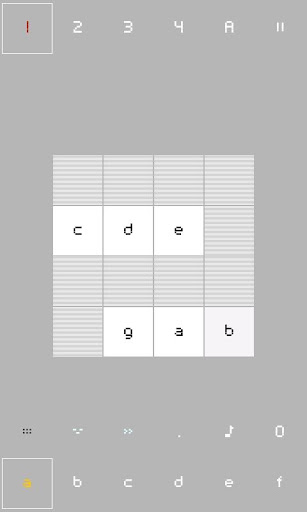
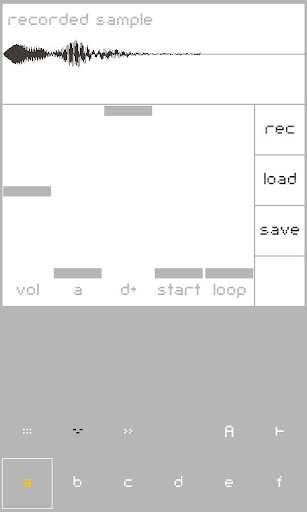
Nanoloop is a complete sequencer/synthesizer/sampler package with clear, minimalistic graphical interface!



nanoloop play.google.com.nanoloop
Nanoloop is a complete sequencer/synthesizer/sampler package with clear, minimalistic graphical interface.
It runs smoothly not just on high end phones (Desire, Droid etc) but also on mid-range and low end devices such as Legend and XPeria mini series.

Features:
  • Six channels, each can be synth or sampler
  • Load samples from SD-card
  • Sample via microphone
  • Re-sample, export samples
  • FM-, noise- and filtered wave synthesizer
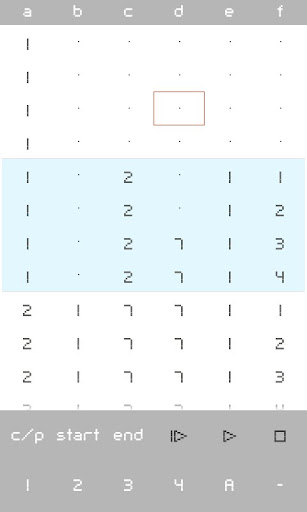
  • Fast and easy to use stepsequencer
  • 8 patterns and 2 instruments per channel
  • Song editor with loop function
  • Send and receive projects via e-mail
  • Files compatible with the iPhone version (via iTunes only)
  • Export songs to device's music library (Ogg Vorbis format)
A few example projects are included.


What's in this version : (Updated : Jan 13, 2014)
  • Random function: Tap multiple times on parameter icons to randomise the pattern. Random range increases with each tap.
  • When the screen goes to standby mode, nanoloop keeps playing.
  • Improved loading of example projects in the help screen.
  • "Export loop" exports multiple patterns if pattern loop is active.
Required Android O/S : 1.6+

Screenshots :
 
 
Download : 805Kb APK

Android Tuner v0.12.9 APK


The most complete app for monitoring and controlling your Android devices!


Android Tuner play.google.com.at
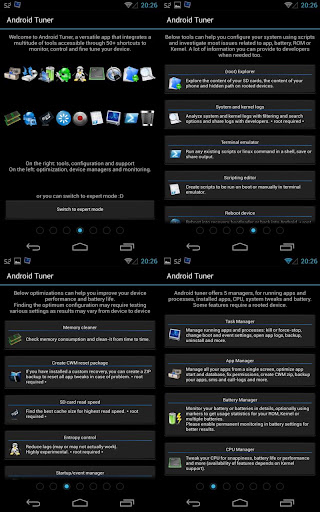
Following popular requests, this is the merging of Battery Monitor Widget, System Tuner and Multi Toggle Widget apps.
Best on rooted phones, works well on stock phones too.

Unique features not available elsewhere (requires root):
  • Clean reboot
  • Turn on/off APN, BT discovery, GPS & WiFi Localization
  • Automatic backup of installed apps
  •  Logcat reader for Android JellyBean 4.1.x
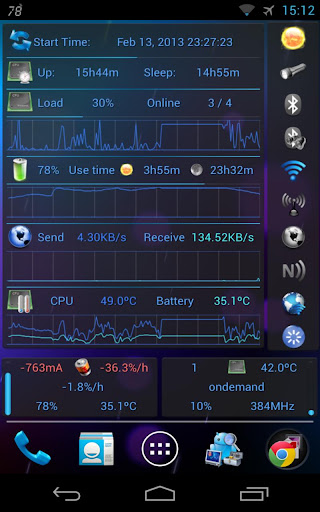
  • Graphical monitoring widgets
  • milli-amp consumption reporting
Full feature set (some require root access):
  • File explorer (root, sd, network share, streaming)
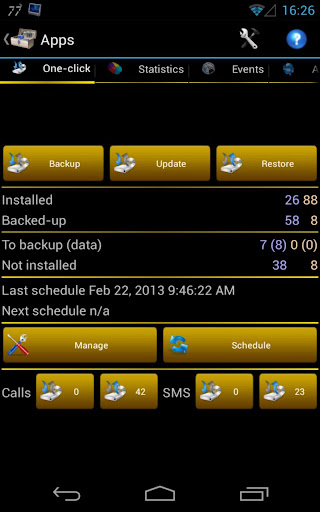
  • Application backups (auto, multiple version)
  • Startup application manager*
  • Application event control*
  • System app uninstaller*
  • System update cleaner*
  • Monitoring (battery, cpu, network, memory)
  • Logcat**, kernel message reader*
  • App statistics since unplugged
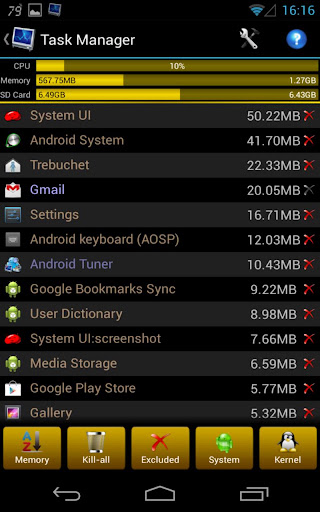
  • Task manager
  • Auto-task killer
  • Terminal emulator
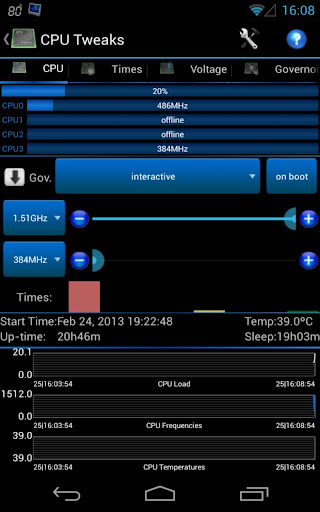
  • CPU tweaks (governor, frequency, voltages) relying on Kernel support*
  • SD tweaks (cache size, scheduler)*
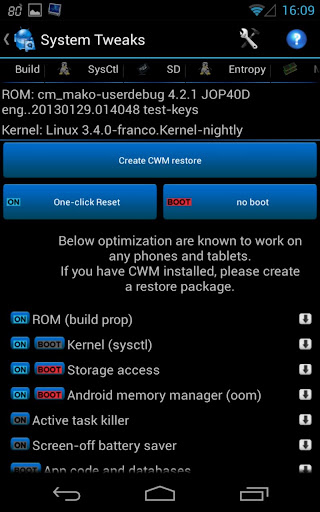
  • Sysctl editor*
  • Build.prop editor*
  • Many notifications icons can be installed
  • 1x1 and 2x1 text widgets
  • 2x1, 3x1, 4x1, 4x2, 5x1 and 5x2 graphic widgets
  • 1x1 and 4x1 toggle widgets***
  • App optimizer (zipalign and database cleaner)
  • Battery saver (cpu, switch off wifi, bt...)***
* Requires root access
** Requires root access on Android 4.1 and above
*** Requires root for full feature

What's in this version : (Updated : Jan 12, 2014)
  • New firewall entries
  • Export battery history
  • Multi-apps in freezing shortcut
  • Hide internal notification icons
  • Supports MMS backup (root required)
  • Edit permissions per apps
  • Remove OC kernel support
    Required Android O/S : 2.1+

    Screenshots :


    Download : 8Mb APK

    Tegra Overclock v1.6.7 APK


    A single app to control your Tegra 3!


    Tegra Overclock play.google.com.tegraoverclock
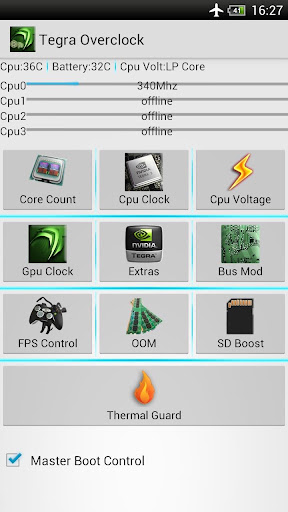
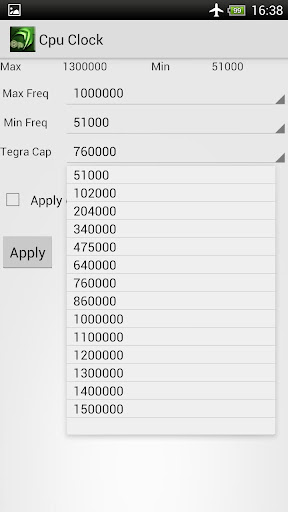
    This tool will enable you to save power or switch to performance on fly. It covers safety features of master boot to enable/ disable your boot settings. Designed in a way that is look different than most market overclocking tools and provide easy to use interface. It can be very effective for those who are frustrated of heat problems or battery drain issues. For gamers it pack an FPS lock that help to get consistent Frame rate while saving battery when Gaming !!

    ROOT Needed!

    Features:
    • Works like a charm even on any Tegra 3 stock Kernel and from v1.5.1 on any Firmware!
    • Allows you to lock FPS(Frames per Second) which inturn saves battery for gamers and non gamers alike(minimum 40 recommended)
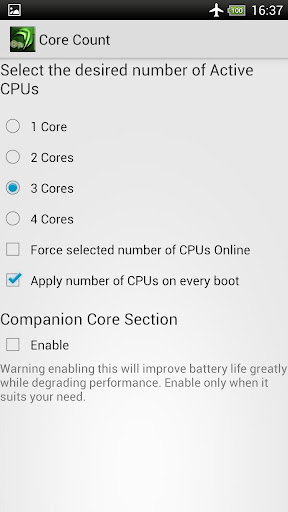
    • Select number of cores!
    • The show stealer Low Power Core Control!!!
    • SetCpu clock control
    • Gpu Overclock (From v 1.4 supports GPU/ CPU unlinking and freedom with GPU overclock !! )
    • Added 50, 100, 150 Mhz frequencies to GPU for power saving purpose. Default lowest was 200Mhz!!
    • Ram Underclock (use it to save battery. It makes things laggy but not noticeable in gaming, Gamers rejoice! New 380Mhz recommended) 
    • Undervolting
    • SD cache
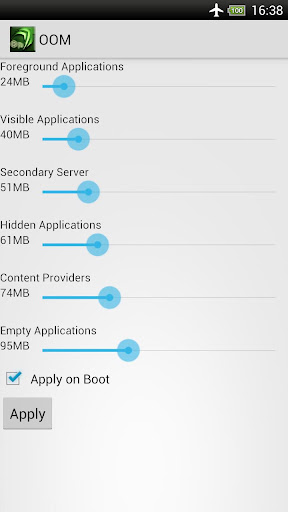
    • Out Of Memory Management ( OOM )
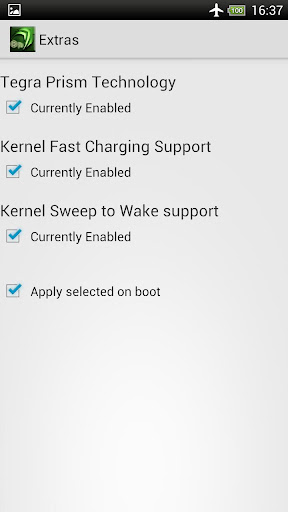
    • Nvidia Prism Toggle Control 
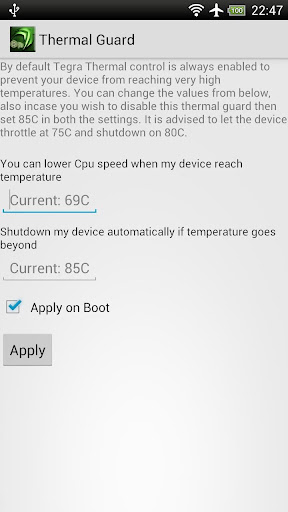
    • egra Thermal Guard ( Can now control throttling on Tegra 3 phones and tablets )
    • Some Misc Tweaks + more upcoming.....
    Guaranteed to work better than even most famed system tuner , No-frills CPU Control apps as these are generic applications while Tegra Overclock contains more settings and control even over Trickster mod. All in a nutshell if you have a TEGRA 3 Processor then you have come to right place.

    IMPORTANT NOTE:
    From v 1.2 Tegra Overclock will work on all Tegra 3 devices regardless of Kernel used. Still keep in mind that some of the features and Gpu Overclocking(above 416 Mhz) are kernel specific.

    What's in this version : (Updated : Jan 10, 2014)
    • Fixed issue of Widget crash for users who don't have busybox installed. (Clear data if you face issue or just simply uninstall/ reinstall)
    • Reduced the probability of crash when Changing GPU frequencies on some devices(ONLY VIA Profiles/Widgets).
    • Added fast charge for iodak kernel.
    • NOTE:
    • After you install the app, grant it super user permission (Root) and check "improve core/clock control" option in EXTRAS PAGE and finally Reboot.. this is important for everything working correctly!!
      Required Android O/S : 3.0+

      Screenshots :
       
       
      Download : 360Kb APK

      *Remove license verification with Lucky Patcher

      2014-01-12

      The Cave v1.1.3 APK


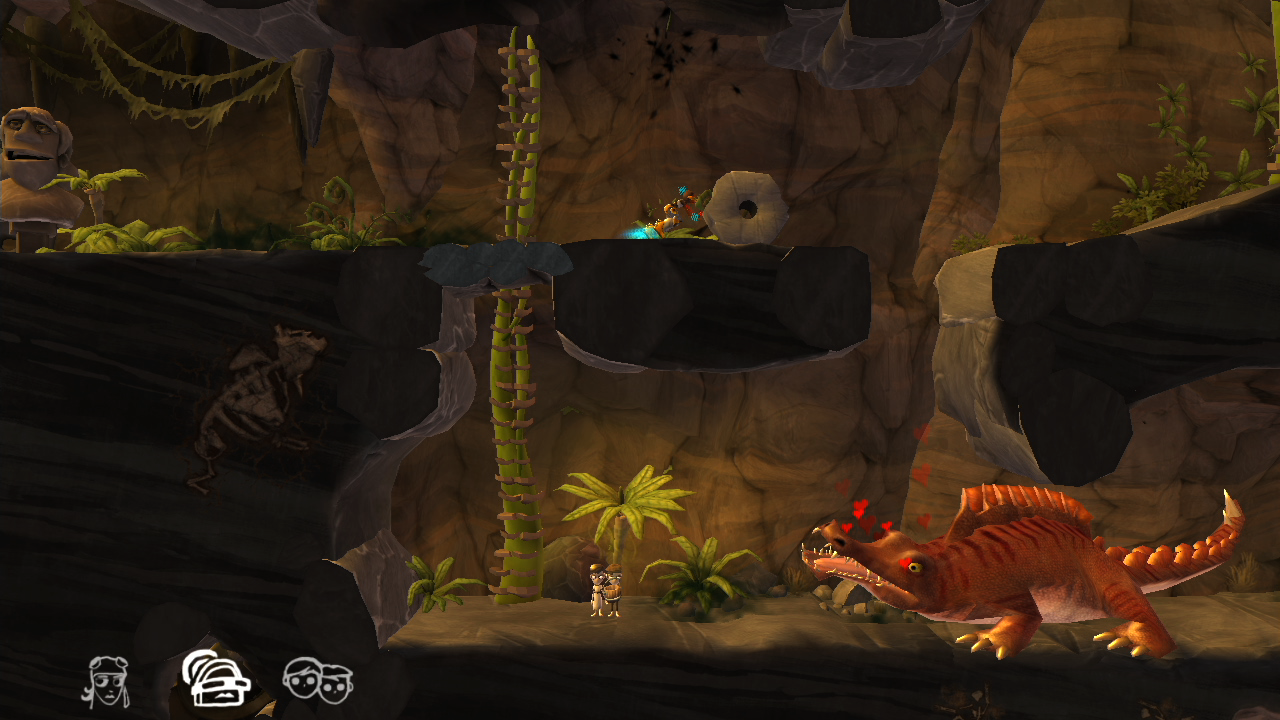
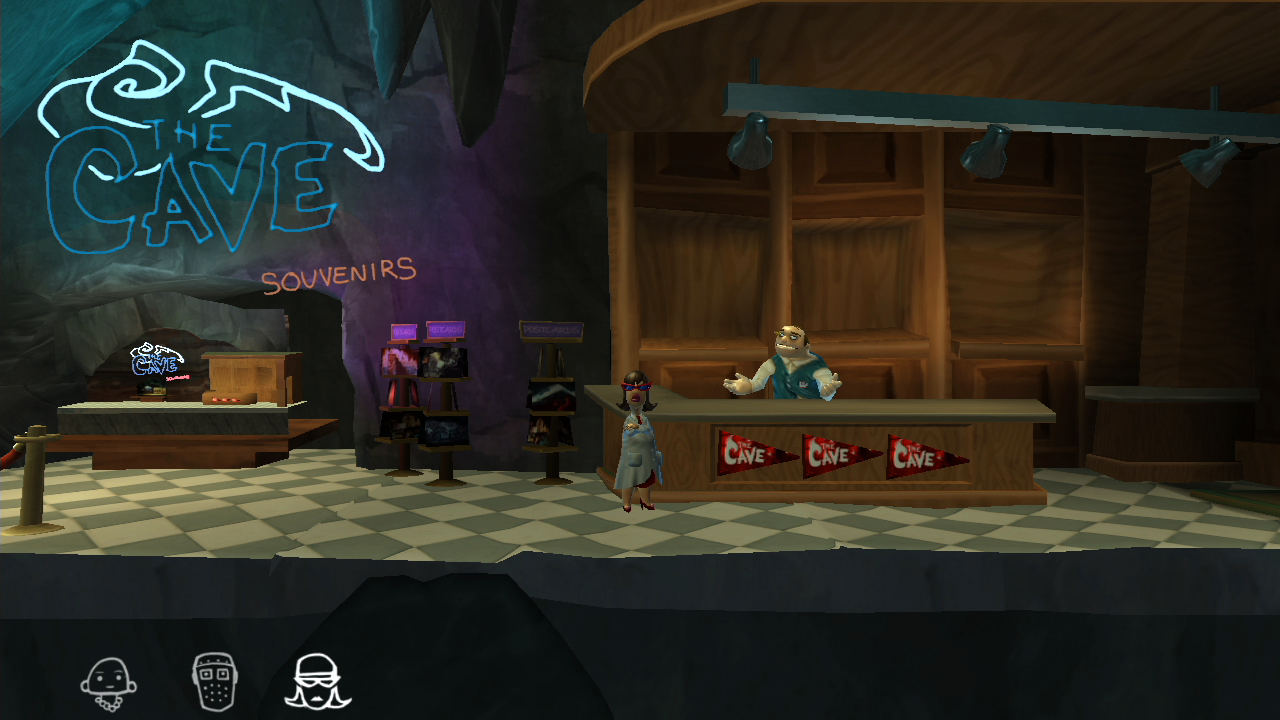
      Descend into the mysterious depths of The Cave in this adventure game from Monkey Island creator Ron Gilbert and Double Fine Productions!


      The Cave play.google.com.thecave
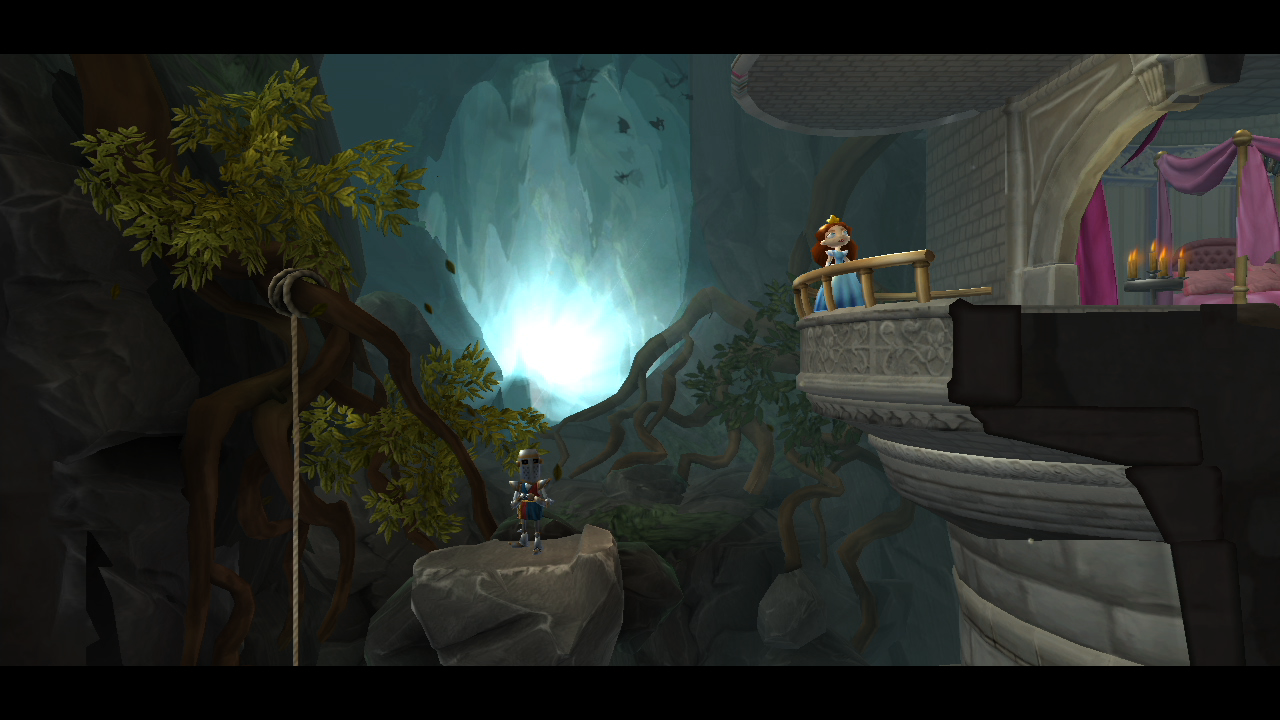
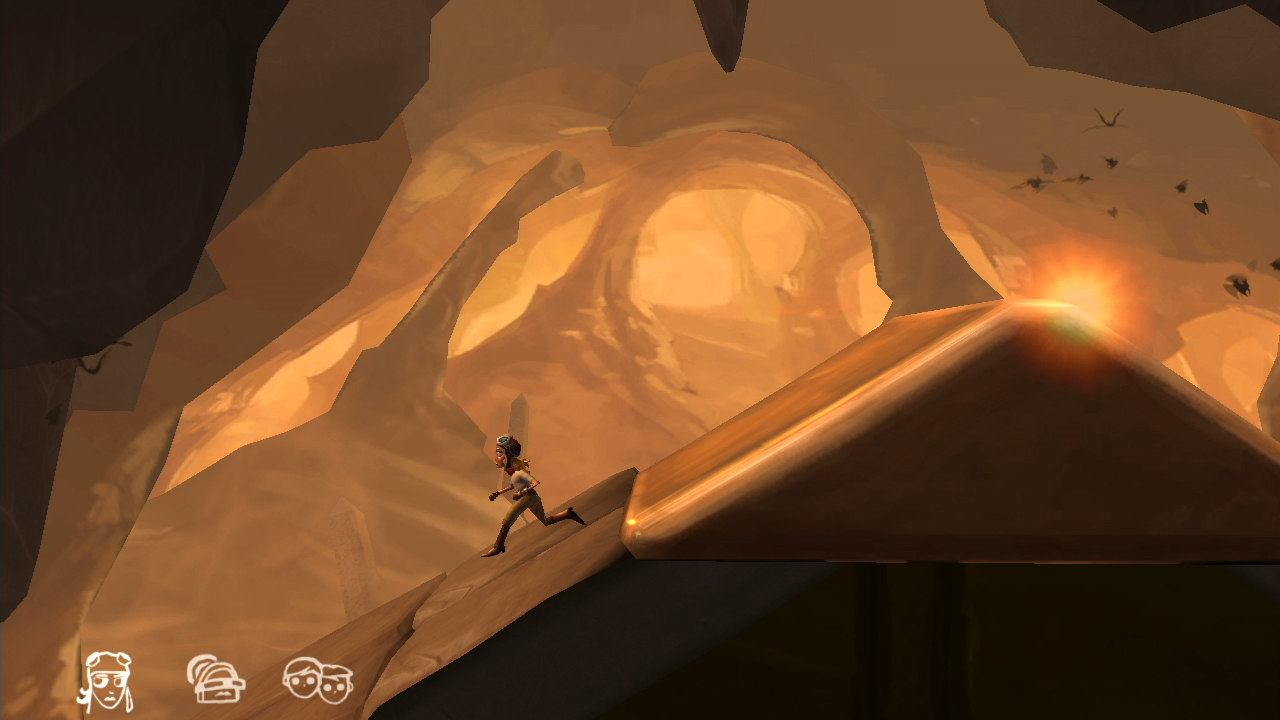
      Assemble a team of unlikely adventurers – each with their own unique personalities and stories– and descend into the heart of a sprawling, sentient cave in order to find that which is most important to each of them. The Cave has had millennia to spruce up the place so prepare to dive deep and solve the puzzles hidden within exotic locations including a subterranean amusement park, medieval castle, and fully armed nuclear research facility. The Cave is waiting.

      Seven Adventurers, Multiple Paths: 
      Choose a team of three out of seven explorers and descend into the depths of The Cave. From the Hillbilly to the Time Traveler, all 7 characters have their own unique personalities, special talents, and mysterious motivations for descending into The Cave.

      Prolific Pedigree: 
      Experience the detailed, stunning art style and humor that only Double Fine and Ron Gilbert can dream up.

      Better Together: 
      Seamlessly switch between characters and work together to solve the puzzles held within The Cave’s depths. Every solution leads you closer to discovering the truth behind each character.

      What's new in this version : (Updated : Jan 9, 2014)
      • Fix corrupt files on google play patch for 1.1.2 which caused crashes for some users
      • Fix invisible characters on some android devices
      • Fix issue where some devices could lock during gameplay, and fixed resuming on those devices
      • the Android back button now functions throughout the menu screens
      • Improve performance on many devices
      • Several crash fixes
      Required Android O/S : 2.3+

      Screenshots :
      The Cave - screenshot
      The Cave - screenshot
      The Cave - screenshot
      The Cave - screenshot
      The Cave - screenshot
      Download : 6Mb APK


      OBB 113 : Part1 Part2 Part3 Part4 Part5 Part6 Part7 Part8 (1.48G)
      [Mali-400P]


      OBB 113 : Part1 Part2 Part3 Part4 Part5 Part6 Part7 (1.2G)
      [Tegra]


      OBB 113 : Part1 Part2 Part3 Part4 Part5 Part6 Part7 (1.22G)
      [Adreno]


      OBB 113 : Part1 Part2 Part3 Part4 Part5 Part6 Part7 (1.27G)
      [PowerVr]

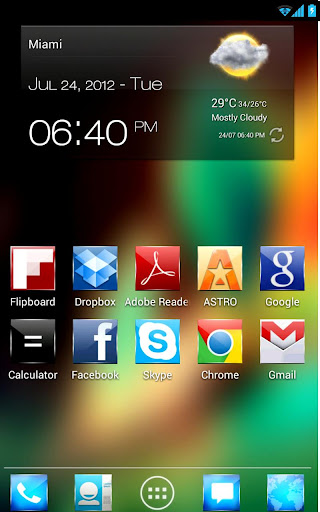
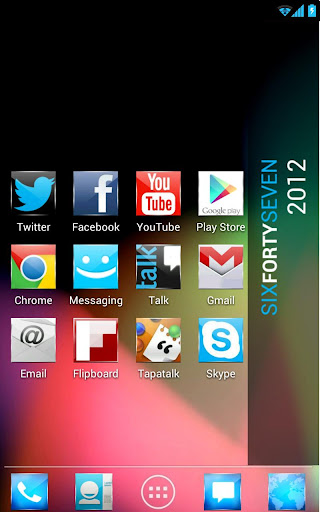
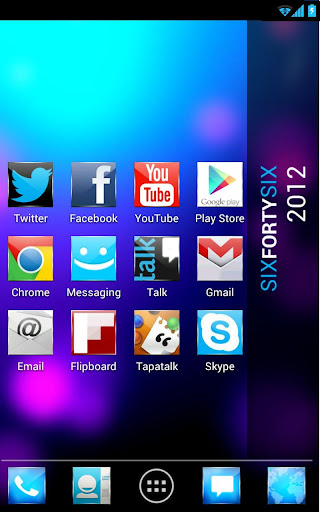
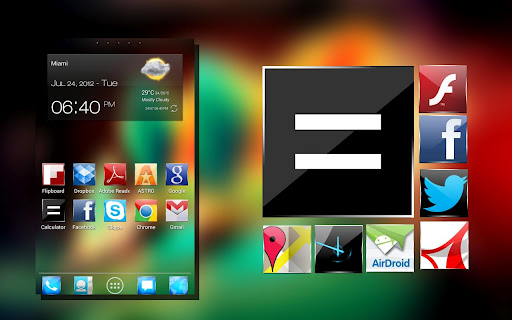
      KitKat 4.4 Launcher Theme icon v5 APK


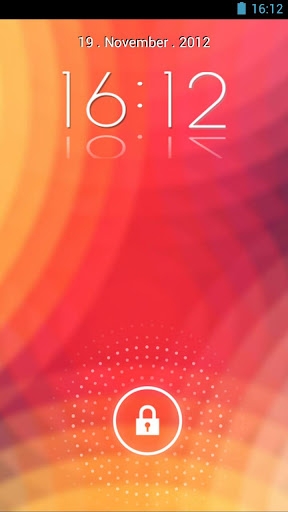
      Theme, designed for Go Launcher, Apex launcher + lockscreen + gowidget theme now!


      Kitkat Metro Theme 6 in 1 play.google.com.jellybean.ics.theme
      Theme JB HD pack icons for any launcher + Pack GOWidget skin + Golockscreen, is available now!

      WORKS WITH:
      • Go Launcher EX 
      • Nova Launcher
      • Apex Launcher
      • ADW Launcher Ex
      • ADWLauncher Free
      • Holo Launcher free
      • Hololauncher pro
      • Hololauncher HD
      • Nemus Launcher
      • Smart Launcher
      • Espier Launcher
      • Go Launcher HD tablet (only icons)
      • Launcher Pro
      • NEMUSLaunche
      Provides delicate app icons,Desktop Visualizer DVR, wallpapers, folder and app drawer interface. Get it right now and have a completely new makeover of your Android smartphone.
      Get the look of Android 4.1 'Theme Jelly Bean' for your favorite launcher!

      Features
      • New streep Folder!
      • Jellybean concept system icons!
      • Wallpaper HD pack included
      • ADW Theme support
      • Apex Theme support
      • Launcher Pro theme (only icons)
      • Support for Desktop Visualizer
      • Support for Folder Organizer
      Notes:

      Install Lockescreen:

      • Make sure GO Launcher EX or above and GOLocker Ex v1.33 has been installed;
      • Click Menu>Plugins>GO Locker, choose a theme you like and apply it to your phone.
      Launcher Pro
      • Phone Settings > Applications > Manage Applications, choose Launcher Pro, select 'Clear Data' and then try to load the icons again.
      theme may also work with Apex Launcher customizable, Nova Launcher, mxHome, Launch-X, Crazy Home Lite, dxTop Lite, Open Home paid, Open Home free, VTL Launcher, Circle Launcher Paid and more!
      ADW users need to manually change the app drawer icon on their homescreen. It can not be done automatically. Long-press or double-tap, choose edit. Select the icon and then choose ADWTheme IconPacks. Choose the theme and then pick the icon of your choosing. We've included a couple!

      Regarding 'Move to SD' availability: If the app is moved to SD Card, you risk the custom icons not loading properly because of how the system loads the SD card.

      What's in this version : (Updated : Jan 8, 2014)
      • more 50 icons ready to android 4.4
      • PLEASE SEND A EMAIL US SO WE CAN HELP.WE WILL SEND THE SOLUTION
      • REMEMBER TO SEND YOUR NAME AND NUMBER OF PURCHASE AND WILL HELP IMMEDIATELY.
      Required Android O/S : 1.6+

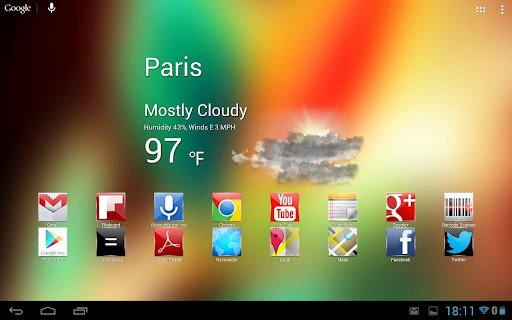
      Screenshots :


      Download : 10Mb APK

      Nox (adw apex nova icons) v2.0.7.1 APK


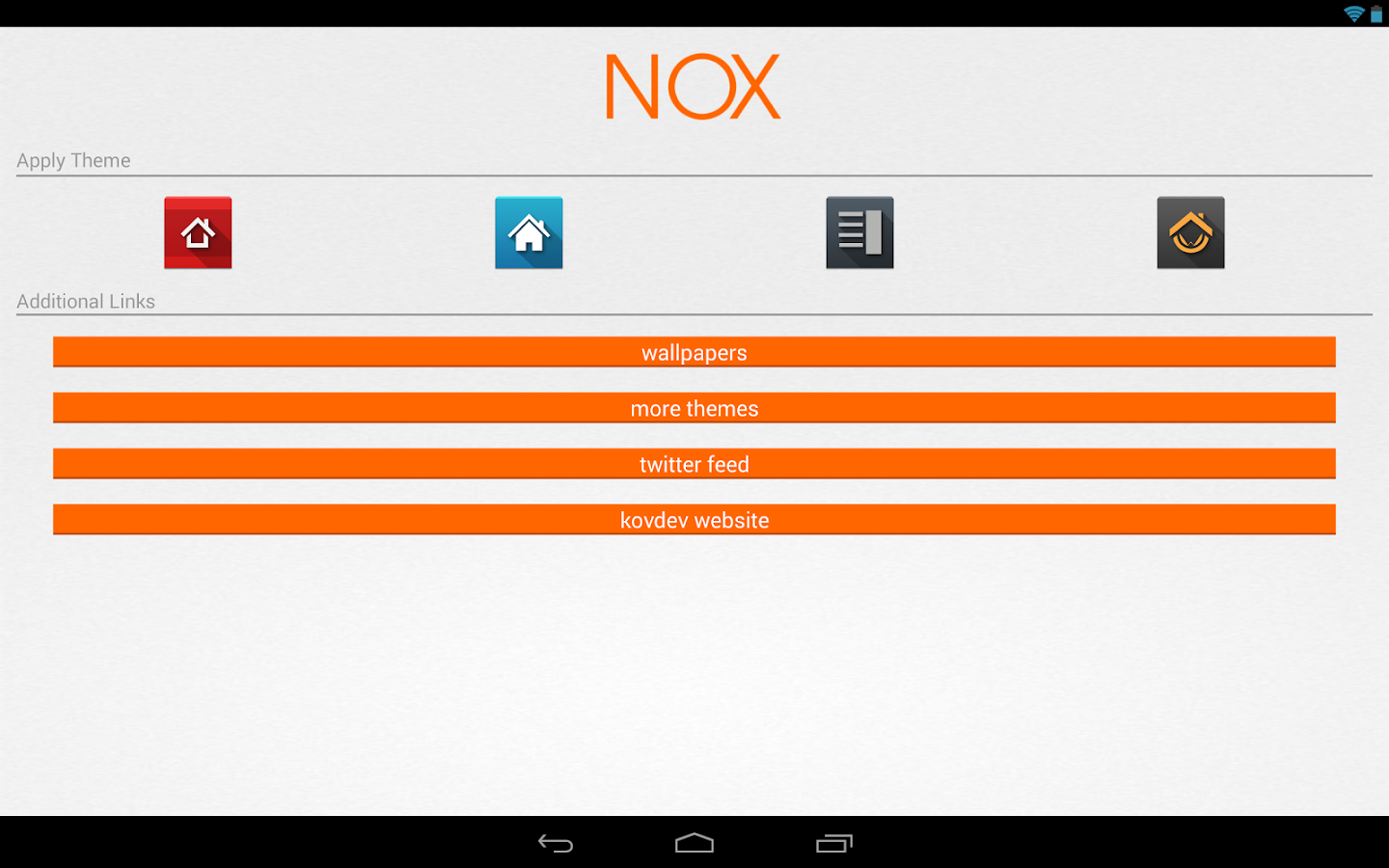
      This is an icon pack and will add high definition icons for many popular launcher replacements!


      Nox (adw apex nova icons) play.google.com.nox
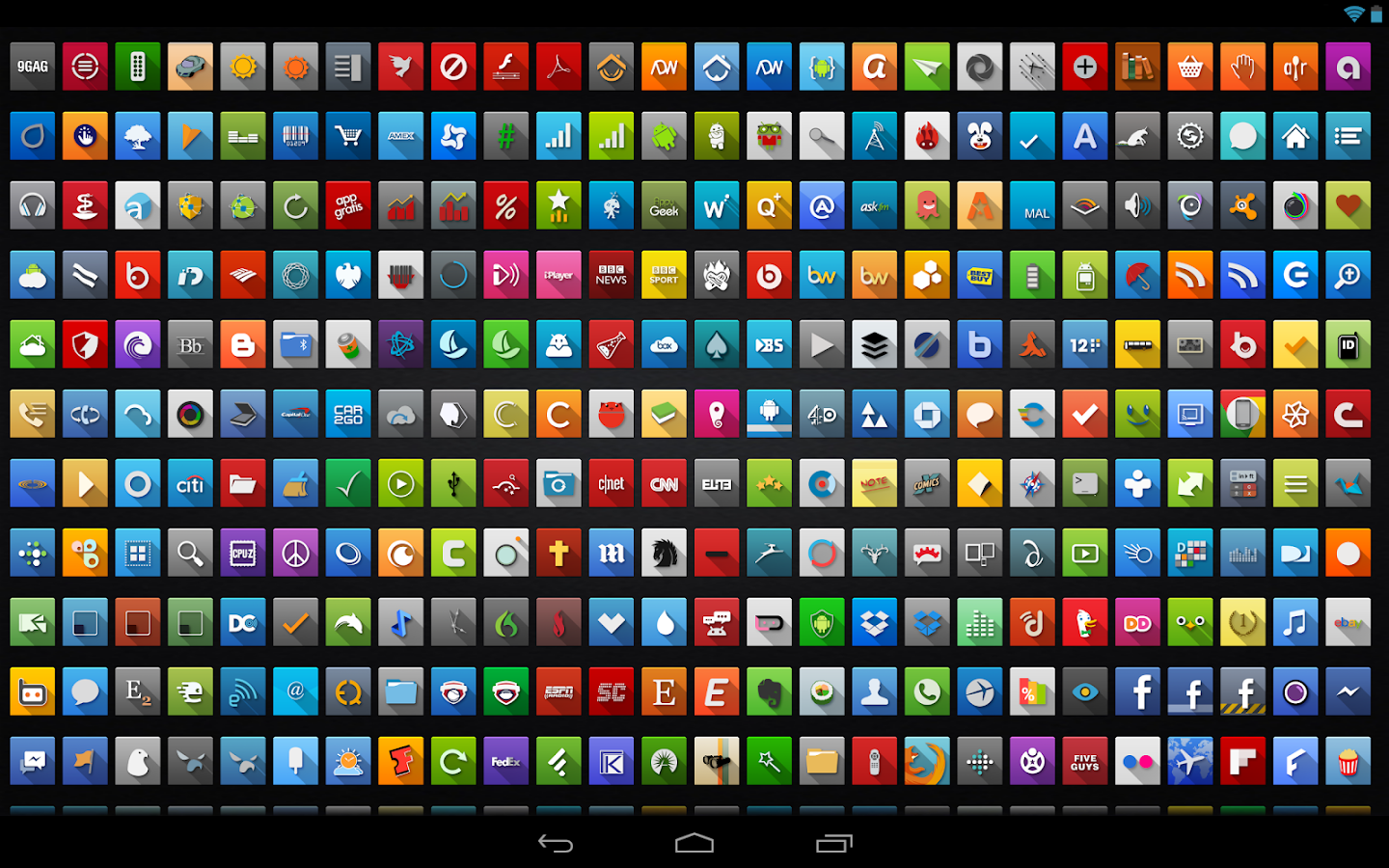
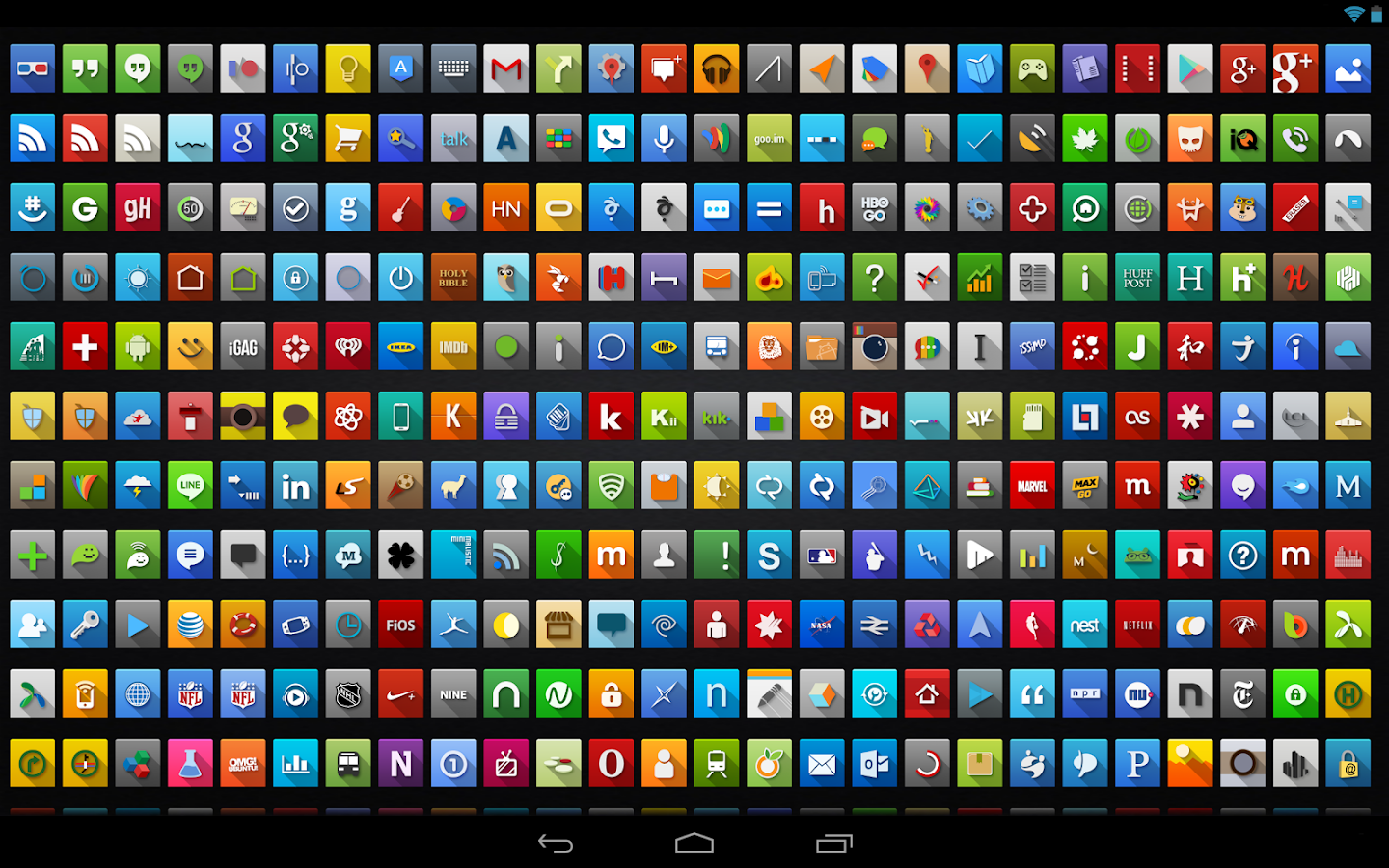
      These icons are designed to be bright, colorful and crisp. Let the long shade give your homescreen a brand new perspective. The full set is rendered at full HD (144x144) for increased clarity. ☺

      Features:
      • Over 1200 custom icons!
      • 12 Wallpapers included!
      • Apex theme support
      • ADW Theme support
      • Action Launcher Pro compatible
      • Nova Launcher theme compatible
      • Holo Launcher compatible
      • Go Launcher EX theme support
      • Icon Themer compatible
      • TSF Shell compatible (icons only)
      Notes:
      • Regarding 'MovetoSD' availability: If the app is moved to SD Card, you risk the custom icons not loading properly because of how the system loads the SD card OR the theme not being active after a device restart.
      • Icons may also work with mxHome, Launch-X, Crazy Home Lite, dxTop Lite, Open Home paid, Open Home free, VTL Launcher, Circle Launcher Paid, Nemus Launcher, Launcher Pro, Next Launcher, Smart Launcher and more!
      DESIGNED FOR XHDPI. YOUR RESULTS MAY VARY WITH OTHER SCREEN RESOLUTIONS

      What's in this version : (Updated : Jan 11, 2014)
      • Fix icon picker (We're sorry about that!)
      • Re-arrange fragment order
      • 53 new icons!
      • Full re-code of wallpaper picker, with UI improvements
      • Tons of activity fixes (including OEM)
      • Major performance improvements
      • Updated various strings
      • Removed Next Launcher theme support
      • Numerous bug fixes
      • Added more unicorn
      Reqired Android O/S : 2.1+

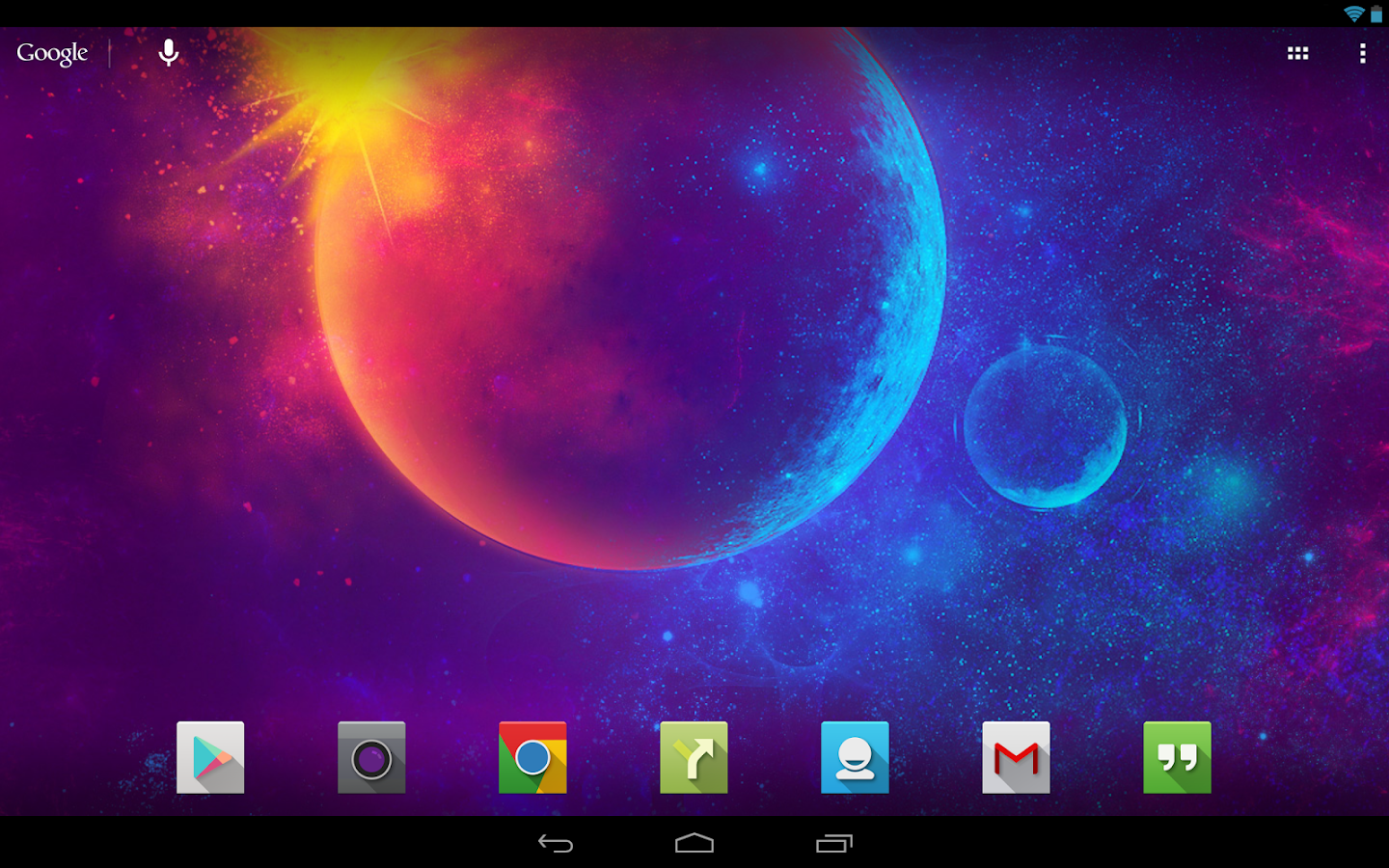
      Screenshots :
      Nox (adw apex nova icons) - screenshot
      Nox (adw apex nova icons) - screenshot
      Nox (adw apex nova icons) - screenshot
      Nox (adw apex nova icons) - screenshot

      Download : 17Mb APK