2014-03-04

Link2SD Plus v3.2.1 APK


ink2SD is an application manager that makes it easy for Android 2.0+ users to move applications to the SD card!


Link2SD Plus play.google.com.plus
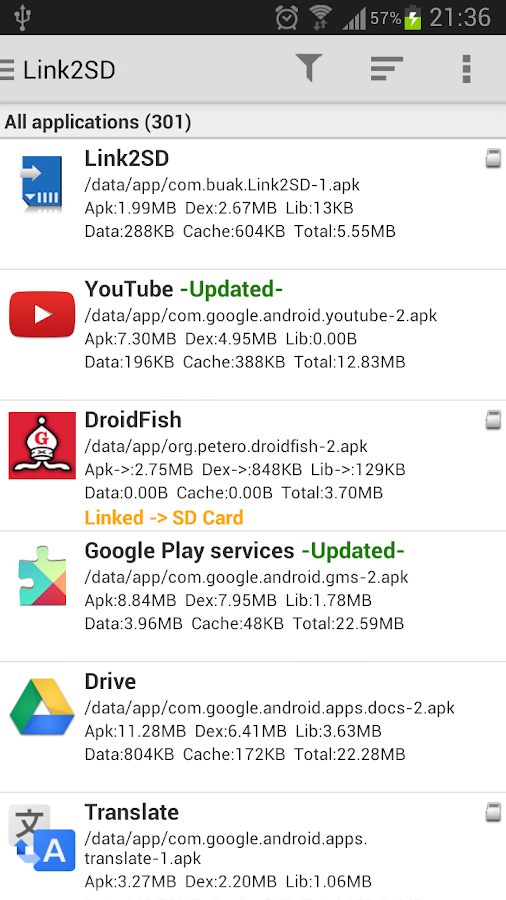
Link2SD is an application manager that makes it easy for Android 2.0+ users to move applications to the SD card, to clean all cache files of the apps. It enables you to manage your apps and storage easily.

The idea behind is same with apps2sd scripts, linking applications to SD card's second partition but differs in two ways.

One, instead of linking /data/app folder (that means moving all applications), you can select applications that you want to move.
Two, it's an application which means has a user interface. You can manage your applications with few clicks.

It also provides native app to SD (app2sd) features on Android 2.2 and higher. It can move any non-protected user apps to SD card (force move), with batch moving capability.
That feature uses Android's standard SD-card installation feature and does not require a second partition.

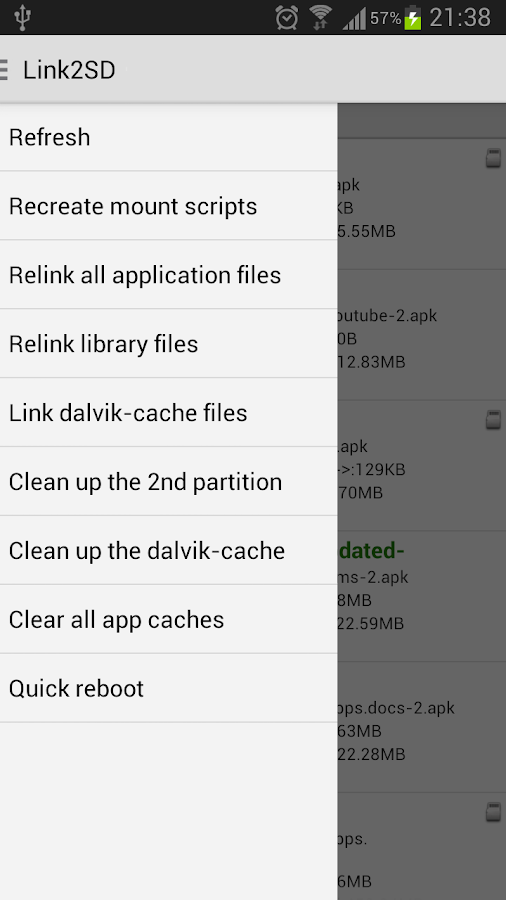
Cache cleaner function clears all your cache and free up space with a single tap. Also cache cleaner widget displays total cache size and enables "one tap cache cleaning" without opening the app.

Features:
  • App manager
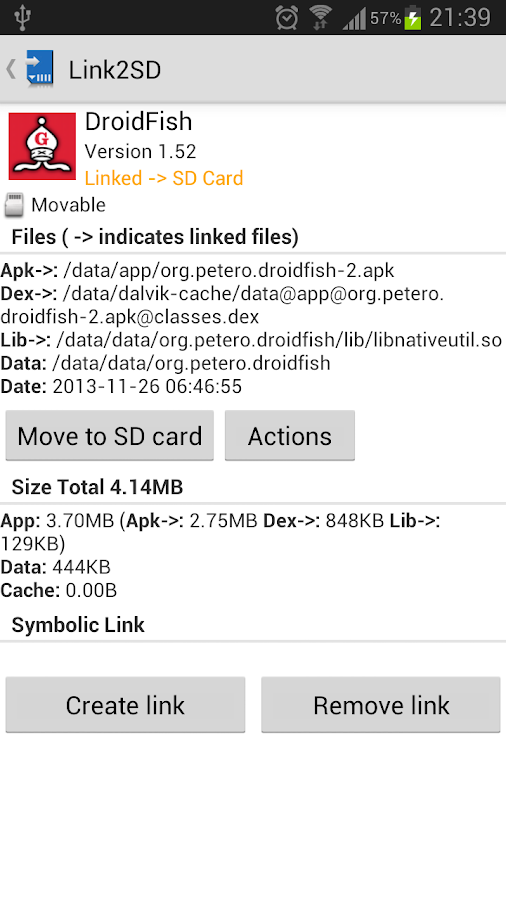
  • Create and remove link for apk, dex and lib files of the applications you select
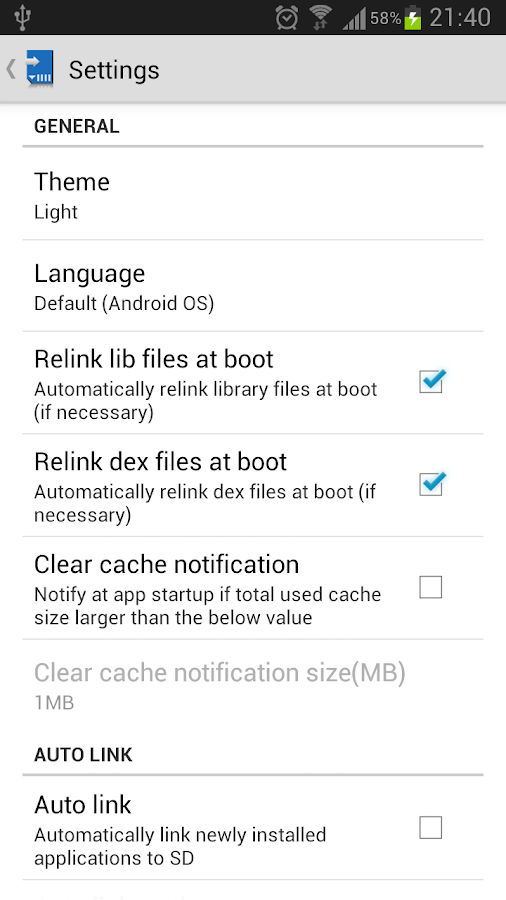
  • Automatically link newly installed apps (optional)
  • Move any user apps to SD even though the app does not support moving to SD (a.k.a. "force move", for Android 2.2 and higher)
  • Shows the apps that support moving to SD with native apps2sd 
  • Set the default install location of the apps; auto, internal, or external 
  • Batch link, unlink, reinstall, uninstall, "move to SD", "move to phone" functions 
  • Notify when movable apps installed 
  • Uninstall system applications (bloatware removal) 
  • Freeze and un-freeze system and users applications 
  • Convert system apps into user apps 
  • Convert user apps into system apps 
  • Integrate "Updated" system apps into system (ROM) 
  • Clear data and cache of the application 
  • Clear all apps cache at once (1-tap cache cleaner without being root)
  • Clear cache widget (1-tap cache cleaner without being root) 
  • Notify if total cache size exceeds specified size 
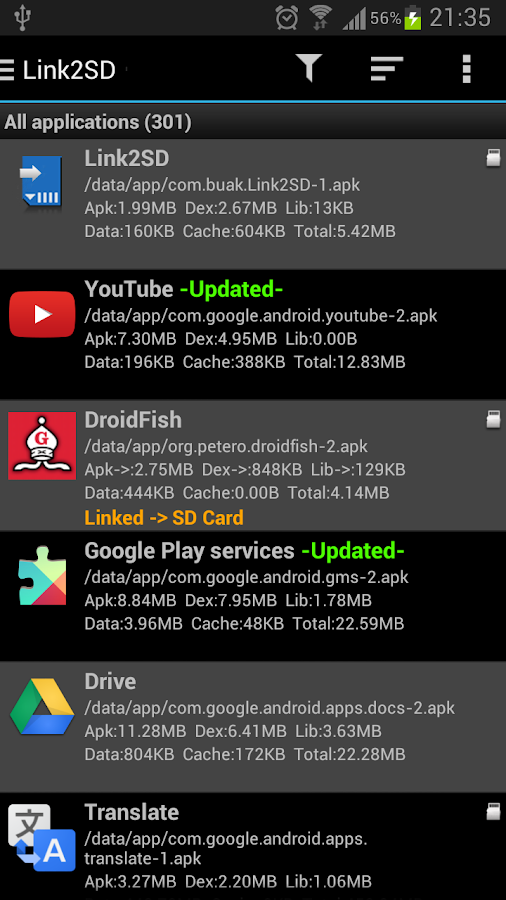
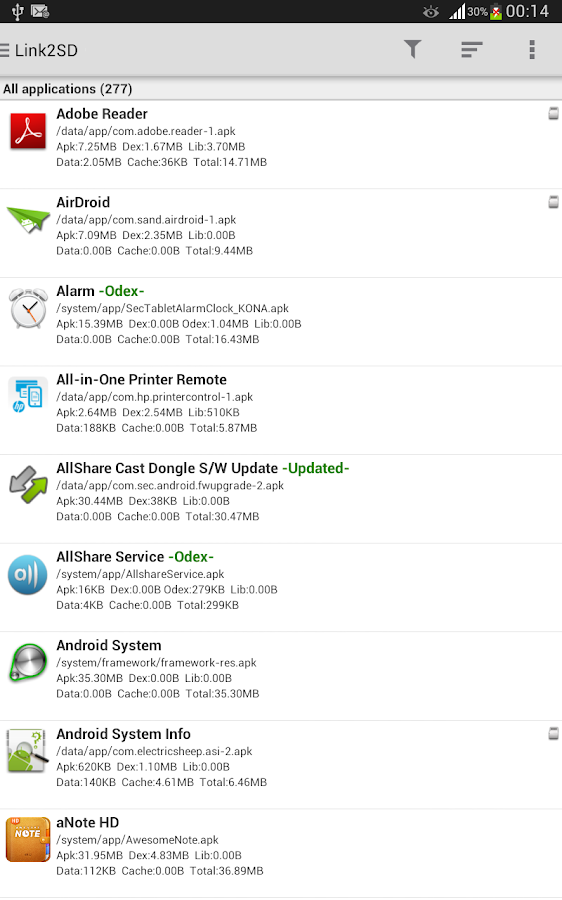
  • List applications, show detailed size information and link status 
  • Wide variety of options to sort and filter apps 
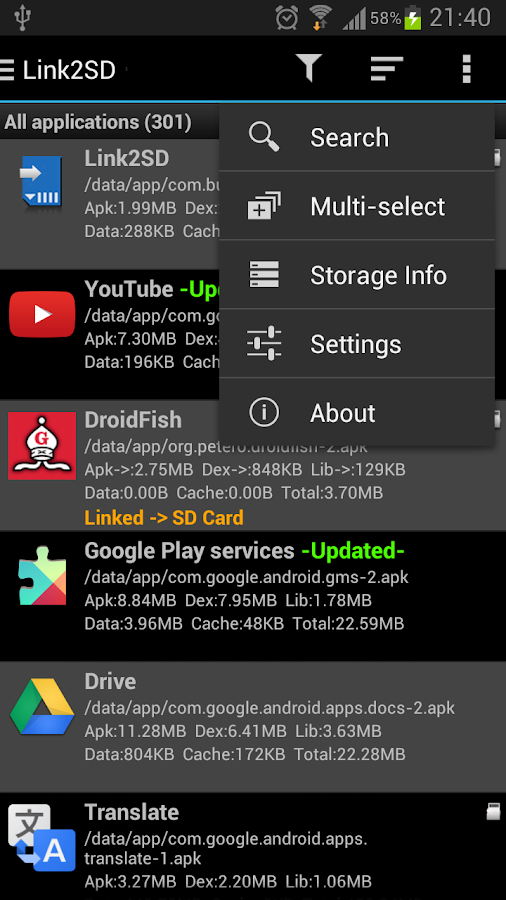
  • Search applications by name 
  • Display available space information of internal storage, SD card and SD card 2nd partition 
  • Share the link of an app
  • Support 35+ languages
Plus features:
  • Removes ads
  • Auto clear cache service
What you need for linking apps:
  • root permission. 
  • a second partition on your SD card.
You should have two partitions on SD card and both should be primary.
The first FAT partition is your standard SD card storage. The second partition is used for application files and can be ext2, ext3, ext4 or FAT32.
Some phones lack the ext2, ext3 or ext4 file system support and you may get mount errors like "no such device", "invalid argument". These phones need ext2.ko or ext3.ko modules and even some additional modules to be able to mount. Using FAT32 on the second partition will eleminate such problems, because FAT32 is supported on all phones.

Link2SD does not create the second partition, you need to create it yourself. You can use any partition manager such as Minitool, Paragon, Easeus etc. for this.

Some points:
  •  System applications should not be linked to SD card. Link2SD does not allow these applications to be linked.
  • When you connect your phone to PC as mass storage, Android unmounts the first FAT partition but the second partition remains mounted. Therefore linked applications are not affected and can be run without problems.
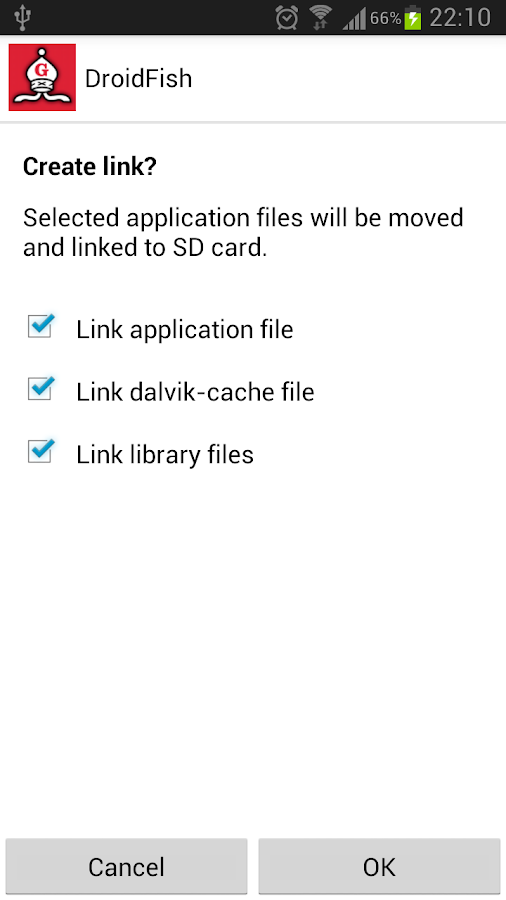
  • Link2SD does not move application's private data files; it moves apk, dex (dalvik-cache) and lib files.
DISCLAIMER: It is made available for use at your own risk with no warranty of any kind.

What's in this version : (Updated : Mar 2, 2014)
  • fixed licensing issue seen on some devices
  • fixed the bug in obtaining root access for clear cache function
Required Android O/S : 2.0+

Screenshots :
Link2SD - screenshotLink2SD - screenshot
Download : 2Mb APK

Jelly Bean Extreme CM11 AOKP v4.31 APK


Jelly Bean Extreme CM10 AOKP!


Jelly Bean Extreme CM10 AOKP play.google.com.jbextreme.com
WHATS INCLUDED
  • Custom, Original Design Work
  • Custom Wallpaper
  • 250 Custom Images!!
I LOVE the Jelly Bean / Ice Cream Sandwich look, but there were some things i didn't like and some things I thought I could improve. That is what this theme is all about. Taking JB & ICS to another level!

WHATS REQUIRED
ROOT is needed and a custom ROM like CM9/CM10/AOKP needed that supports the Theme Engine

This Theme will work for the following ROM's
  • CM 9, 10, 10.1, 10.2, 11
  • AOKP ICS, JB
  • Paranoid Android
  • BAMF
  • Slim
  • Eclipse
  • Baked Bean
  • EOS
  • Liquid
  • Carbon
  • Gummy
★★This theme is designed for mdpi, hdpi, xhdpi and xxhdpi devices★★

HOW TO USE WITH THEME CHOOSER
  • Download Theme
  • Go to Settings -> Themes
  • Select JB Extreme and press apply
  • You may get an error: 'Sorry, this theme is missing assets for your device's screen size'.
  • Ignore that and press apply anyway
  • A message will display saying SystemUI has crashed, press OK
  • SystemUI will restore after about 5-10 seconds and theme will be applied
  • If you coming from another theme, you may need to reboot
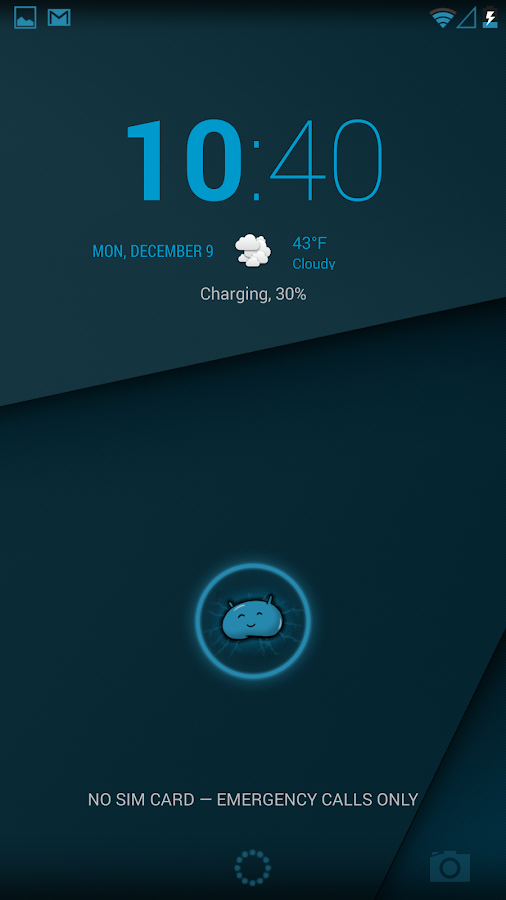
The lock screen and some system dialogs cannot be themed in the T-Mobile Theme Engine, therefore they will remain unchanged

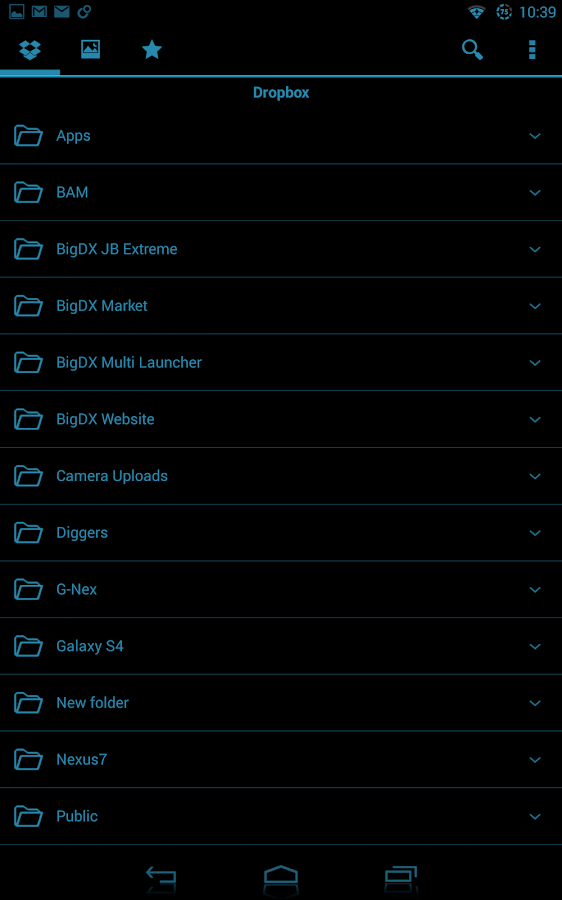
What i have themed so far
  • Background for power menu/volume menu/etc
  • Switches are angled (like ICS)
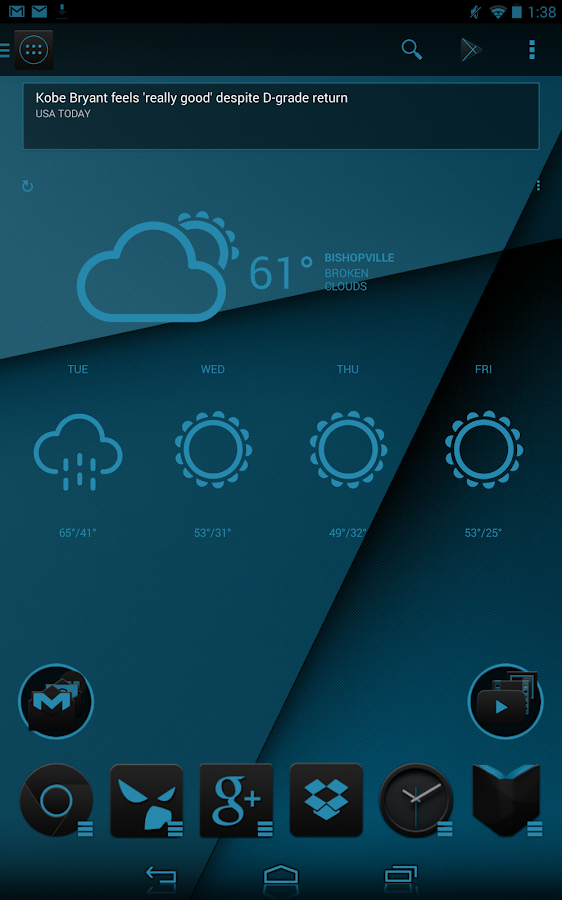
  • Weather and News widgets (genie widget) have semi trans background
  • Power control widget has semi trans background
  • Nova Folder backgrounds (platform, circle, square)
  • Changed all grey icons on pull down to blue (including power widget)
  • Changed all navigation buttons to custom ones, with a blue highlights
  • Added some blue accents on pull down menu borders
  • Changed the working circle
  • Bottom menu background
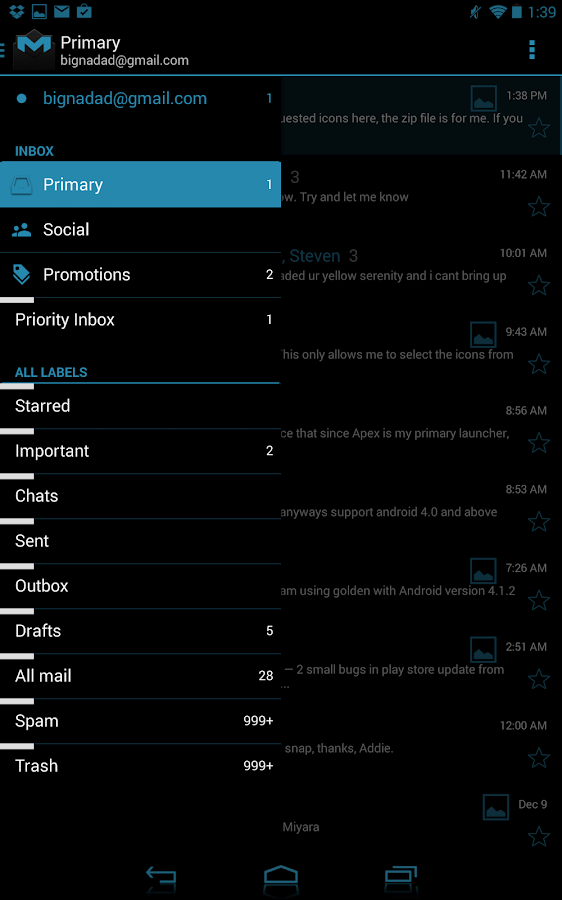
  • Popup menus (white and dark)
  • Battery with and without percentages
  • Cellular and Wifi Signals
  • Animated notification icons for Gmail and Gtalk
What's in this version : (Updated : Mar 3, 2014)
  • Temporarily removed g+ support. Its update is causing many issues
Required Android O/S : 2.3+

Screenshots :
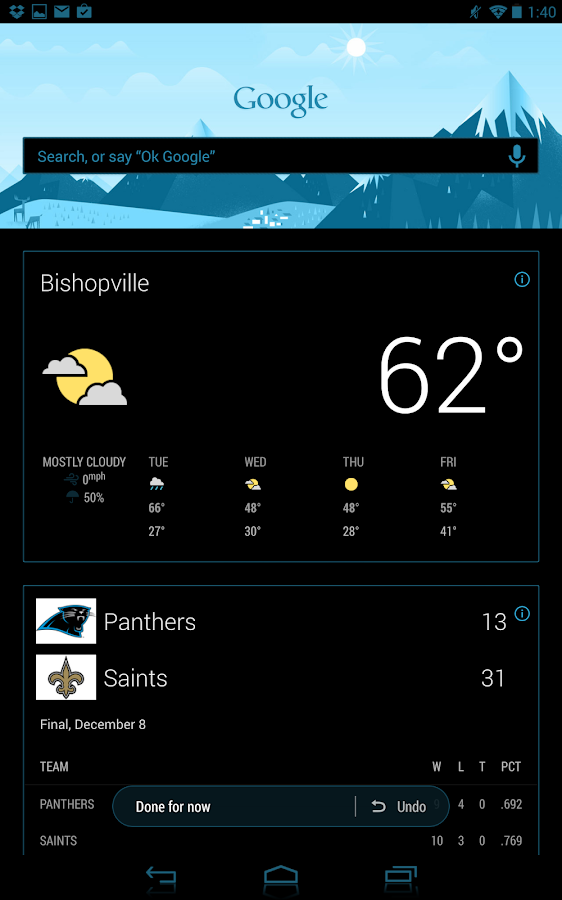
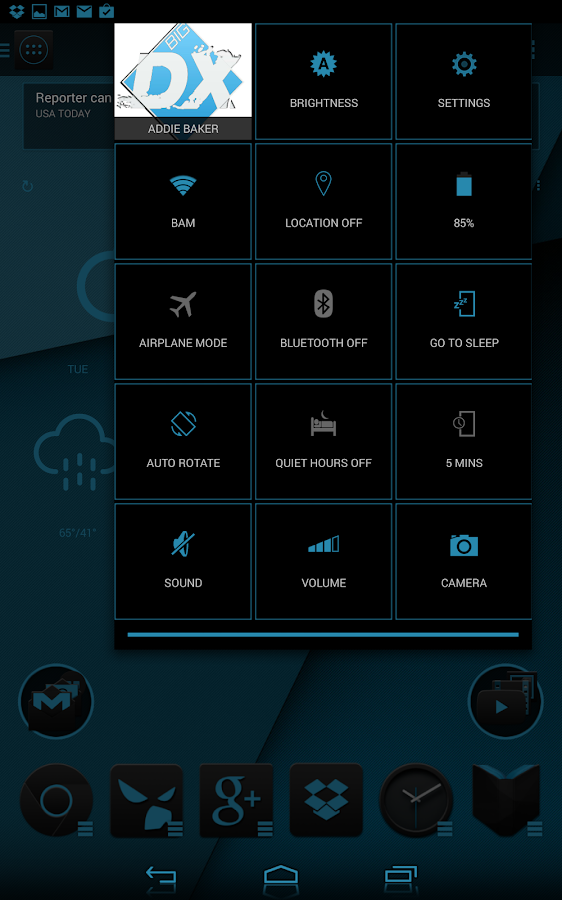
Jelly Bean Extreme CM11 AOKP - screenshotJelly Bean Extreme CM11 AOKP - screenshot
Download : 16Mb APK

Pho.to Lab PRO - photo editor v2.0.102 APK


Photo Fun Generator - create awesome effects and caricatures from your photos !


Pho.to Lab Pro play.google.com.photolabpro
Pho.to Lab PRO – full-featured Photo Fun Generator in your pocket!
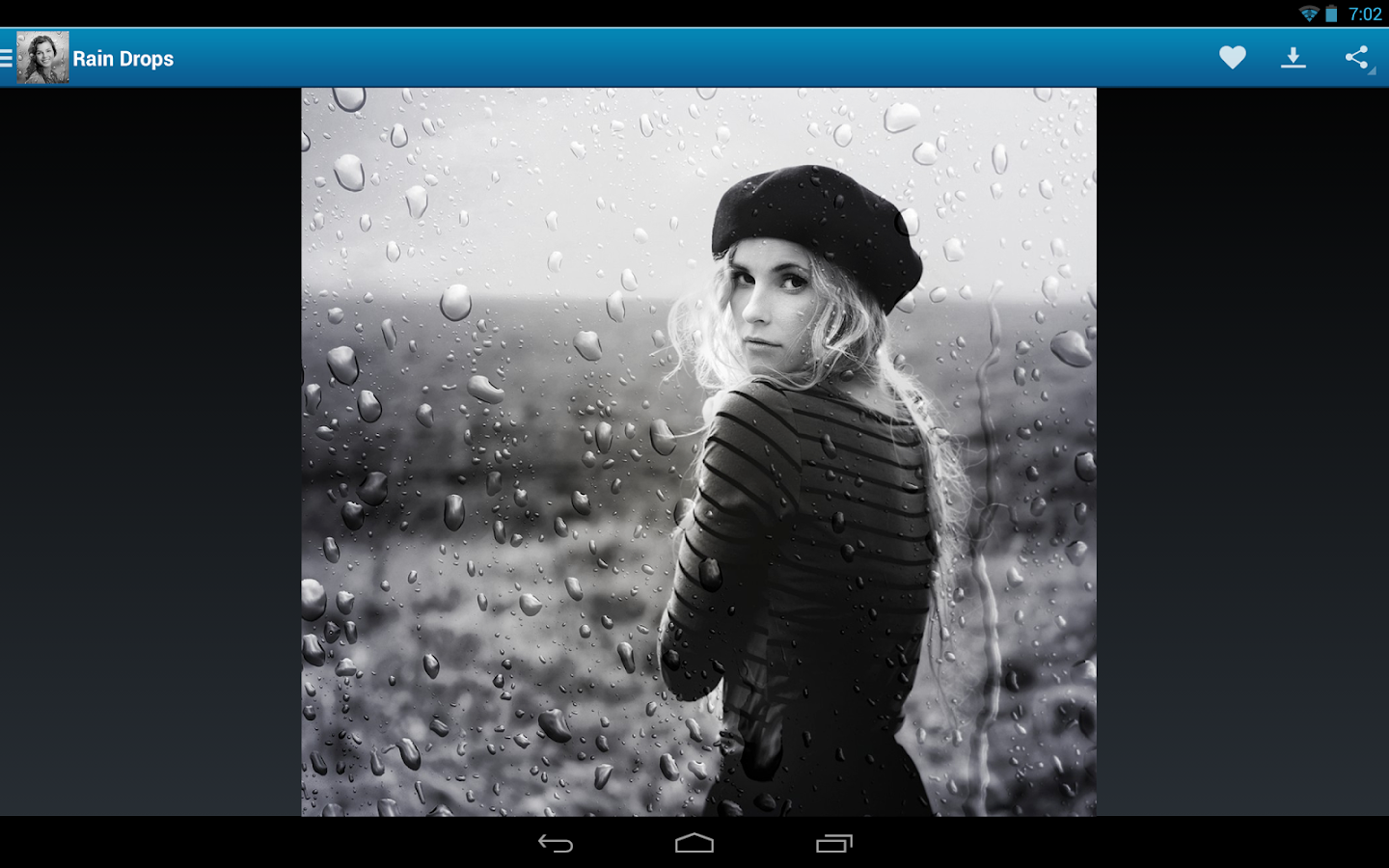
Welcome the PRO version of Pho.to Lab app with almost unlimited abilities to create awesome effects from your photos! With Pho.to Lab PRO photo editor you can easily create fun photo montages, cool contact icons, animated photo caricatures, e-cards and phone wallpapers! You will love the user friendly interface and the ease of use the app provides.

Pho.to Lab PRO does not contain any ads and does not watermark your resulting images. Besides, it comes with extra groups of photo effects for which you would have to pay in the standard version.

What you will especially like about Pho.to Lab PRO is “Photo to Caricature” effects that will turn your face photos into fun animated caricatures in one click!
Also, you will be the first to use the newest effects and templates! With the standard version, new effects become available to you in two weeks after they are released. But that's not the case with Pho.to Lab PRO! Get all the brand new effects immediately after they are released!

Pho.to Lab PRO features and effects:
  • photo to caricature effects: animate faces and turn your portrait photos into amusing caricatures.
  • photorealistic effects like those you find in photofunia: put your face onto museum walls, a soccer fans banner, in a hot off the press newspaper; airbrush yourself on exclusive cars or leave your face as a sand imprint on the beach.
  • photo montages with automatic face detection: turn yourself or your friend into Darth Vader, Rambo, a Na’vi from Avatar, an astronaut or a pirate of the Caribbean!
  • photo filters: Neon Glow, Fire, Jigsaw Puzzle, HDR, Pencil Drawing, Oil & Impressionist Painting, Chalk & Charcoal, and more.
  • photo effects for the stylish and trendy folks: put yourself on the Forbes, Vogue or Playboy cover next to Angelina Jolie, Jackie Chan, Lady Gaga and Dr. House!
  • photo collages: put yourself and your sweetheart or even all your friends into one photo collage.
  • new effects: get all the brand new effects immediately after they are released. Be the first to use them and surprise your friends!
If you couldn’t find the photo effect you wanted, you can submit your own effect idea. We will be happy to make new effects available!

What’s more, you can add text of your own and set the resulting image as a contact icon or wallpaper. You can also save it to the phone memory, send it as an MMS or post it on Facebook and Twitter to surprise your friends!

What's in this version : (Updated : mar 3, 2014)
  • What is your Flappy Bird highscore? Do you prefer Ironpants? Let the hit heroes follow you in every photo and don’t forget to add them to your screenshots with the new ‘Ironpants’ and ‘Flappy Bird’ frames!
  • If you’re not really into gaming, this update will give you the opportunity to attach your photo to a travel bag, set it up on a sunny seashore or a rustic wooden table.
Required Android O/S : 2.1+

Screenshots :
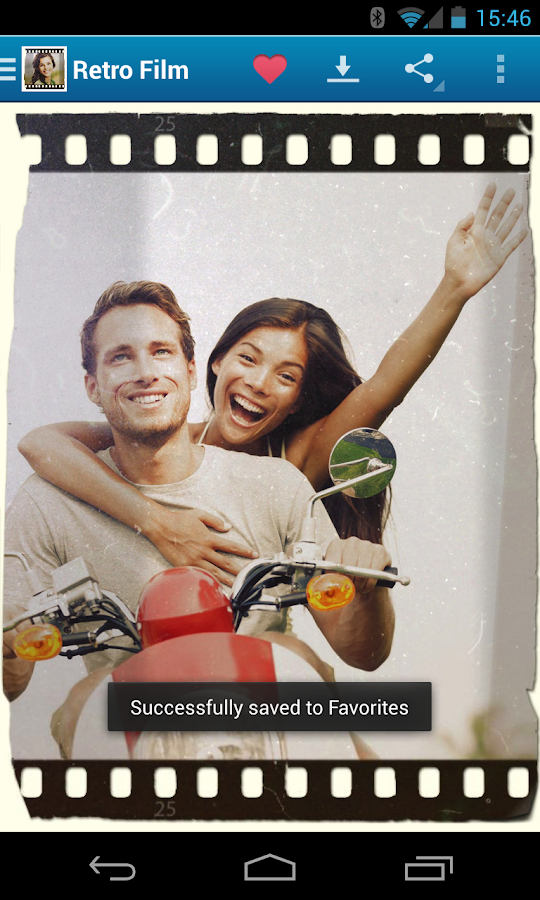
Pho.to Lab PRO - screenshot
Pho.to Lab PRO - screenshot Pho.to Lab PRO - screenshot

Download : 17Mb APK

*Run the app online

Ultra Fitness v1.0 APK


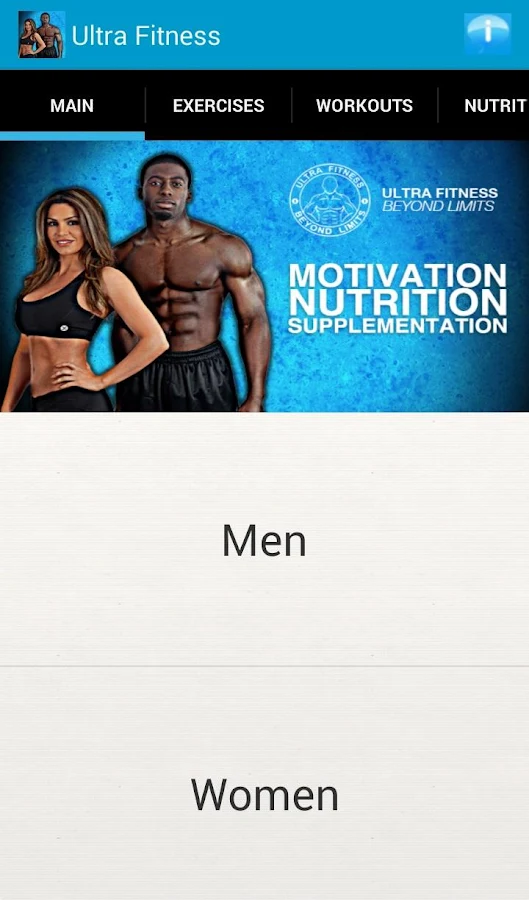
The All You Need App to achieve your goals; with workout programs, meal plans, recipes and a calorie calculator guide!


Ultra Fitness play.google.com.ultrafitnessnew
Follow the step by step workouts and Meal plans and YOU WILL SEE RESULTS!!!!

The App Hosts: 
  • 100+ Different Exercises
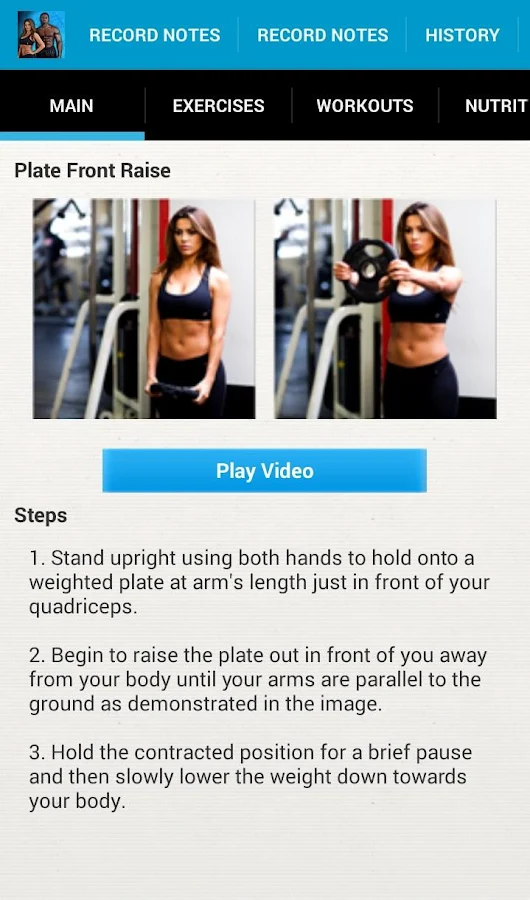
  • Video Demonstrations
  • Multiple Workout Programs 
  • Calorie Calculator guide to meet your goals 
  • Healthy and Tasty Food Recipes 
  • Top 40 Food List of what to eat 
  • Create Custom Workout Programs
This is not your typical, run of the mill App created by an App developer with no clue of their way around the gym. This App was developed and designed by a FULLY QUALIFIED PERSONAL TRAINER where their skills, knowledge & expertise have been implemented within the app for you to obtain the best results!! Whether you're an Avid Gym Goer or an Newbie to the world of fitness, this app guarantee's results for all levels!!!

Learn how to: 
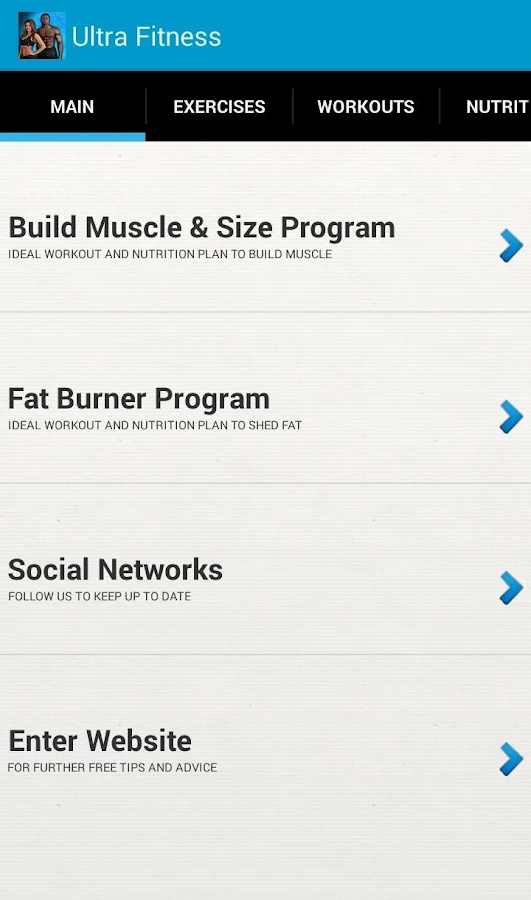
  • Build Muscle 
  • Drop Fat 
  • Tone Up
  • Get in shape 
  • Eat Healthy
FULLY QUALIFIED PERSONAL TRAINER Kwame Dankwah has used his years of experience with his clients to pioneer a collection of simple & efficient plans that will help people reach their goals. Whether you're a guy trying to put on some muscle or shred fat, or Whether you're a Women trying to tone up or drop fat fast there something for you. There is truly something for everybody to help you reach your goals with tips and advice THAT WORK!!! DOWNLOAD THE APP try it out for yourself and watch the results take place.

Sculpt your aesthetic dreams! - Ultrafitness, Beyond Limits.

Consistency, Persistency & Will-Power required.

Required Android O/S : 3.1+

Screenshots :
Ultra Fitness - screenshotUltra Fitness - screenshot
Download : 9Mb APK

Start menu for Android v1.4.2 APK


Now on Android, use the 'Start' menu of MS Windows!


Start menu for Android play.google.com.ss.start
This application is designed by a motive from the 'Start' menu for Windows series.
Have you ever had some difficulties to search or manage applications installed on your device?
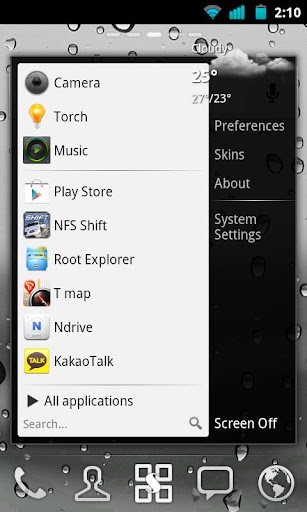
This app supports very similar user interface to 'Start' menu of MS Windows. So you can search and manage all applications easily.

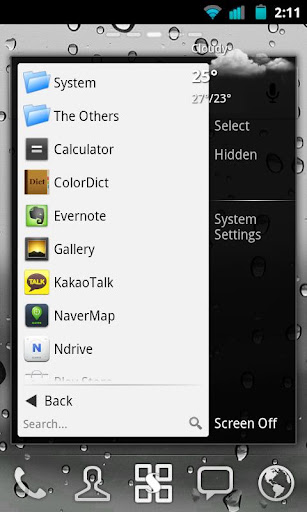
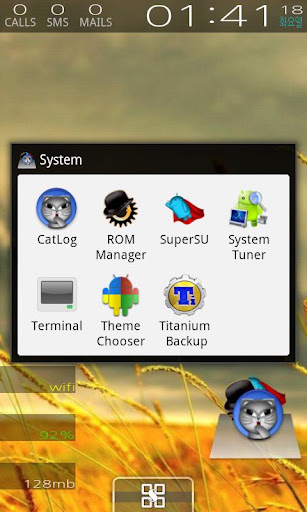
Also, you can categorize your all installed apps to folders and create shortcut to a folder or a predefined group such as starred, hot, hidden and more. Other folder management apps are no more needed!
The application drawer will be successfully replaced by this.

Features:
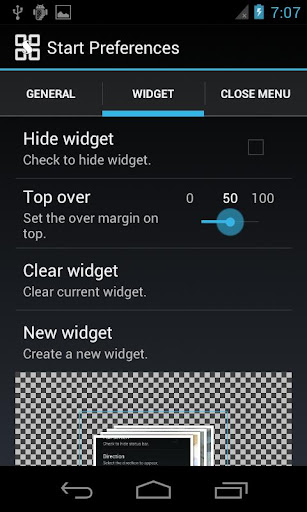
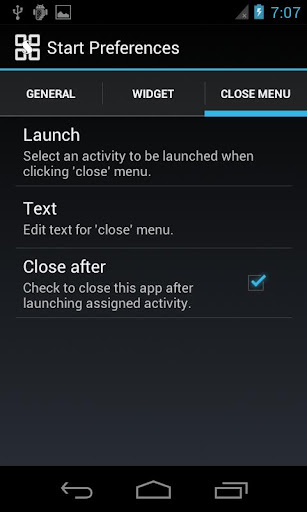
  • Very similar UI to Windows Start menu
  • pin apps to the favorites list
  • hot apps list
  • decorate panel by adding a widget
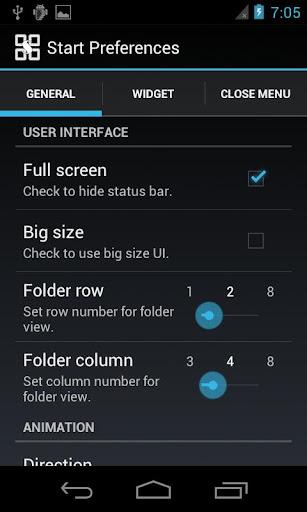
  • hide, app info, uninstall, folder for apps, shortcuts and activities
  • create shortcut to folder or more.
  • various skins: Windows 7, Windows XP, Mac OS...
What's in this version : (Updated : Mar 3, 2014)
  • added an option: 'screen on activity'
  • added 'start menu' to app drawer
  • fixed the error that the floating icon does not disappeared while Start menu open
  • added 2 new skins
Required Android O/S : 2.2+

Screenshots :


Download: 300Kb APK